Character introduction AI photo prompts are the building blocks for creating a visual first impression of your fictional characters. Whether you are a novelist, a game master, a comic artist, or a D&D player, these prompts help you generate consistent, expressive portraits, full body shots, and scene-based introductions using AI image generators. In this guide, you will find ready-to-use prompts, practical tips for adapting them, and ways to fix weak results. No complicated prompt engineering required. Just copy, paste, and refine.
What Are Character Introduction AI Photo Prompts?
A character introduction prompt is a descriptive text you give to an AI image generator to produce a visual that introduces a character. It usually covers the character's appearance, clothing, expression, setting, lighting, camera angle, and overall mood. A well-written prompt gives the AI enough context to create a memorable first look at the character, not just a generic face. The best prompts also specify a style, such as realistic photography, anime, oil painting, or cinematic still, so the output matches your project's tone.
How to Write a Strong Character Introduction Prompt
Before you use a template, understand the five ingredients every good character prompt needs. First, describe the character's physical features: age, gender, hair, eyes, skin, build, and distinguishing marks. Second, add clothing and accessories that reveal personality or role. Third, set the scene: a background that hints at the character's world, profession, or story. Fourth, define the lighting and atmosphere, such as soft morning light, neon night, or dramatic chiaroscuro. Fifth, choose a style or lens, like 85mm portrait, anime key visual, or concept art. The more specific you are, the more distinctive your character becomes. If the result looks generic, add one unusual detail, like a scar, an antique locket, or a mismatched sock.
15 Ready-to-Use Character Introduction AI Photo Prompts
Portrait Prompts
- A close up portrait of a young woman with silver hair and violet eyes, wearing a delicate silver circlet and a flowing white gown. Soft studio lighting, blurred palace background, realistic photography, 85mm lens, shallow depth of field, elegant and mysterious mood.
- An anime style portrait of a teenage boy with messy black hair and green eyes, wearing a school uniform with the top button undone. He has a confident smirk. Bright classroom background with sunlight streaming through windows. Clean line art, vibrant colors, key visual quality.
- A cinematic portrait of an old warrior with a scarred face, gray beard, and tired blue eyes. He wears worn leather armor and a fur cloak. Background is a snowy mountain pass at dawn. Moody atmospheric lighting, film still, high detail.
- A watercolor painting of a gentle female herbalist with braided auburn hair, freckles, and a warm smile. She wears an apron over a simple linen dress and holds a basket of lavender. Soft natural light, cottage garden background, storybook illustration style.
- A cyberpunk portrait of a hacker with neon pink cybernetic eyes and short white hair. She wears a black jacket with glowing circuit patterns. Dark alley background with holographic signs. Low key lighting, blue and pink neon accents, high contrast.
Full Body and Outfit Prompts
- A full body shot of a male knight in polished silver armor with a blue tabard showing a golden lion crest. He stands in a castle courtyard, sword at his side. Overcast daylight, detailed armor reflections, concept art style, dynamic stance.
- A full body anime render of a cheerful girl with twin tails, wearing a pastel magical girl outfit with a star wand. She is floating slightly above a city rooftop at sunset. Vibrant colors, sparkling effects, clean shading, official anime key visual.
- A realistic full body photo of a detective in a long beige trench coat, holding a notebook. He stands on a rainy street at night under a flickering streetlamp. Noir atmosphere, film grain, dramatic shadows, 35mm lens.
- A full body character design sheet of a desert nomad with tanned skin, amber eyes, and layered earth tone robes. He carries a curved dagger and a water skin. Background is a sand dune at midday. Stylized concept art, neutral facial expression, multiple views not required but posture suggests readiness.
Scene and Environment Prompts
- A young witch with short purple hair and round glasses sits at a wooden desk covered in potion bottles and open spell books. She looks up with a surprised expression. Warm candlelight fills the small apothecary. Fantasy oil painting style, rich colors, detailed props.
- A post apocalyptic survivor with a gas mask hanging around her neck, wearing patched denim and a leather jacket, stands on the roof of an abandoned building. She looks out over a ruined city skyline at dusk. Cinematic wide shot, teal and orange color grade, epic scale.
- A shy bookstore clerk with curly brown hair and a cardigan stands behind a counter piled with used books. A cat sleeps on the stack. Soft morning light from the front window, cozy interior, slice of life anime style.
Action and Mood Prompts
- A dynamic action shot of a female martial artist mid kick, wearing loose black pants and a red sash. Her dark hair flows behind her. Dust kicks up around her feet in a sunlit training yard. Freeze frame, high shutter speed, realistic sports photography.
- A brooding vampire lord with pale skin and long black hair sits on a gothic throne, holding a goblet of red liquid. Candles cast long shadows in the stone hall. Baroque painting style, dramatic chiaroscuro, ornate details.
- A cheerful robot with a rounded chrome body and glowing blue eyes waves at the camera. It stands in a bright futuristic laboratory with holographic screens. Clean 3D render, soft shadows, approachable character design.
These prompts are starting points. Replace names, colors, settings, and styles to match your own character. The goal is to produce a visual that instantly communicates who the character is, what they do, and where they belong.
Tips for Getting Better Results
When a prompt returns a weak image, the problem is usually vagueness or conflicting details. If the character looks too generic, add one unique physical trait or accessory. If the background overwhelms the character, add a camera instruction like close up portrait or shallow depth of field. If the style is inconsistent, name the style twice, for example, realistic photograph and cinematic still. You can also use negative prompts to remove unwanted elements, such as extra fingers, text, or watermark, if your generator supports them. Consistency across multiple images is harder; use the same descriptive phrasing for the character's core features every time, and vary only the pose or setting.
Common Mistakes to Avoid
Do not write a prompt that is just an adjective list, like brave, strong, mysterious. AI generators need nouns and verbs. Do not overload the prompt with more than three or four key details, or the model may ignore some. Do not forget to mention the art style, or you will get a default photorealistic output even if you wanted anime. Finally, do not write a prompt that describes the character's backstory instead of their visual appearance. The AI can only paint what it can see, so describe what the camera should capture.
How to Adapt These Prompts for Your Characters
Start by copying one prompt that matches your character's role, such as warrior, hacker, or magical girl. Then change every specific detail: hair color, eye color, clothing, weapon, setting, and mood. For example, take the knight prompt and change silver armor to black leather armor, blue tabard to red scarf, castle courtyard to forest clearing. Now you have a rogue instead of a knight. You can also mix parts of different prompts. Use the lighting from the noir detective prompt with the outfit from the cyberpunk prompt. This modular approach keeps your prompts fresh and avoids repetitive results.
Bring Your Characters to Life with Pixlume
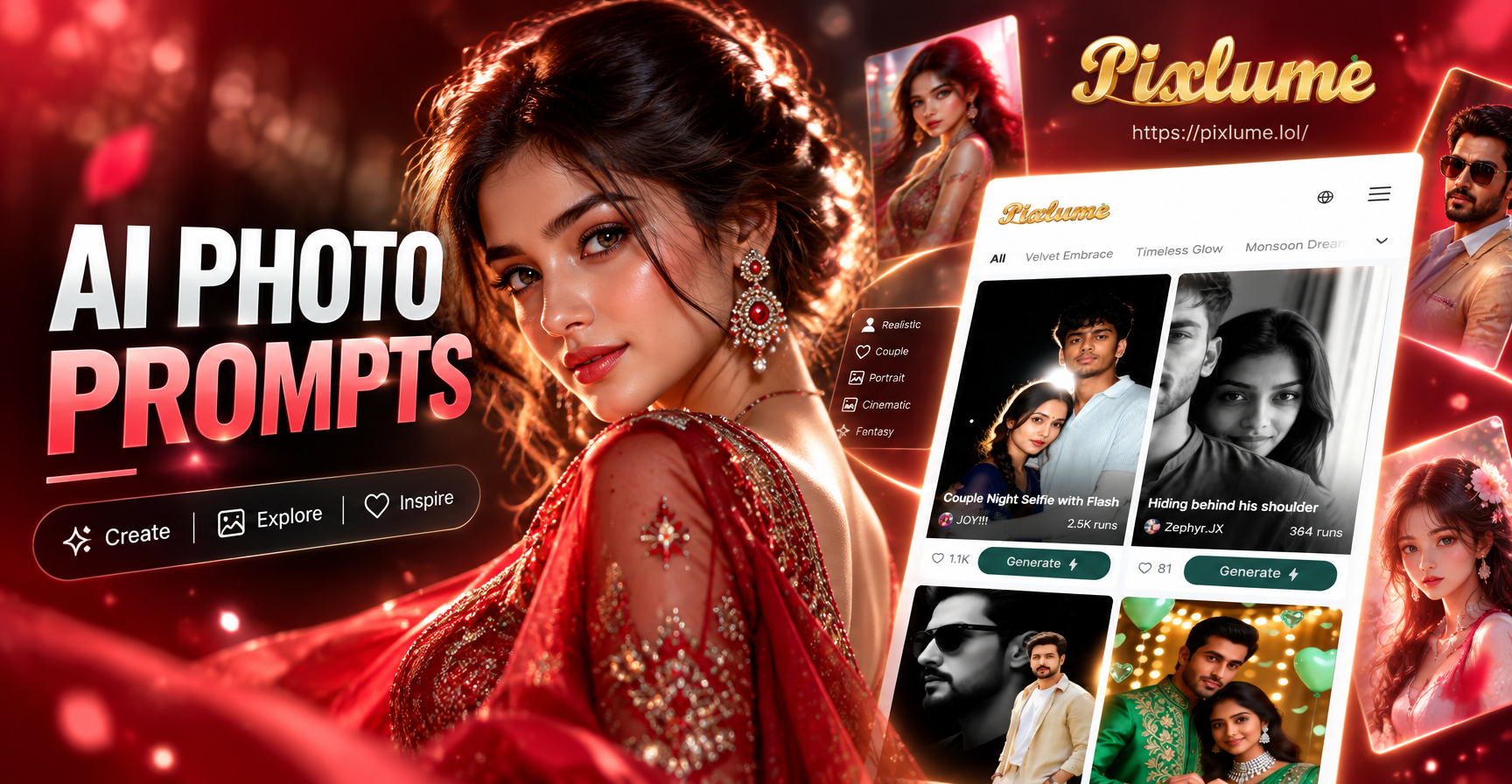
The pixlume app includes a text to image generator with over a million style filters, from realistic photography to anime and oil painting. Write your character introduction prompt, choose a style template, and generate in seconds. No complex prompt engineering needed. You can also use image to image to start from a sketch or reference photo. Download the app and turn your character notes into a visual introduction today.
Ready to create your first character introduction image? Pick one prompt from this list, customize it, and generate. Your characters deserve a visual entrance as strong as their story.