AI De Stijl Mondrian Style Prompt
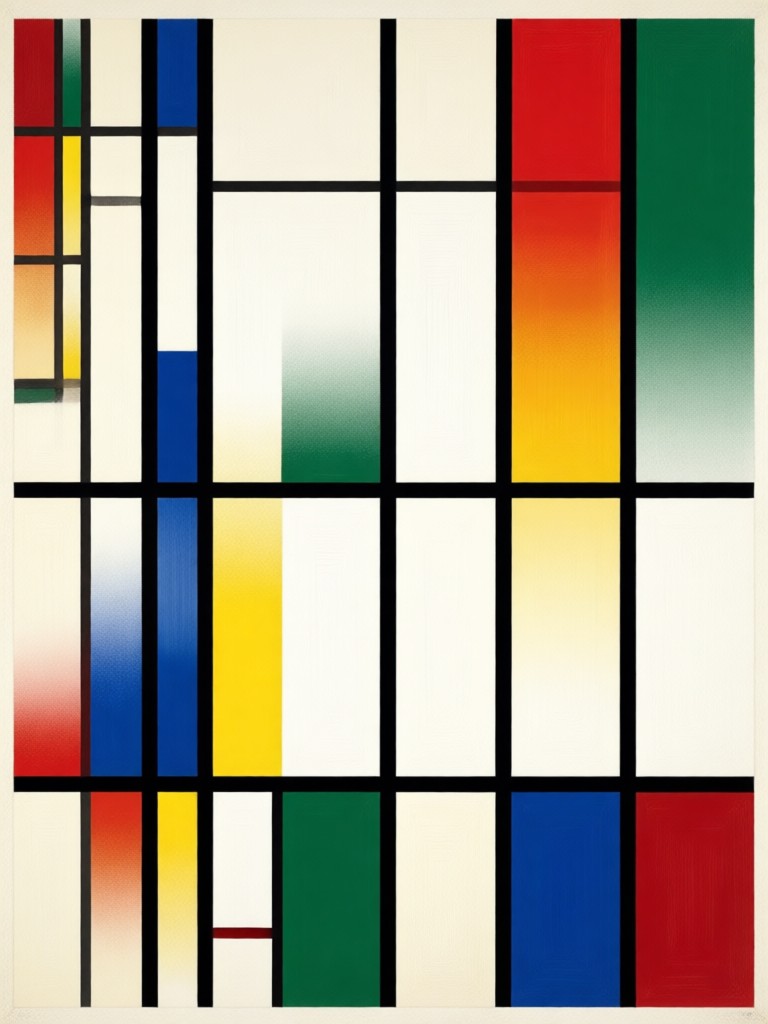
Choose the De Stijl Filter That Matches Your Vision
Explore a curated set of Mondrian inspired AI filters inside pixlume. Each style applies geometric abstraction, primary color blocks, and clean black lines to your photos or text prompts.
Why Use AI De Stijl Mondrian Style Prompts
Create bold geometric art from any photo or text idea. pixlume handles the complexity behind simple prompts, so you can focus on visual style instead of prompt engineering.
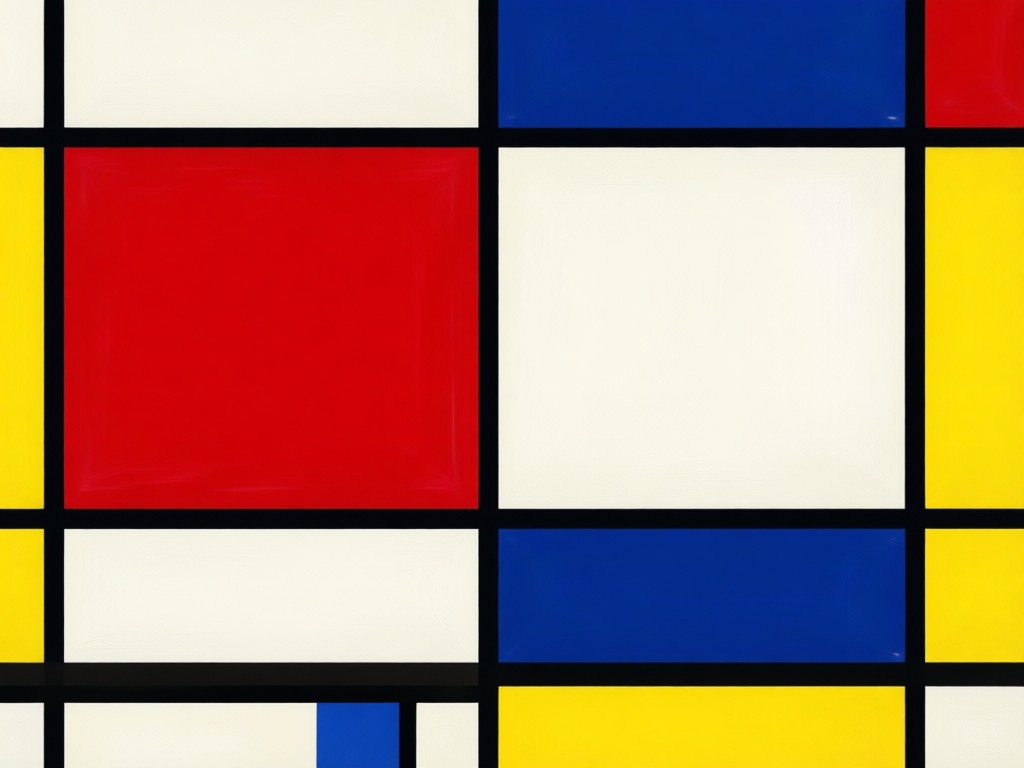
Text to Image De Stijl Generation
Type a simple scene or concept and pixlume renders it as a Mondrian composition with strict black grids, primary color blocks, and balanced white space. No advanced skills needed.
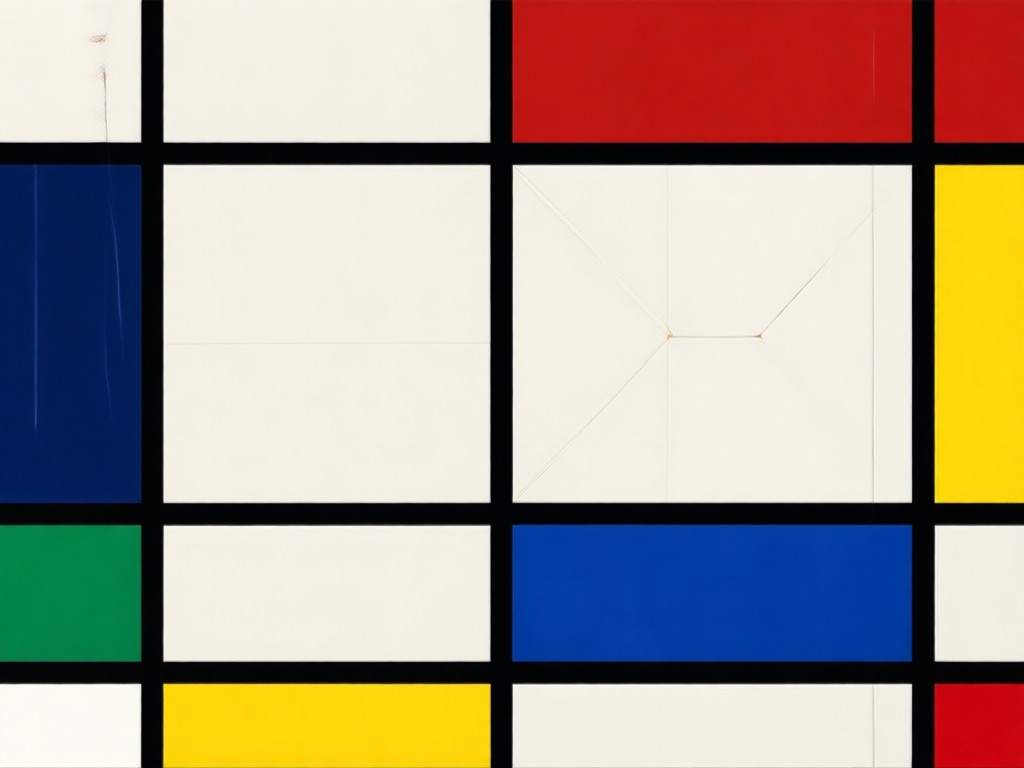
Photo to De Stijl Transformation
Upload a portrait, landscape, or object photo and watch it become a De Stijl artwork. The AI preserves the main subject while simplifying shapes into geometric planes.
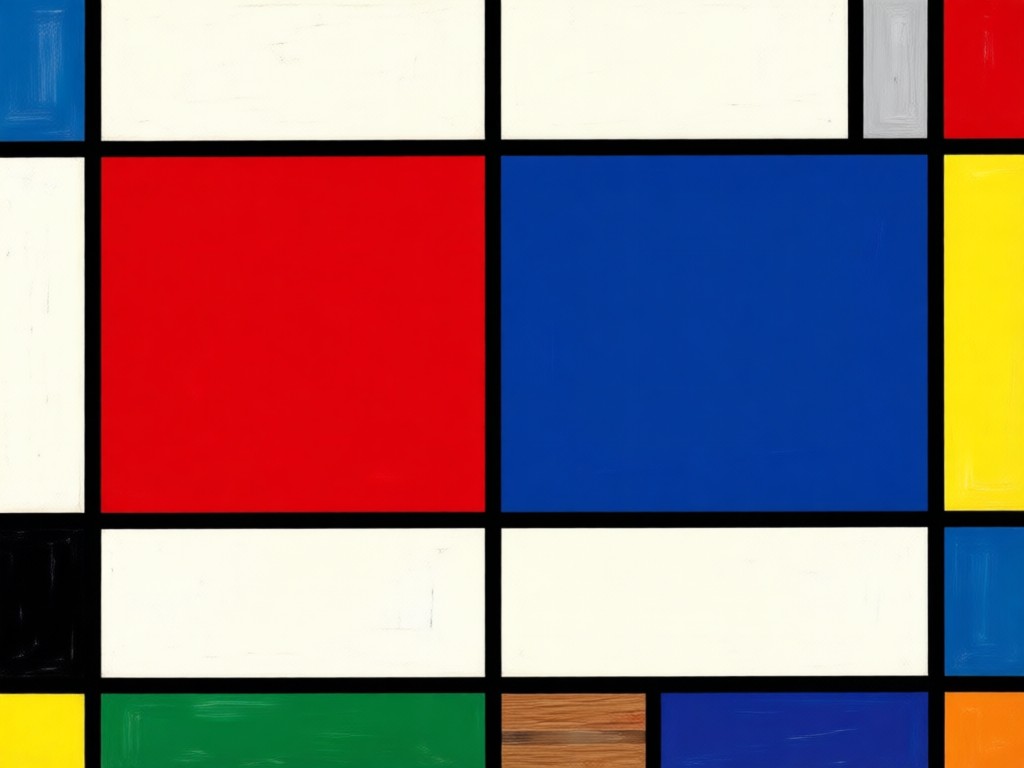
Unlimited Style Variations
Switch between thousands of Mondrian inspired templates with different grid densities, color ratios, and composition rules to find the exact abstract look you want.
Mondrian Style AI Gallery
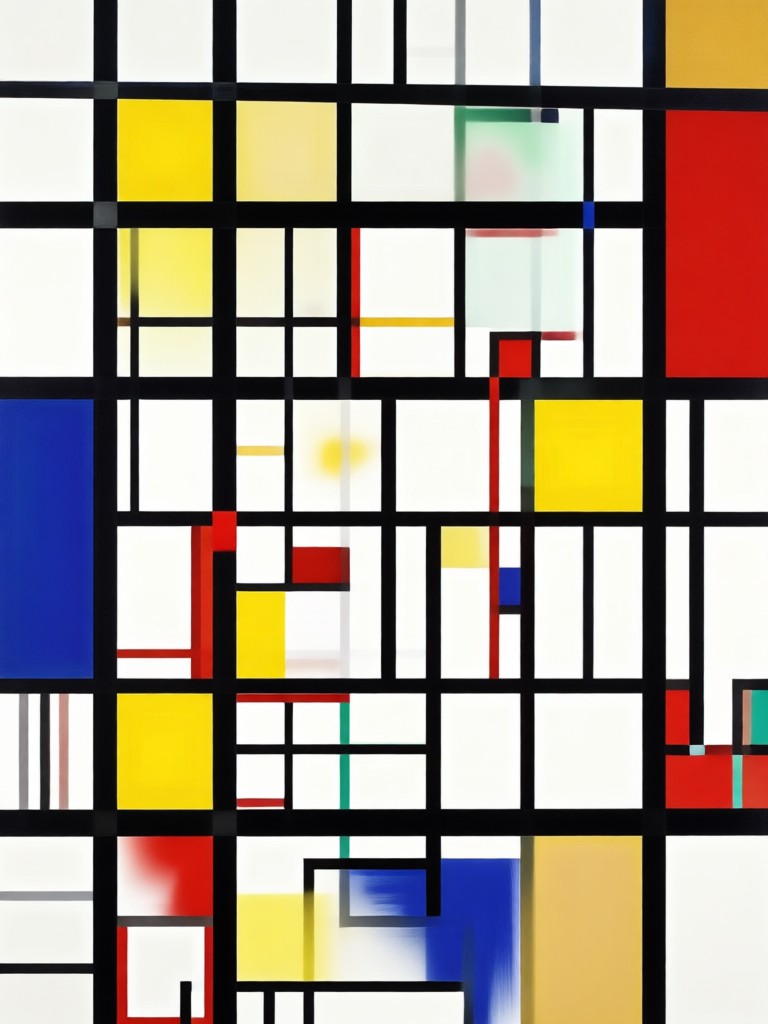
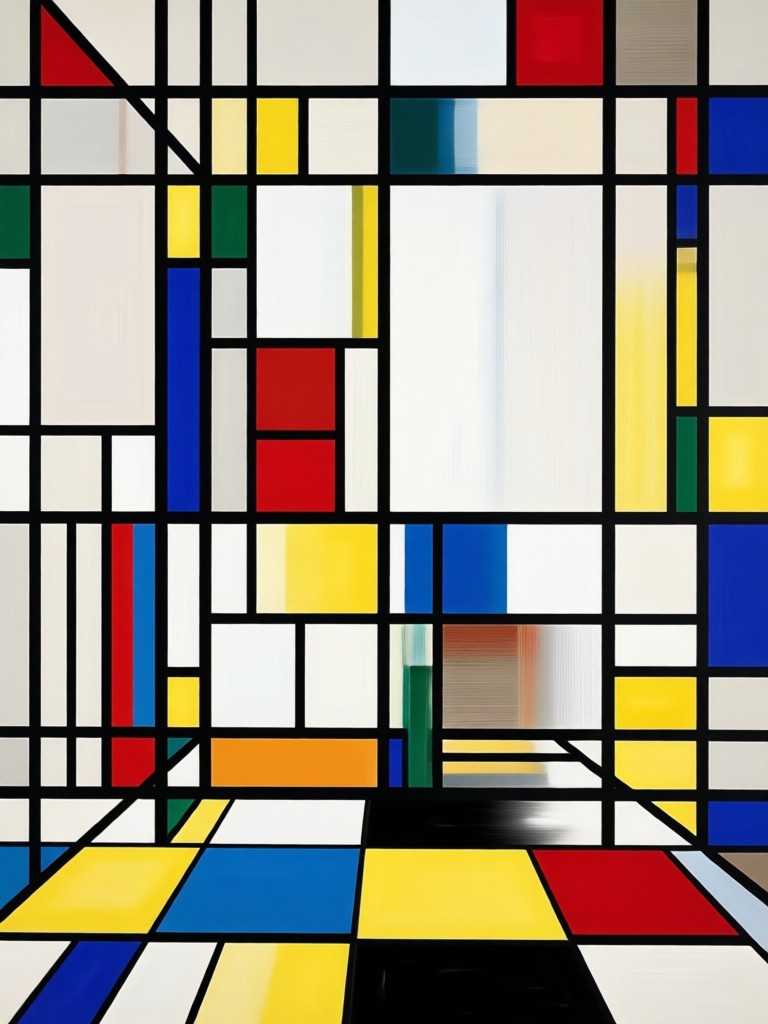
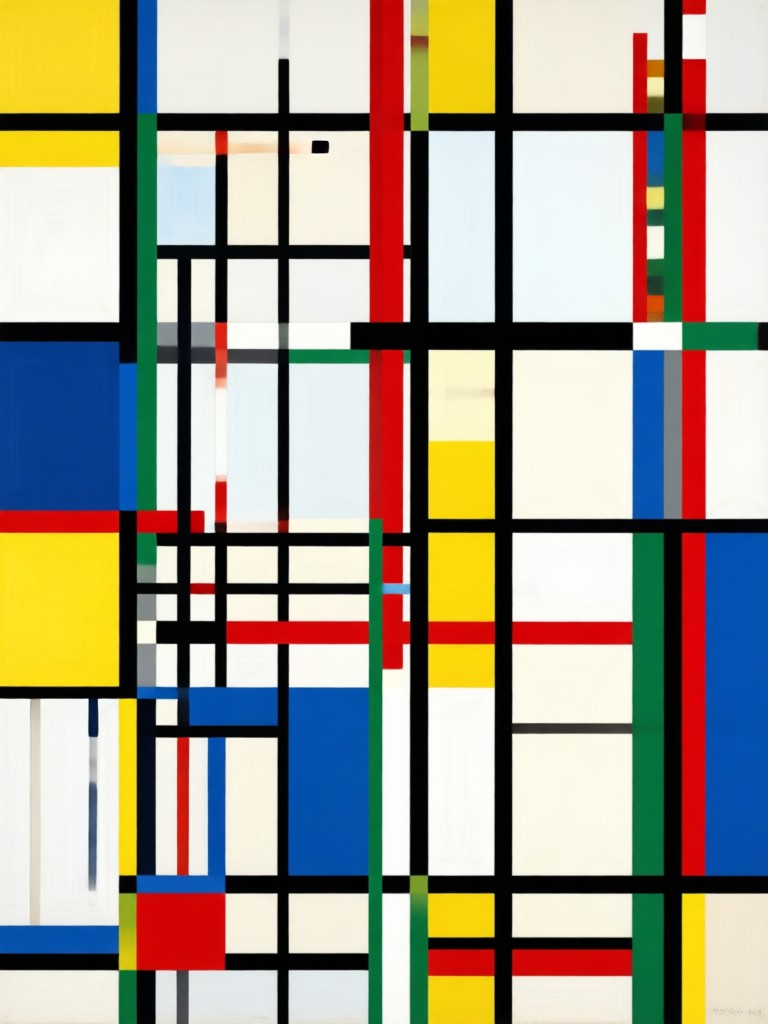
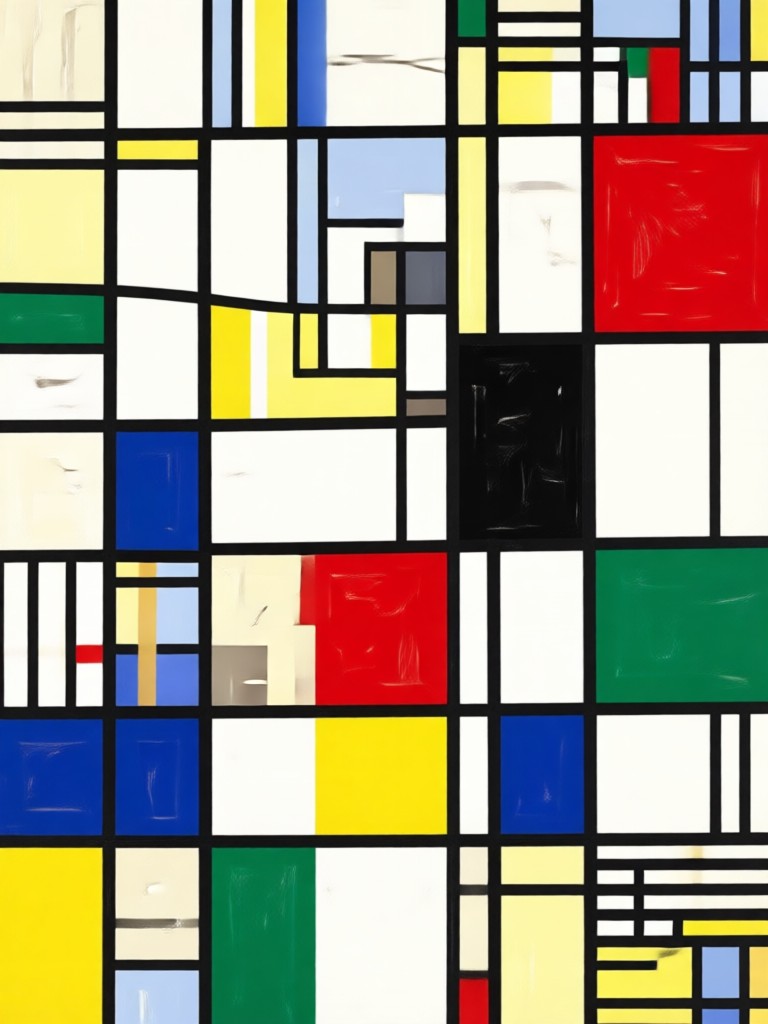
Browse real De Stijl style images generated with pixlume prompts. See how photos and text ideas transform into bold primary color block art with crisp black lines and clean white space.
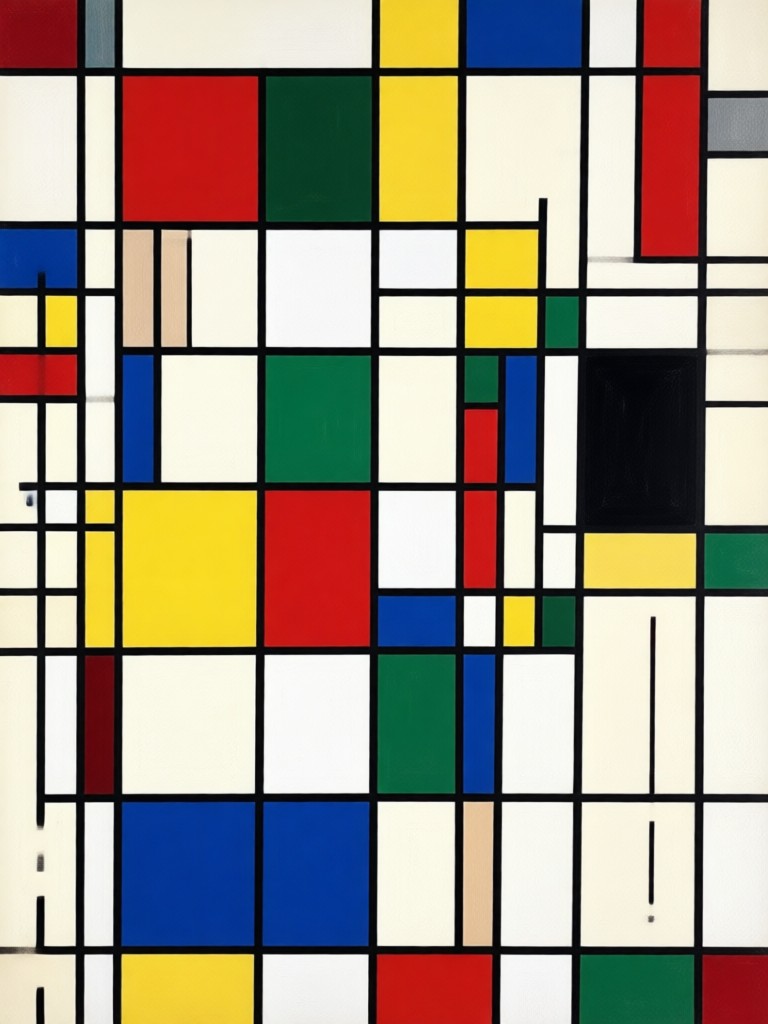
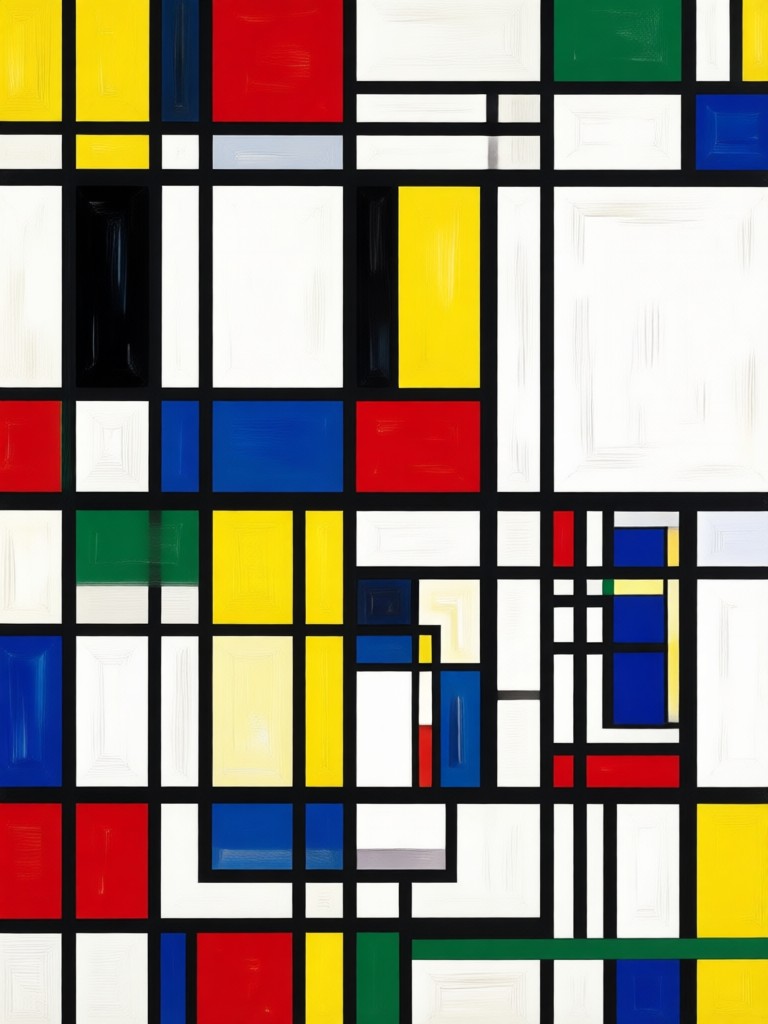
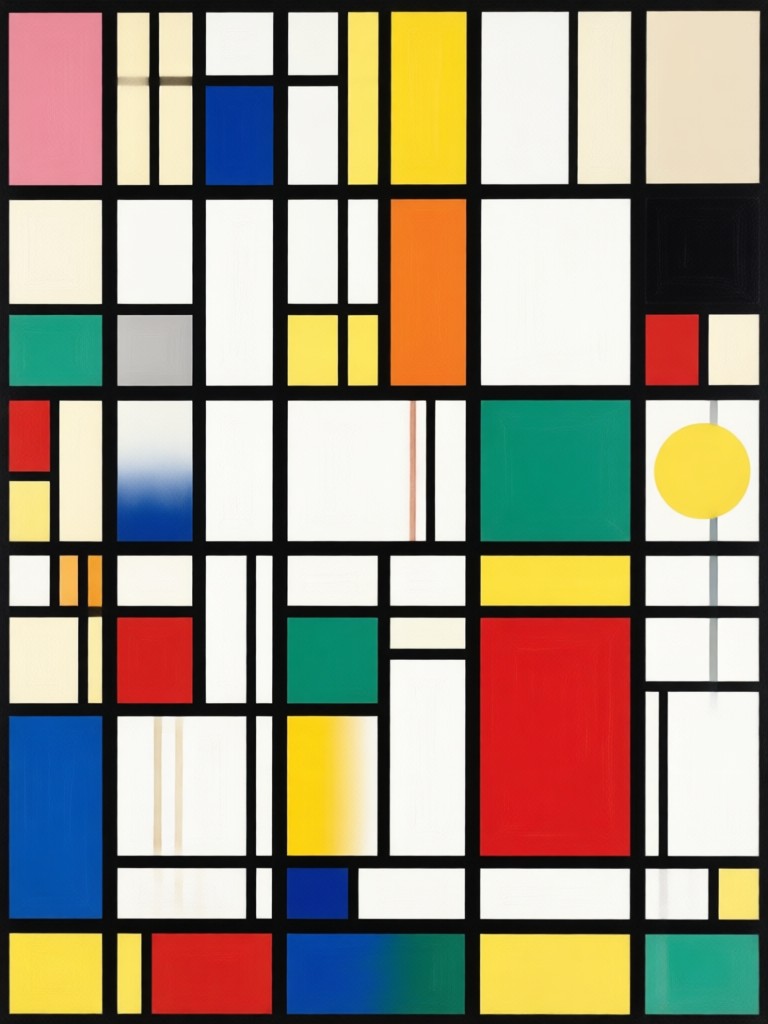
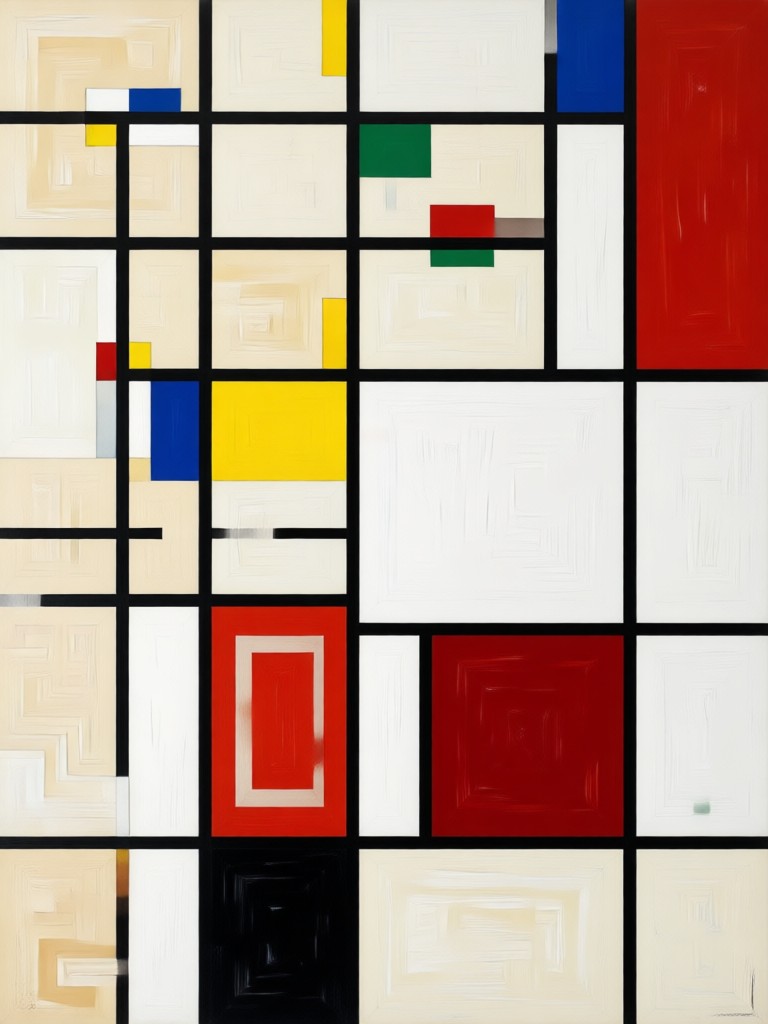
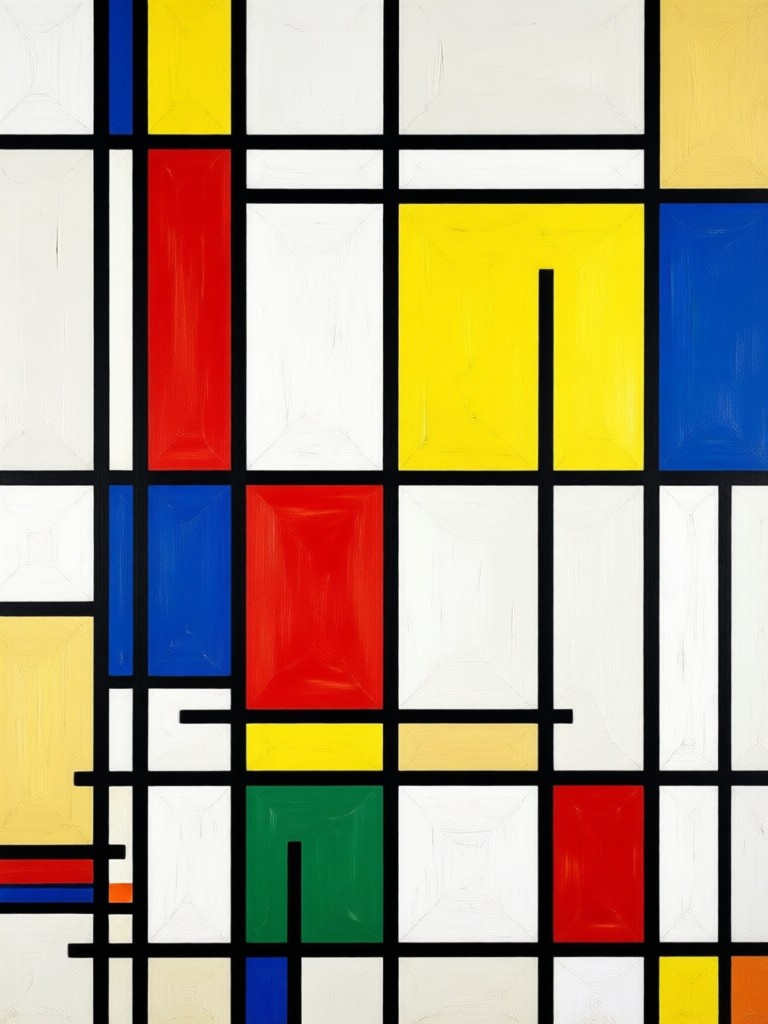
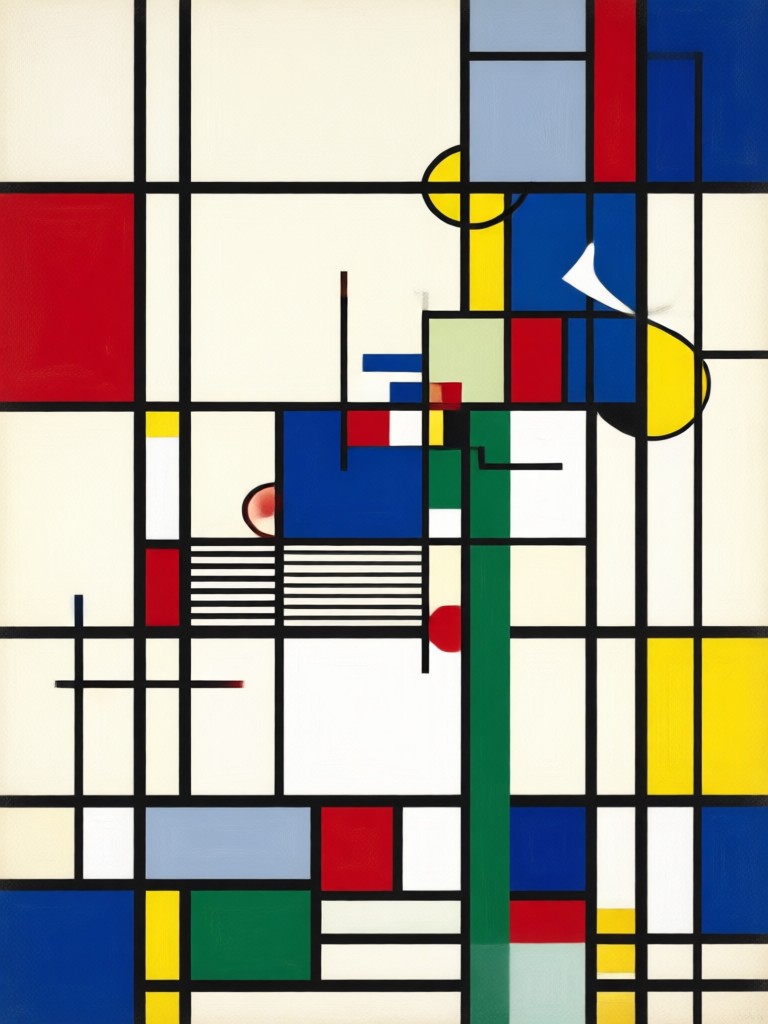
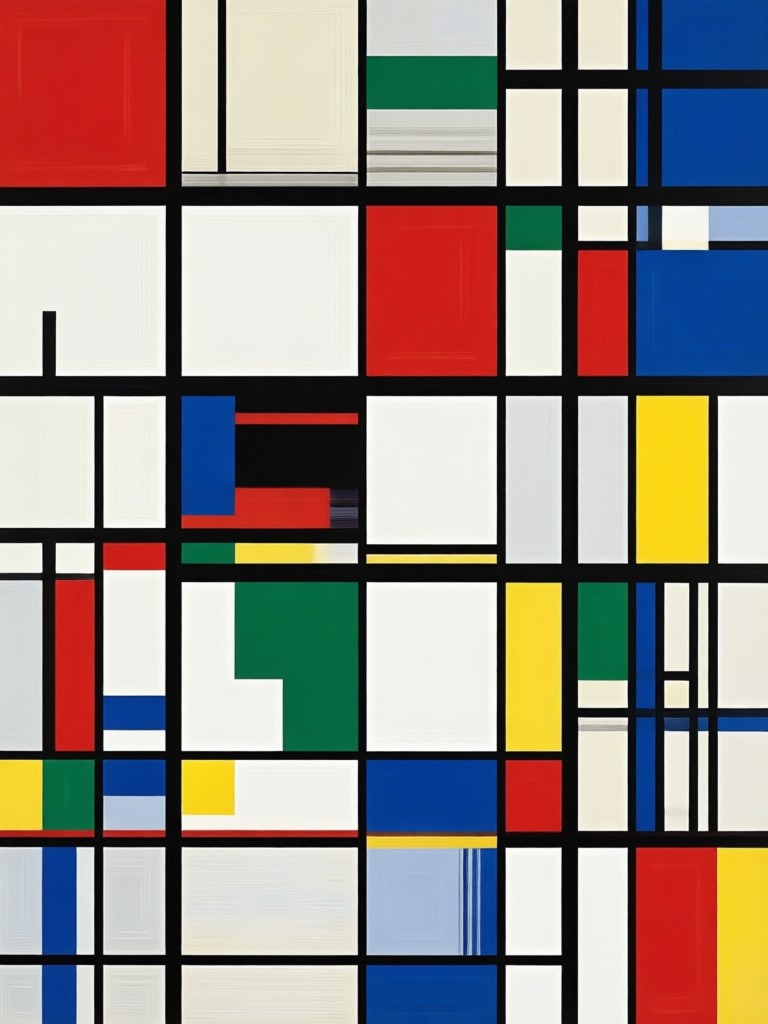
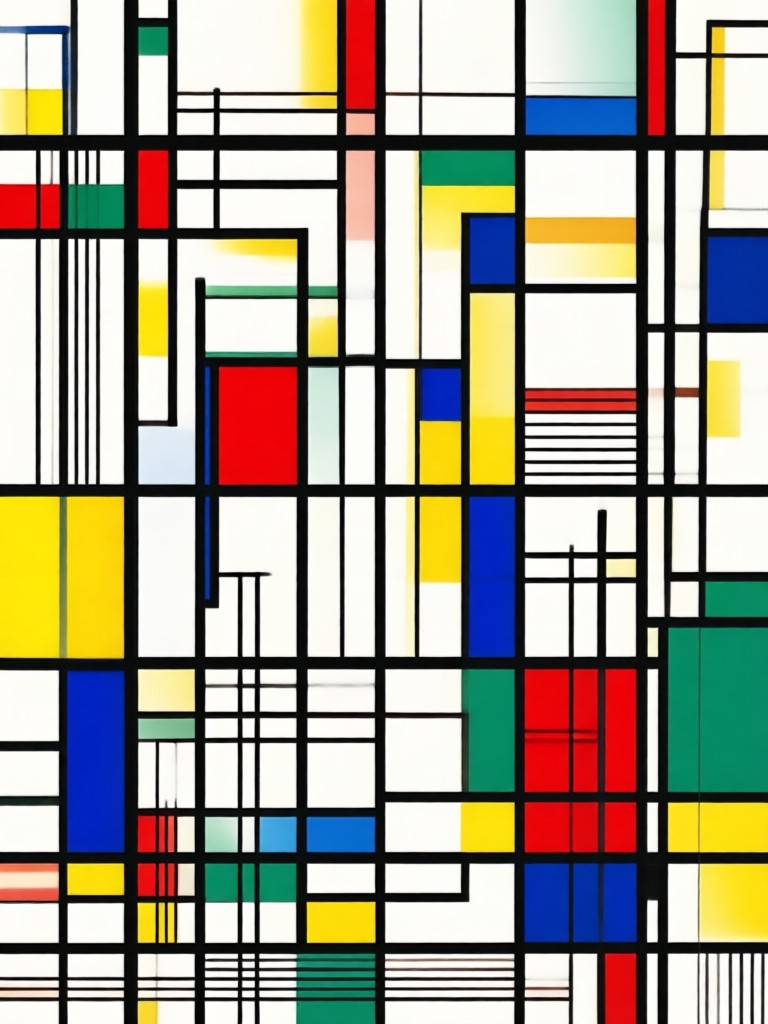
Why Use AI De Stijl Mondrian Style Prompt
Create original geometric art without a background in design or coding. pixlume gives you a fast mobile workflow for turning everyday photos into De Stijl compositions.
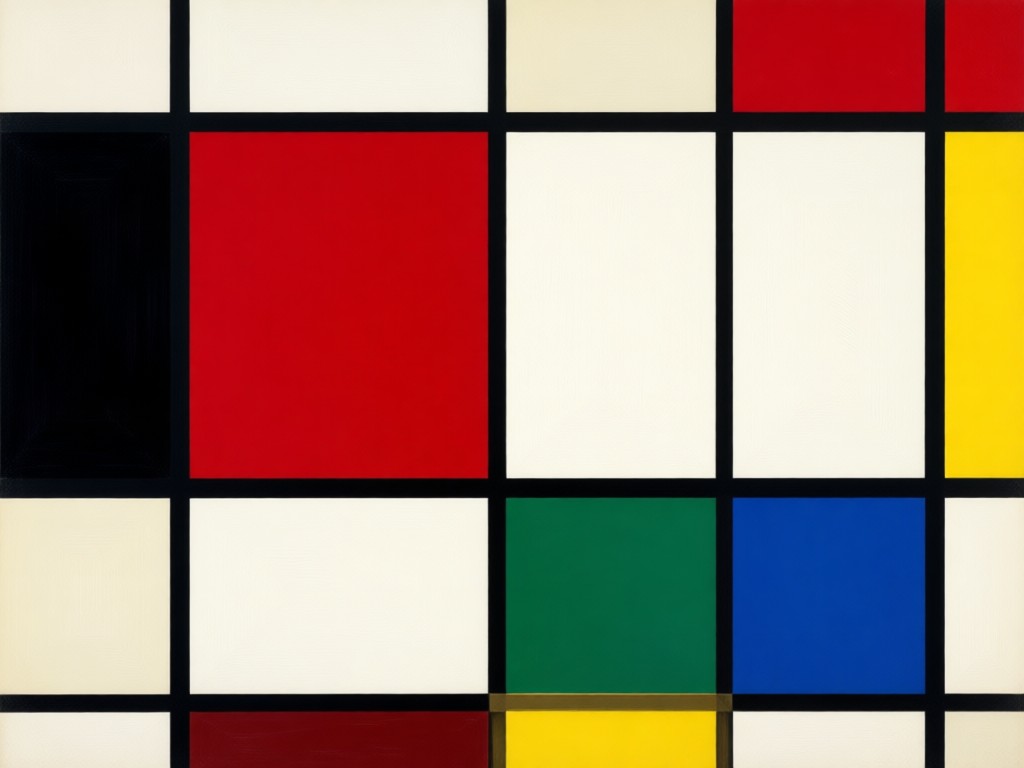
Bold Primary Colors and Clean Lines
The De Stijl movement is built on order and simplicity. With pixlume, you can apply those principles to any image in seconds. The AI analyzes your photo or text prompt and rebuilds it using black horizontal and vertical lines, rectangular planes, and the classic palette of red, blue, yellow, white, and black. You control the balance by choosing different style filters. The result is a striking Mondrian inspired artwork that feels both vintage and contemporary. Share it directly to social media or use it as a poster, avatar, or print.
How to Create De Stijl Mondrian Art with AI
Turn any photo or text idea into bold geometric art in three simple steps using the pixlume app.

Step 01.
Download pixlume from Google Play and open the AI image generator. No account setup or design experience required.

Step 02.
Type a De Stijl or Mondrian prompt, or upload a photo. Then choose a geometric filter with primary color blocks and black grid lines.
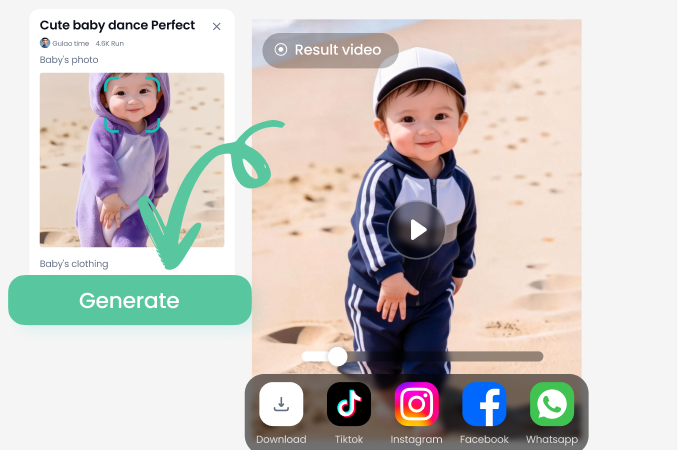
Step 03.
Generate your Mondrian style image or video, then save it to your phone and share it on social media, in chats, or as a print.
Turn Simple Prompts Into Bold De Stijl Art
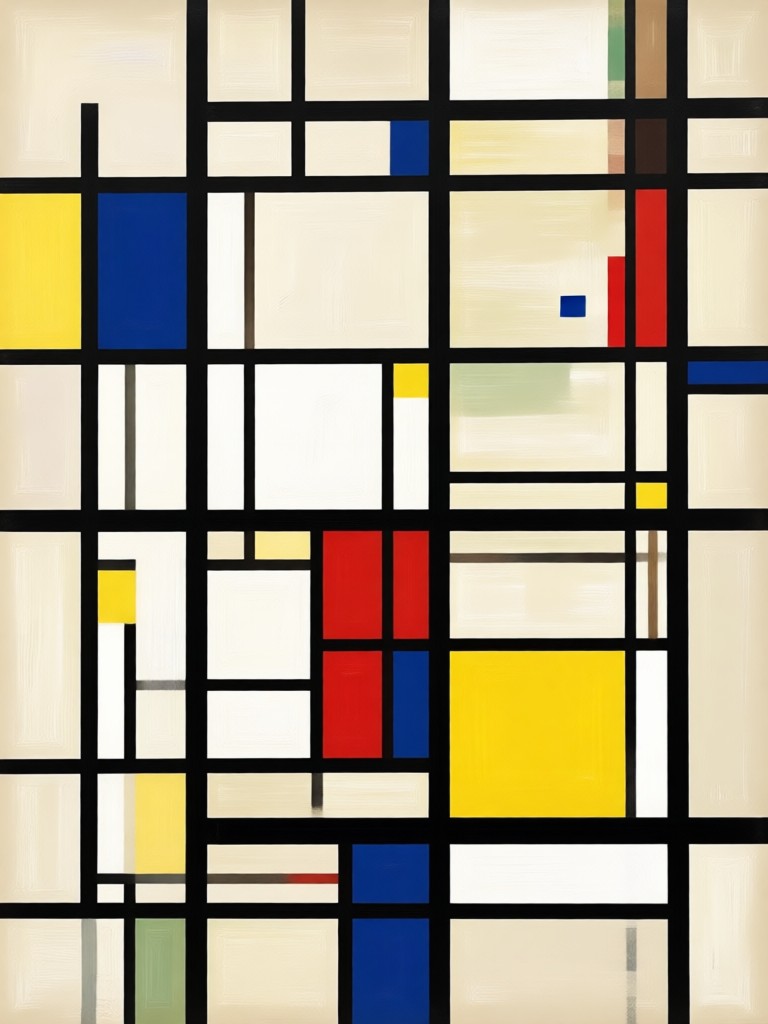
With pixlume, a basic text prompt becomes a graphic composition of black lines and primary color rectangles. Upload any photo or type a short idea, select a Mondrian style filter, and let the AI rebuild the scene with rigid geometry and clean white space. You do not need to master prompt engineering or design tools. The mobile app handles resolution, composition, and color balance automatically while giving you full control over which De Stijl template fits your project best.
Who Uses AI De Stijl Mondrian Style Prompts
Mina K.
I used a De Stijl prompt to turn my product photos into bold Instagram posts. The black grid and primary colors made my feed look like a modern art gallery.
Theo R.
As a graphic design student, I love experimenting with Mondrian style prompts in pixlume. It gives me clean geometric compositions in seconds for my mood boards.
Sofia L.
I transformed a family portrait into a De Stijl artwork and printed it as a poster. Everyone asked which museum I bought it from.
Ethan W.
I use the Mondrian filter for album covers and YouTube thumbnails. The bold color blocks and straight lines always stand out in a crowded feed.
Mina K.
I used a De Stijl prompt to turn my product photos into bold Instagram posts. The black grid and primary colors made my feed look like a modern art gallery.
Theo R.
As a graphic design student, I love experimenting with Mondrian style prompts in pixlume. It gives me clean geometric compositions in seconds for my mood boards.
Sofia L.
I transformed a family portrait into a De Stijl artwork and printed it as a poster. Everyone asked which museum I bought it from.
Ethan W.
I use the Mondrian filter for album covers and YouTube thumbnails. The bold color blocks and straight lines always stand out in a crowded feed.
Frequently Asked Questions About AI De Stijl Mondrian Style Prompts
Quick answers about using Mondrian style prompts, De Stijl filters, and geometric AI art generation in pixlume.
Watch De Stijl AI Art Tutorials
See how creators use pixlume to turn photos and text into Mondrian style art. These tutorials cover prompt tips, filter selection, and sharing your geometric masterpieces.
More AI Art Topics You May Like
Explore related AI art styles, prompt guides, and design inspiration to keep your creative momentum going.
Fruit Logo AI Prompt: Design Juicy Brand Marks in Minutes
Cat Illustration Prompt: 100+ Styles for AI Art
Long Hair Prompt: Generate Flowing Hairstyles Instantly

90S Video Prompts: Retro Style Ideas & AI Video Maker
Fruit Logo AI Prompt: Design Juicy Brand Marks in Minutes
Cat Illustration Prompt: 100+ Styles for AI Art
Long Hair Prompt: Generate Flowing Hairstyles Instantly
90S Video Prompts: Retro Style Ideas & AI Video Maker
Ready to Create Bold Mondrian Art?
Download pixlume and start turning simple prompts and photos into striking De Stijl compositions with black grids and primary color blocks.
Ready to Create Bold Mondrian Art?
Download pixlume and start turning simple prompts and photos into striking De Stijl compositions with black grids and primary color blocks.