Claymation Style Prompt
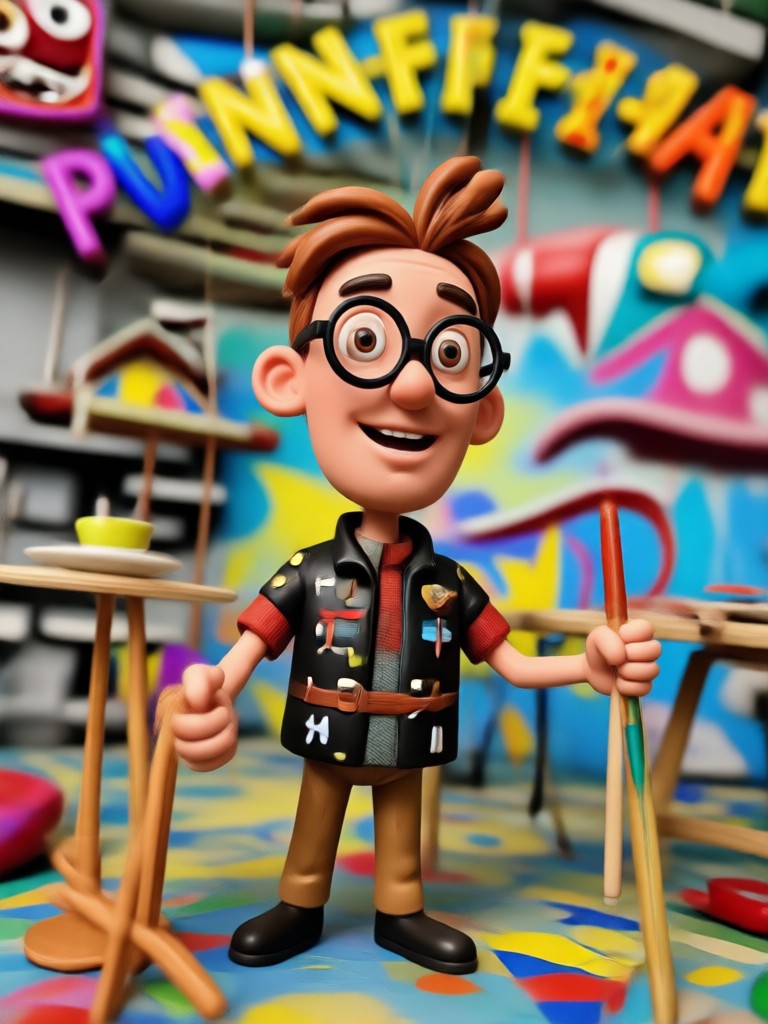
Pick Your Favorite Claymation Filter
Choose from a collection of claymation style templates that match your creative vision. From realistic plasticine to cartoonish clay characters, pixlume has the perfect filter for your project.
Key Features of Claymation Style Prompt Generation
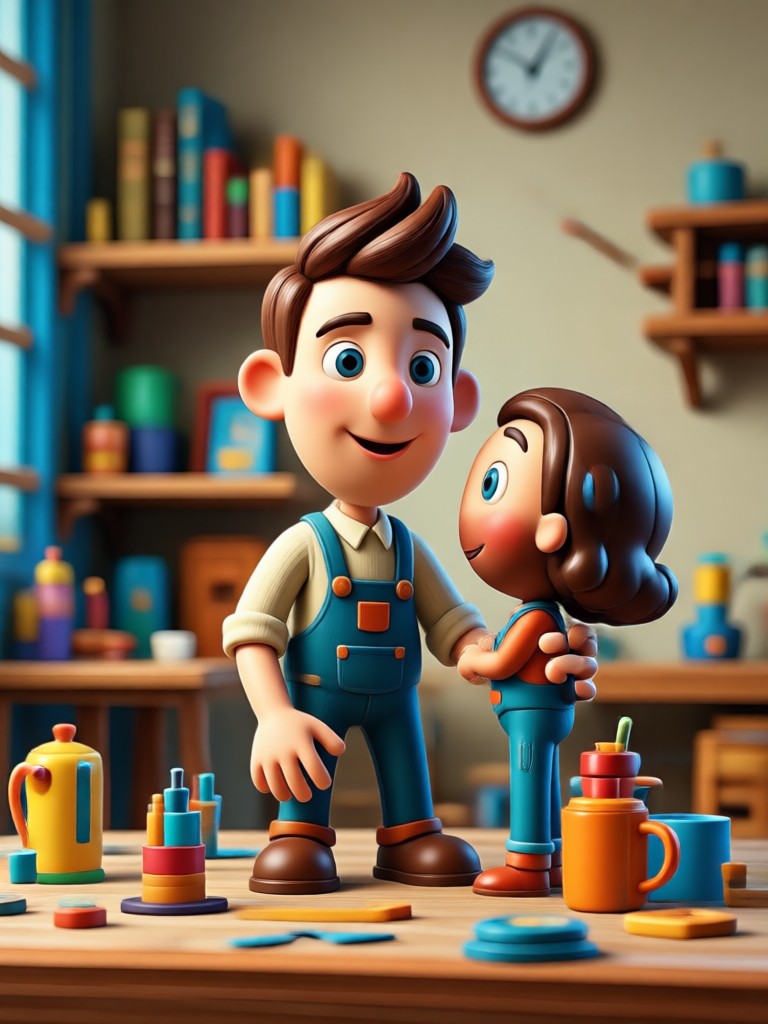
Turn your ideas into adorable claymation art with pixlume. Our AI understands claymation aesthetics and applies realistic clay textures, lighting, and stop motion charm to every image or video you create.
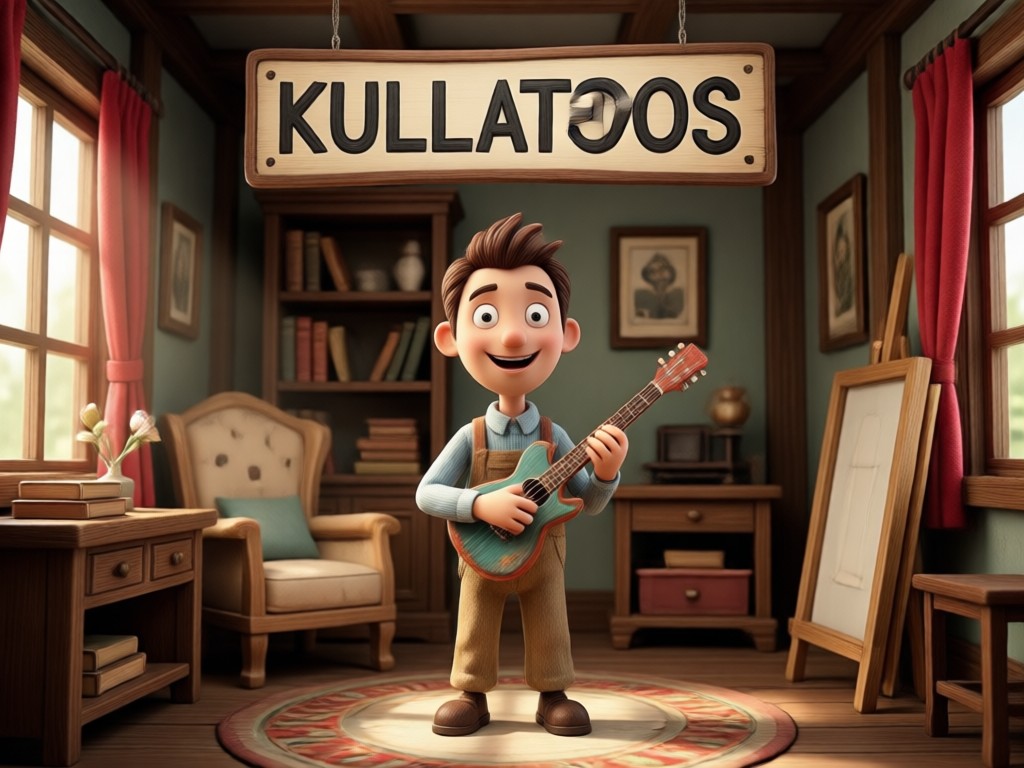
Ready-to-Use Prompt Templates
Stop guessing how to describe claymation. Copy a curated prompt, paste it into pixlume, and get instant clay style results. Perfect for beginners and professionals alike. No complex prompt engineering required.
Ready-to-Use Prompt Templates
Stop guessing how to describe claymation. Copy a curated prompt, paste it into pixlume, and get instant clay style results. Perfect for beginners and professionals alike. No complex prompt engineering required.
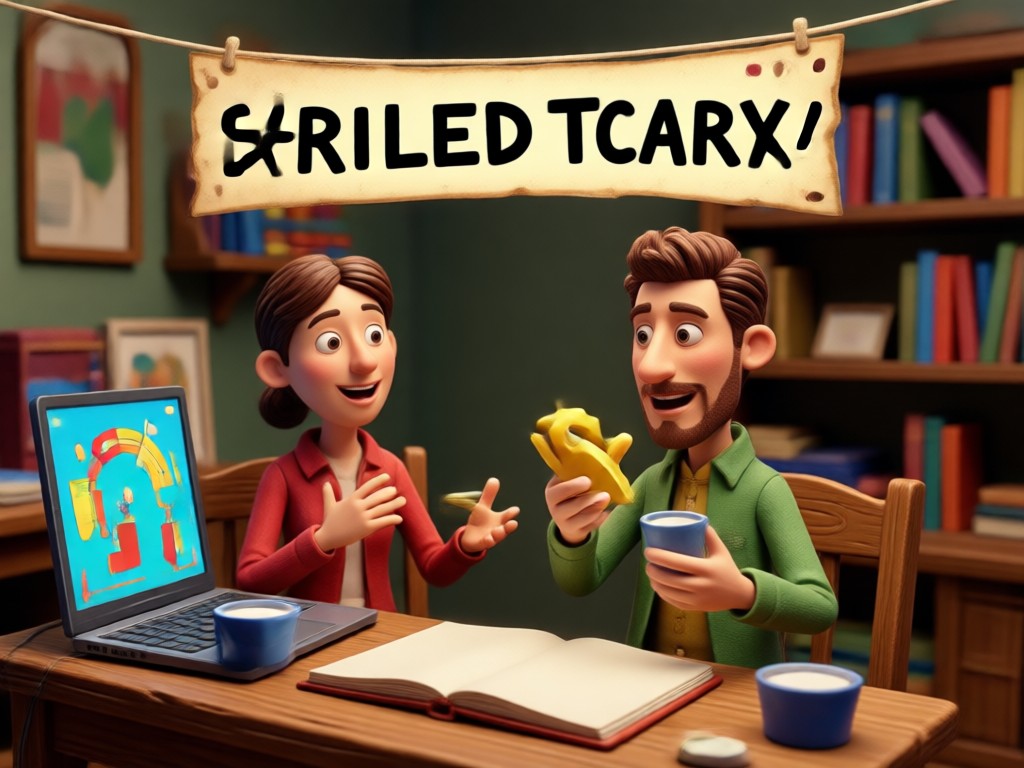
Realistic Clay Textures
Our AI adds authentic clay fingerprints, soft material shading, and dimensional depth to every generation, making your images look like real plasticine sculptures. The detail is astonishing.
Realistic Clay Textures
Our AI adds authentic clay fingerprints, soft material shading, and dimensional depth to every generation, making your images look like real plasticine sculptures. The detail is astonishing.
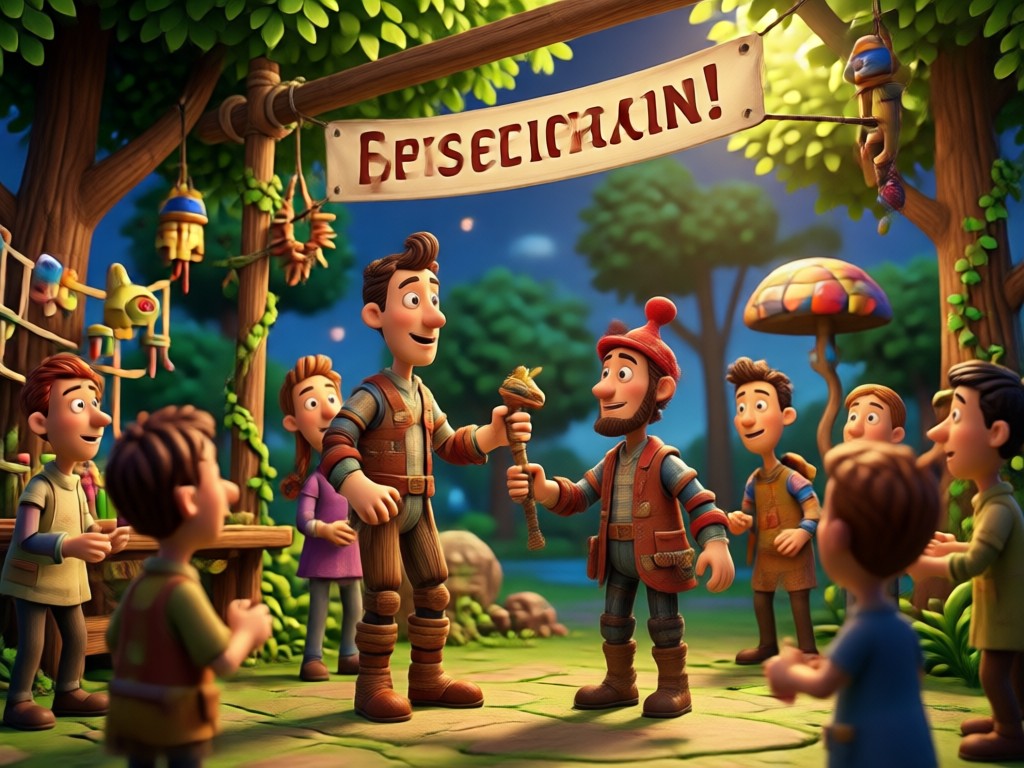
One-Tap Style Transfer
Upload any photo and apply a claymation filter to transform it into a handcrafted clay scene. Preserve the original subject while adding charming stop motion vibes in seconds.
One-Tap Style Transfer
Upload any photo and apply a claymation filter to transform it into a handcrafted clay scene. Preserve the original subject while adding charming stop motion vibes in seconds.
Popular Claymation Style Examples
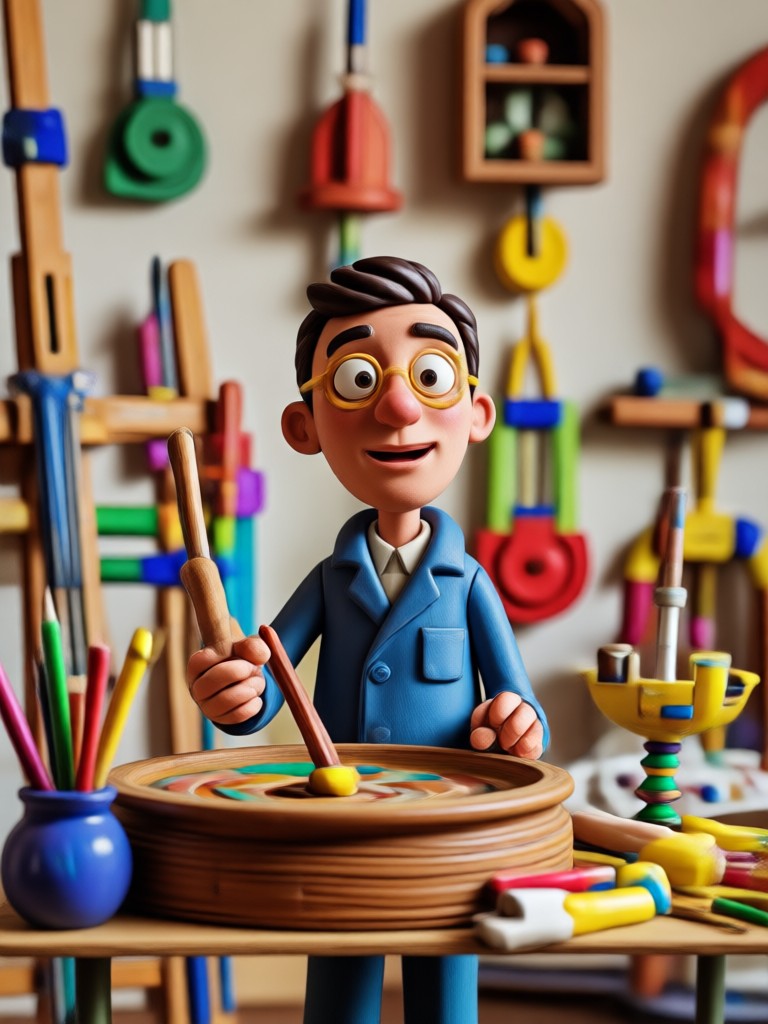
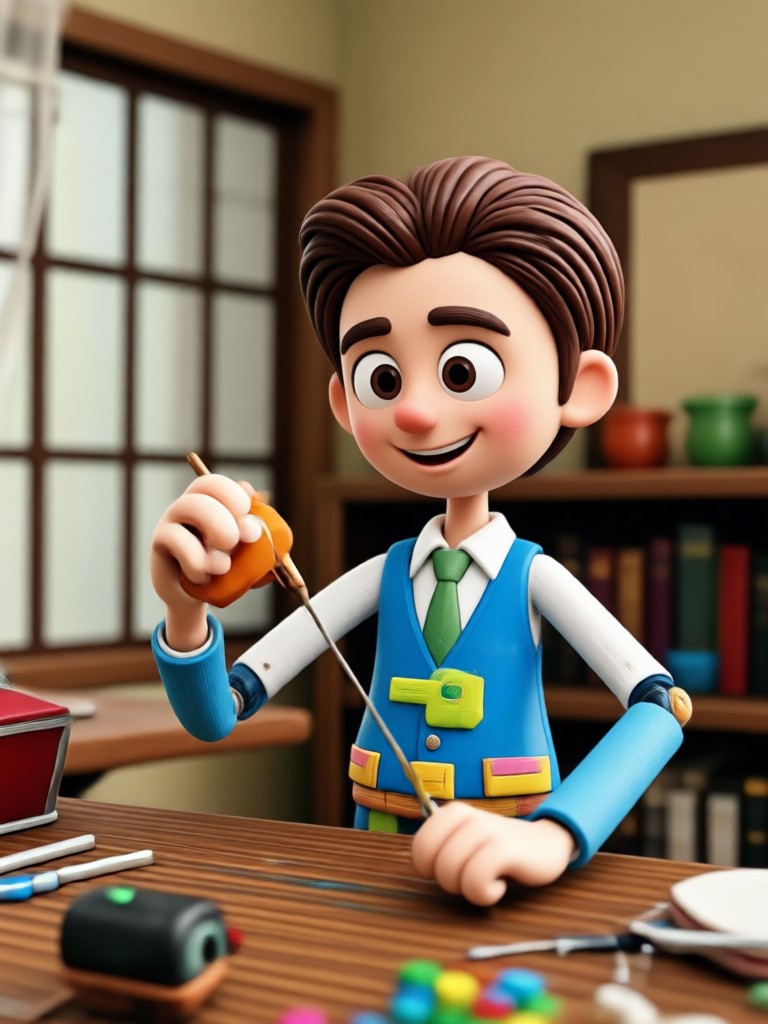
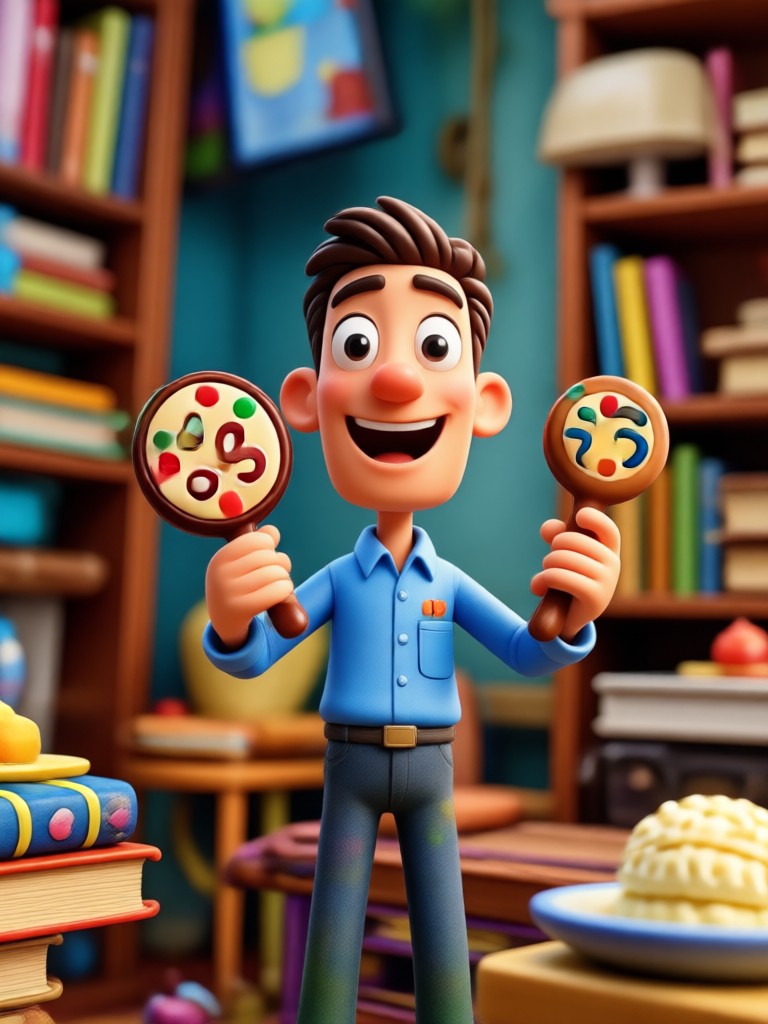
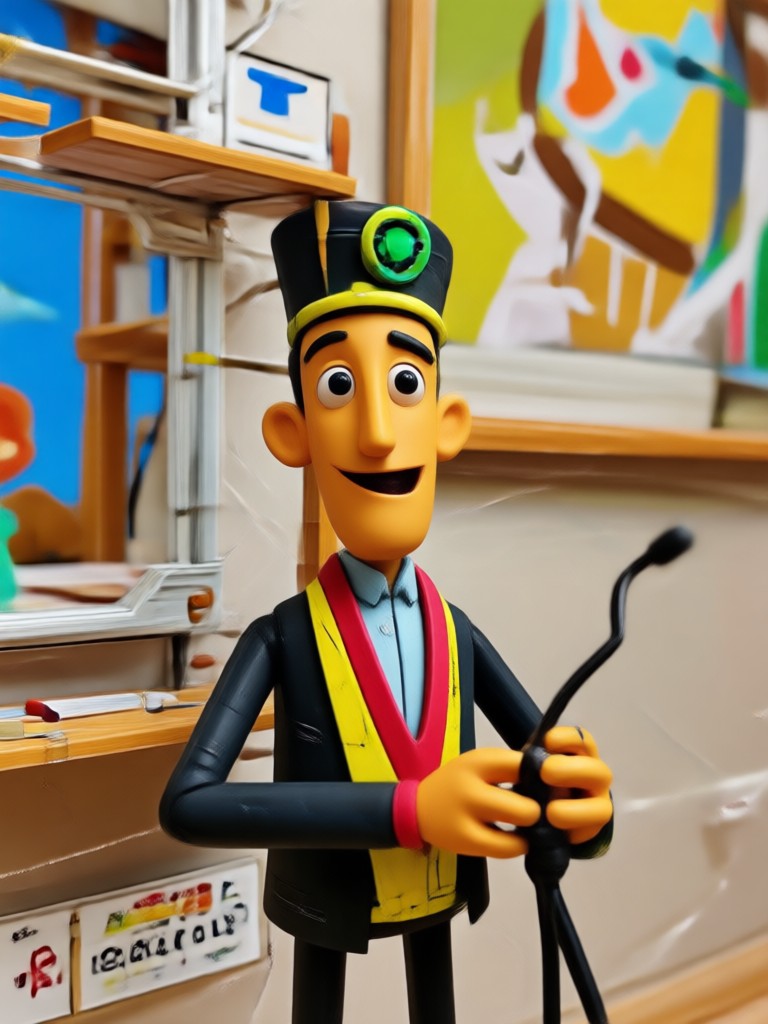
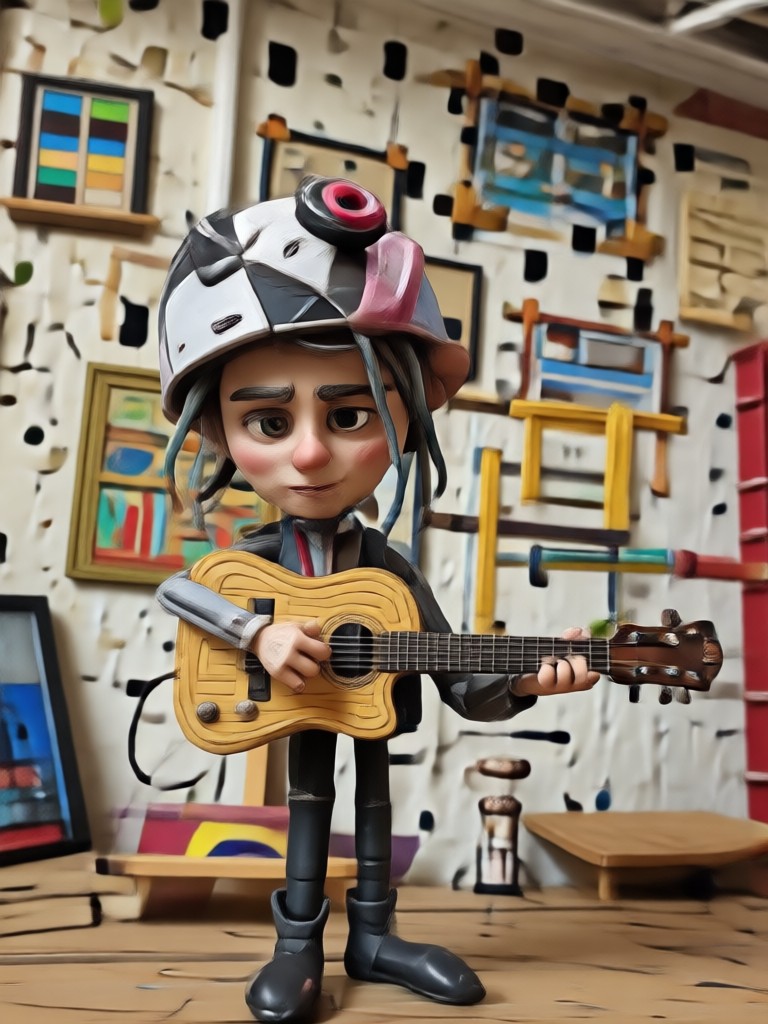
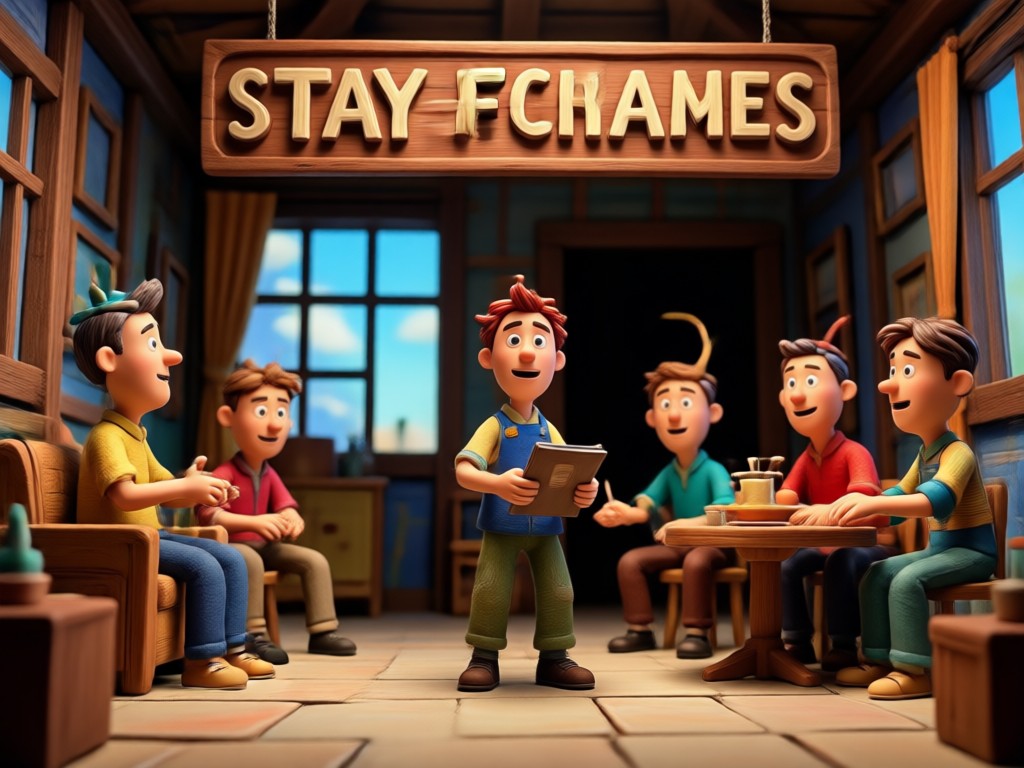
See what you can create with claymation style prompts in pixlume. Browse these sample images generated with our AI claymation filters, then download the app to make your own.
Why Use Pixlume for Claymation Style Prompts?
Pixlume makes claymation art accessible to everyone. No sculpture skills, no stop motion camera rigs, no expensive software. Just type a claymation style prompt, choose a filter, and let AI handle the rest. Generate HD clay images and videos in seconds, directly on your phone.
How to Create Claymation Style Images
Follow these three simple steps to turn claymation style prompts into stunning AI art with pixlume.
Step 01.
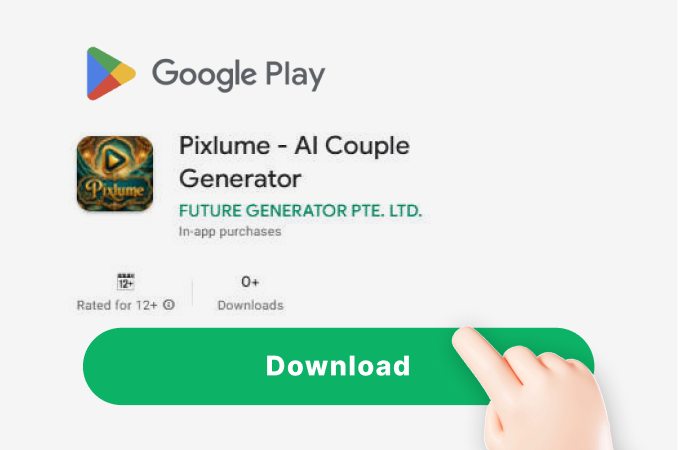
Download pixlume from Google Play and open the app. No account needed to start exploring claymation filters.
Step 02.
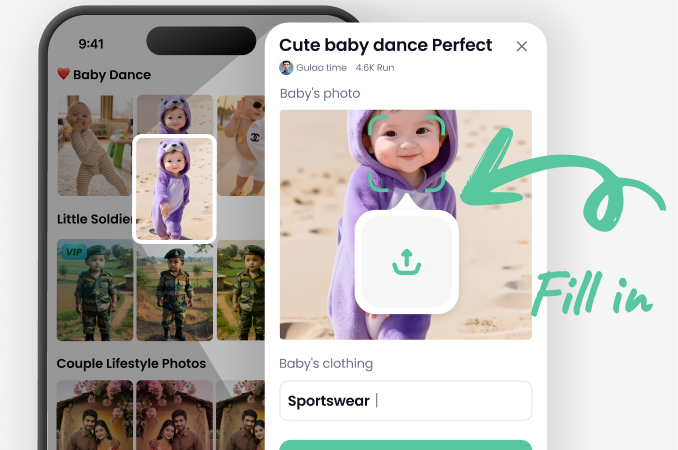
Choose a claymation style filter or paste one of the prompts above. You can also upload a photo to apply the claymation look.
Step 03.
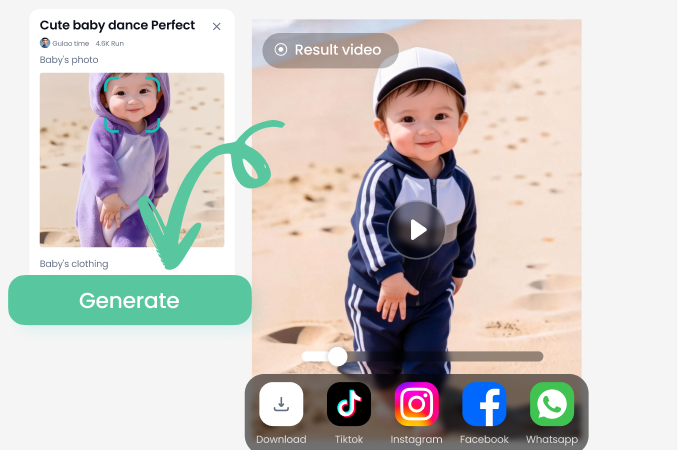
Generate your claymation image or video, then save it to your device or share it directly on social media.
Claymation Style Prompt App for Android
Get pixlume on Google Play and start generating charming claymation art anywhere. Browse 1,000,000+ style filters, including realistic clay, plasticine, and stop motion effects.

Creators Who Love Claymation Style Prompts

Maya K.
I always wanted to make claymation but had no sculpting skills. Pixlume's claymation prompts give me that handmade look instantly. My Instagram reels have never looked better.
Leo P.
The clay textures are incredibly realistic. I use the style transfer on product photos and they look like little clay models. My audience loves it.
Sara J.
I use claymation style prompts to create fun educational videos for my students. The characters are adorable and the stop motion feel keeps kids engaged.
Tom B.
As a designer, I appreciate how easy it is to iterate on claymation ideas. Just tweak the prompt and get a new variation in seconds. Highly recommend.
Maya K.
I always wanted to make claymation but had no sculpting skills. Pixlume's claymation prompts give me that handmade look instantly. My Instagram reels have never looked better.
Leo P.
The clay textures are incredibly realistic. I use the style transfer on product photos and they look like little clay models. My audience loves it.
Sara J.
I use claymation style prompts to create fun educational videos for my students. The characters are adorable and the stop motion feel keeps kids engaged.
Tom B.
As a designer, I appreciate how easy it is to iterate on claymation ideas. Just tweak the prompt and get a new variation in seconds. Highly recommend.
Frequently Asked Questions About Claymation Style Prompts
Find answers to common questions about using claymation style prompts and creating AI clay art with pixlume.
More Topics You May Like
Explore more topics you may like and discover fresh ideas tailored to your interests.
AI Brutalism Design Prompt Ideas and Style Guide
Generate bold AI brutalism design prompts for posters, architecture, and web layouts. Learn style keywords, negative prompts, and examples for raw concrete, grid based visuals.
90S Video Prompts: Retro Style Ideas & AI Video Maker
Explore 90S Video Prompts for retro aesthetic videos. Use AI to create grunge, VHS, and vintage style clips instantly. Download the app and start generating.
Long Hair Prompt: Generate Flowing Hairstyles Instantly
Discover powerful long hair prompt ideas for AI image generation. Create realistic, anime, and artistic long hairstyles in seconds. No skills needed. Get inspired and download the app to start creating.
Start Creating Claymation Magic Today
Download pixlume and turn your claymation style prompts into stunning AI art. It's free, fast, and fun.

Start Creating Claymation Magic Today
Download pixlume and turn your claymation style prompts into stunning AI art. It's free, fast, and fun.