Sweater Prompt


Choose the Best Sweater Style Filter
Browse a wide range of sweater filters and style templates to match every mood, from soft knitwear to bold vintage patterns.
Key Features of Sweater Prompts in pixlume
Use descriptive sweater prompts to guide the AI and unlock realistic textures, varied silhouettes, and fashion grade results without complex editing.

Endless Sweater Style Options
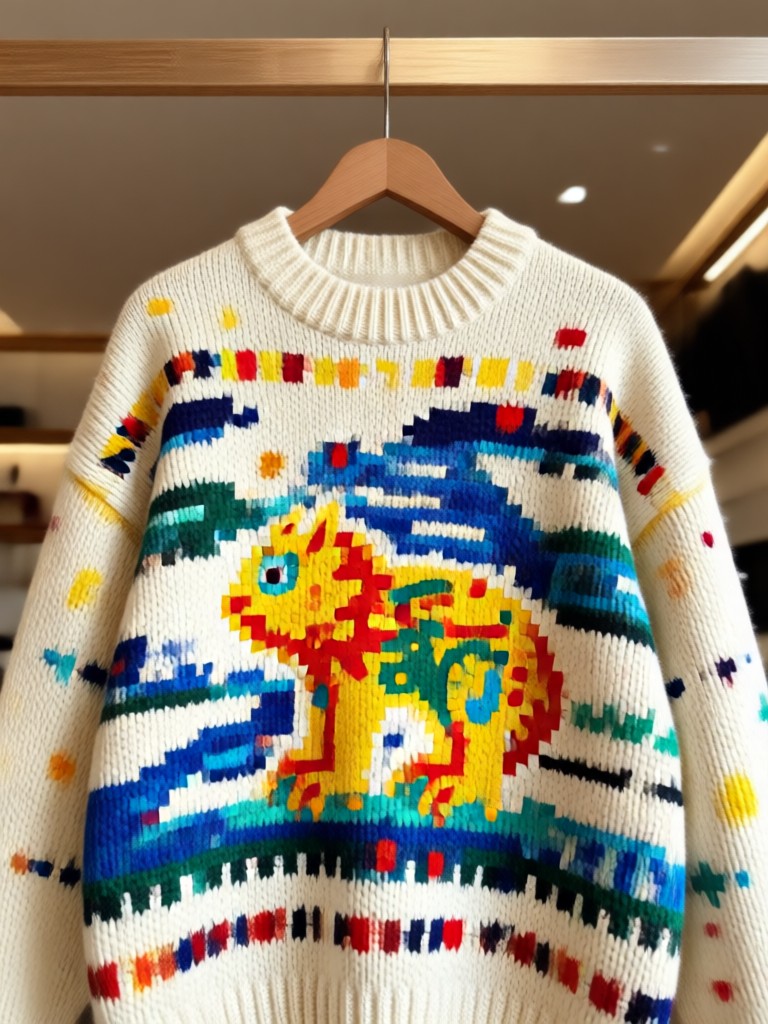
Prompt for chunky cable knits, fine cashmere, vintage cardigans, turtlenecks, oversized fits, and more. pixlume translates your words into realistic silhouettes with natural fabric drape and soft color palettes.
Endless Sweater Style Options
Prompt for chunky cable knits, fine cashmere, vintage cardigans, turtlenecks, oversized fits, and more. pixlume translates your words into realistic silhouettes with natural fabric drape and soft color palettes.
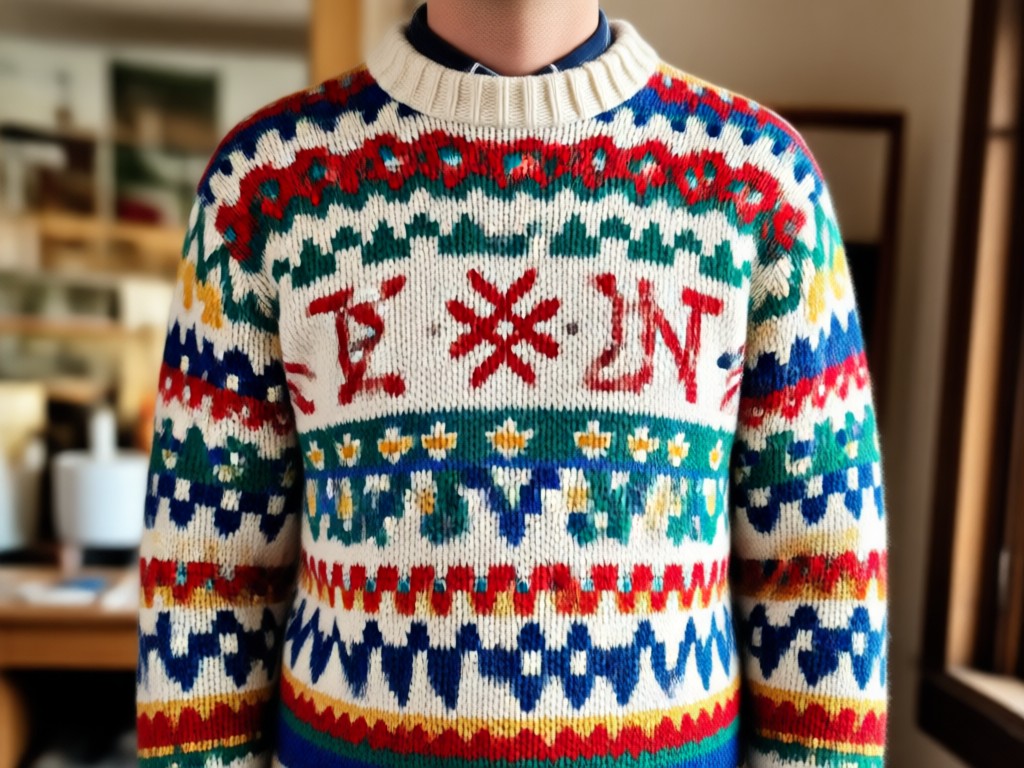
True to Life Fabric Textures
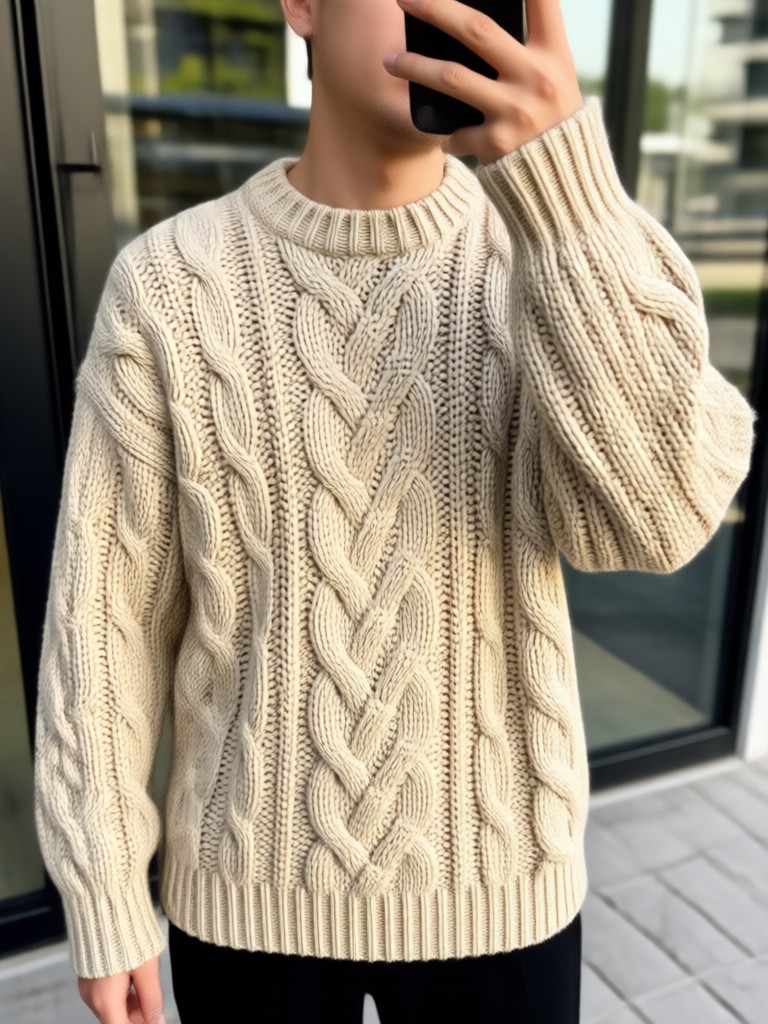
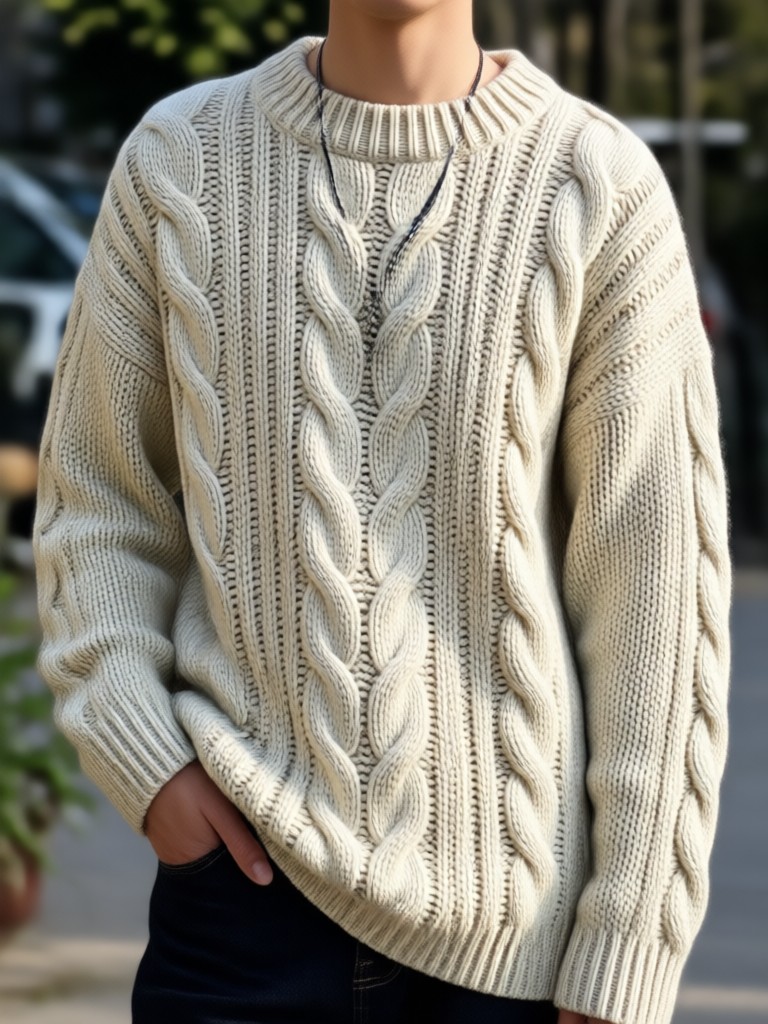
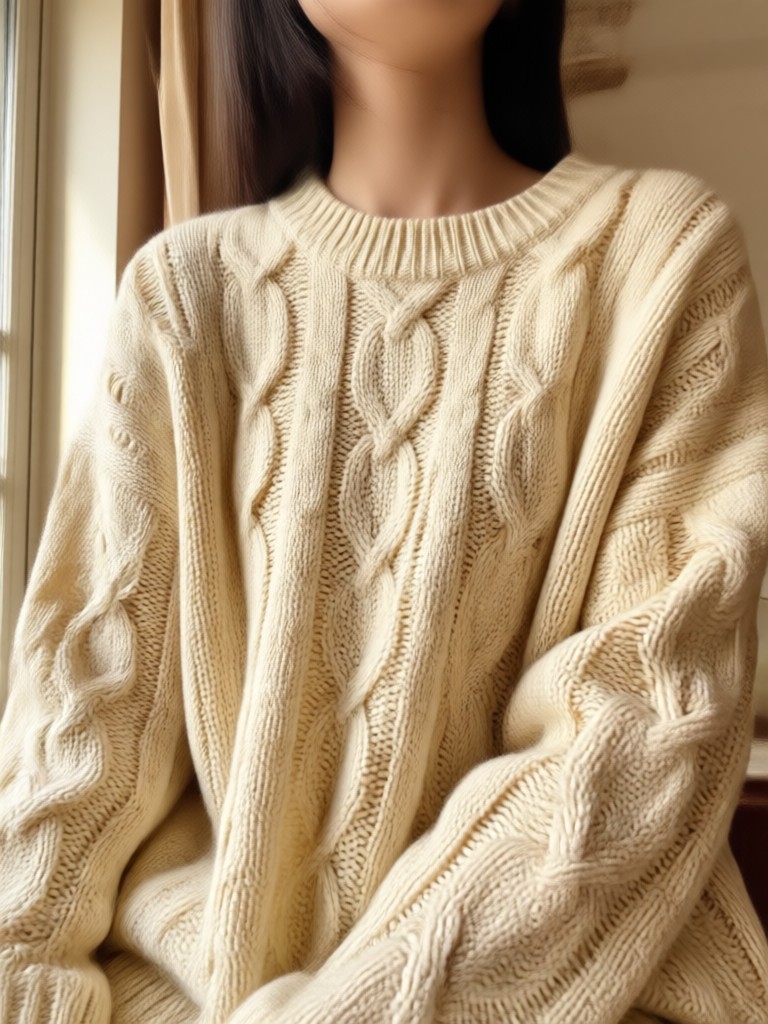
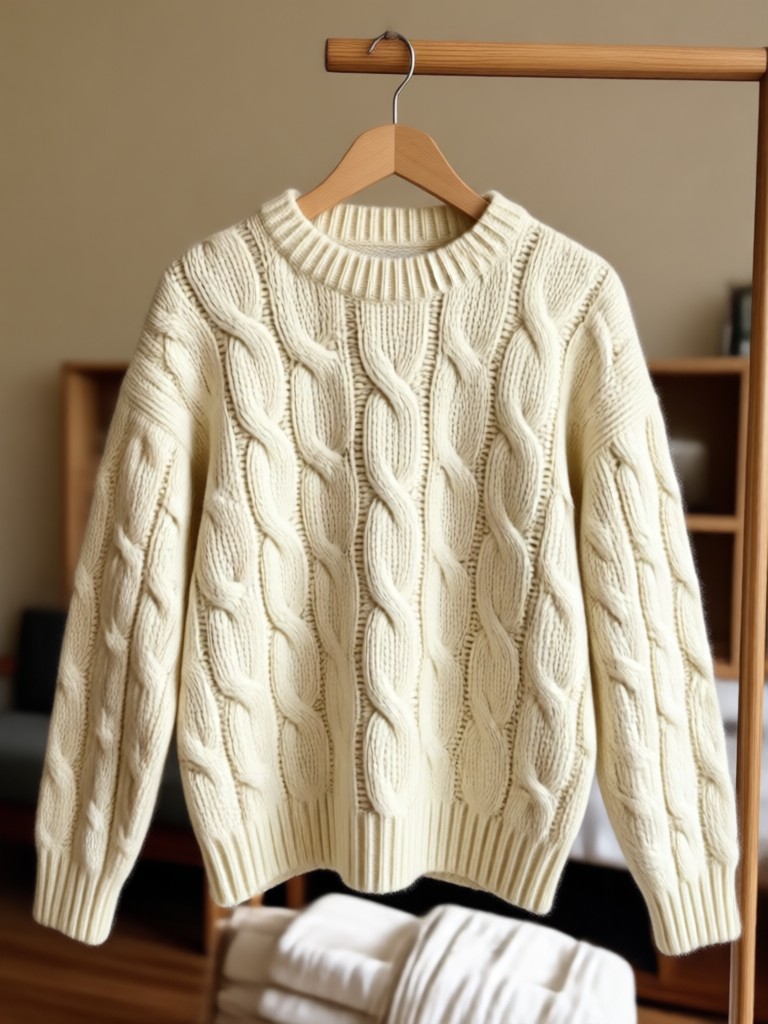
Wool, cotton, cashmere, and ribbed knits render with visible stitching and soft yarn depth. The AI focuses on fabric realism so every fold, cuff, and collar looks believable.
True to Life Fabric Textures
Wool, cotton, cashmere, and ribbed knits render with visible stitching and soft yarn depth. The AI focuses on fabric realism so every fold, cuff, and collar looks believable.
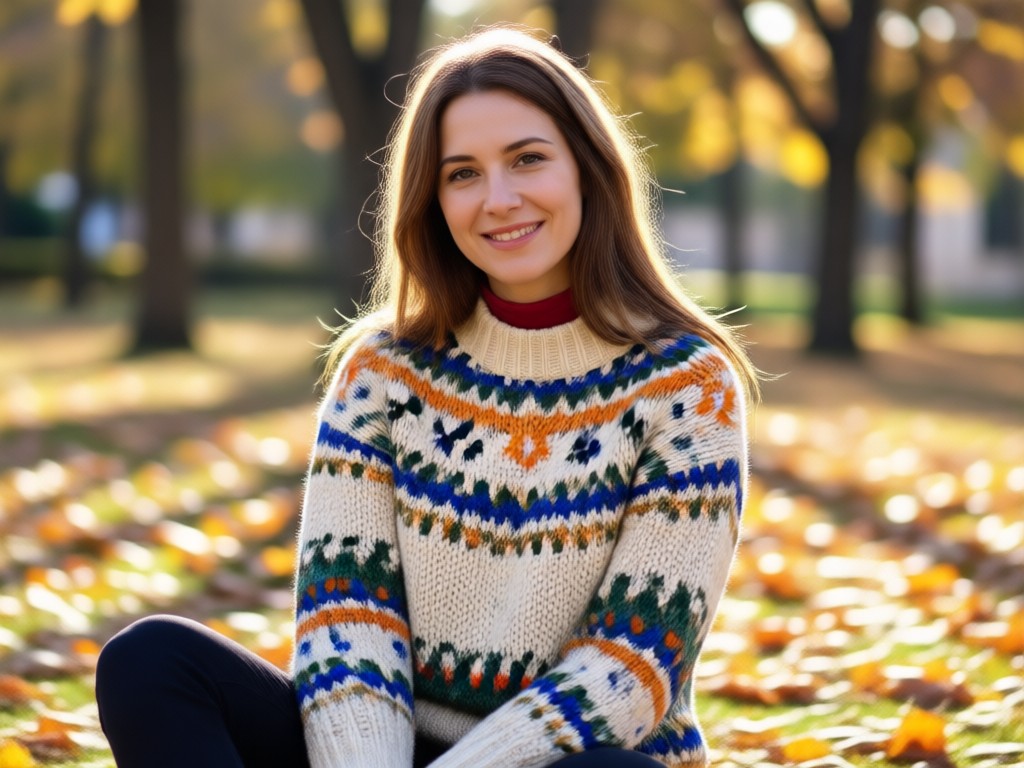
Fast Image Generation on Mobile
Enter a prompt, choose a filter, and have a high quality sweater image in seconds. pixlume runs entirely on your phone, so you can create and share cozy looks wherever you are.
Fast Image Generation on Mobile
Enter a prompt, choose a filter, and have a high quality sweater image in seconds. pixlume runs entirely on your phone, so you can create and share cozy looks wherever you are.
Sweater Prompt Result Gallery
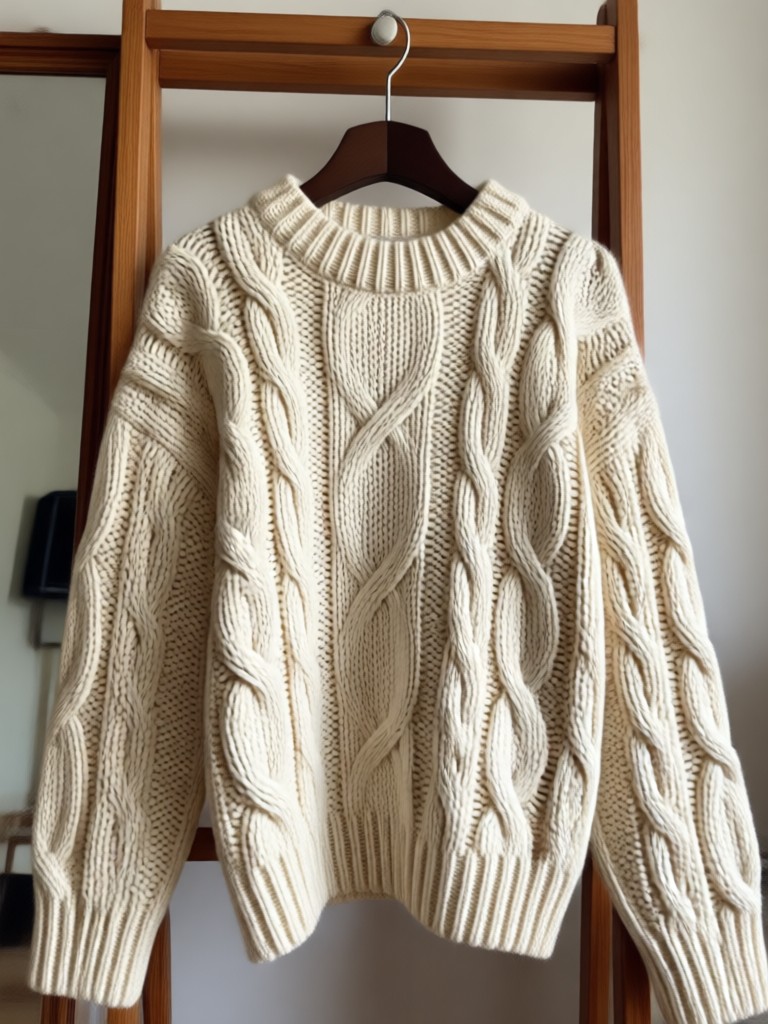
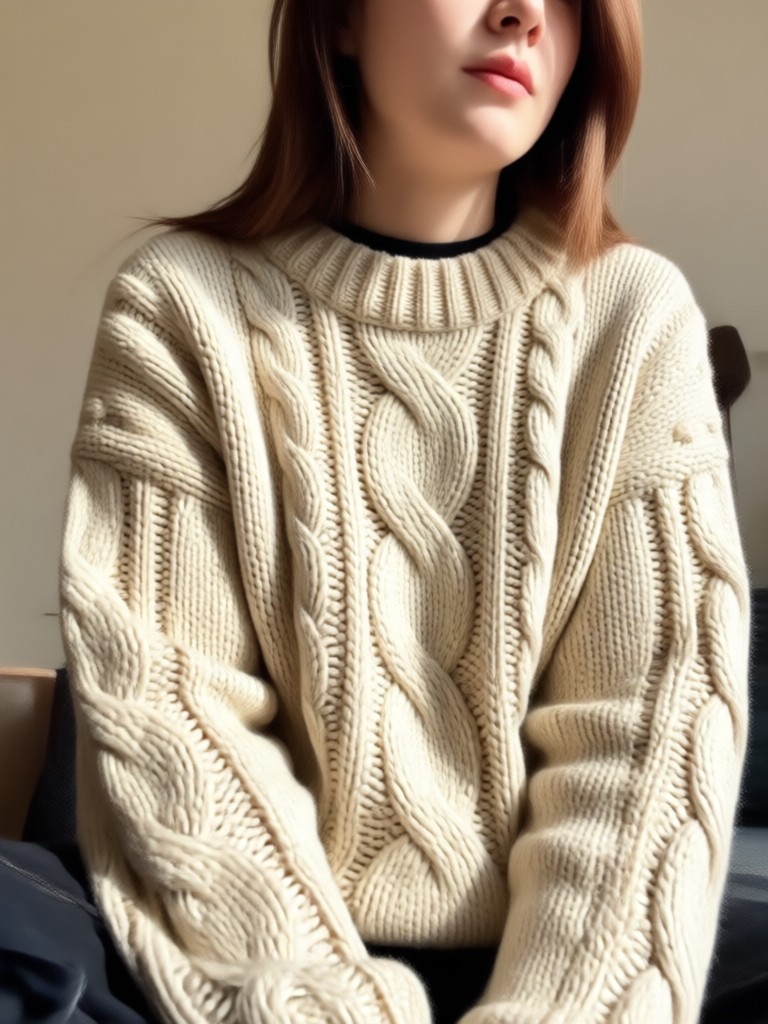
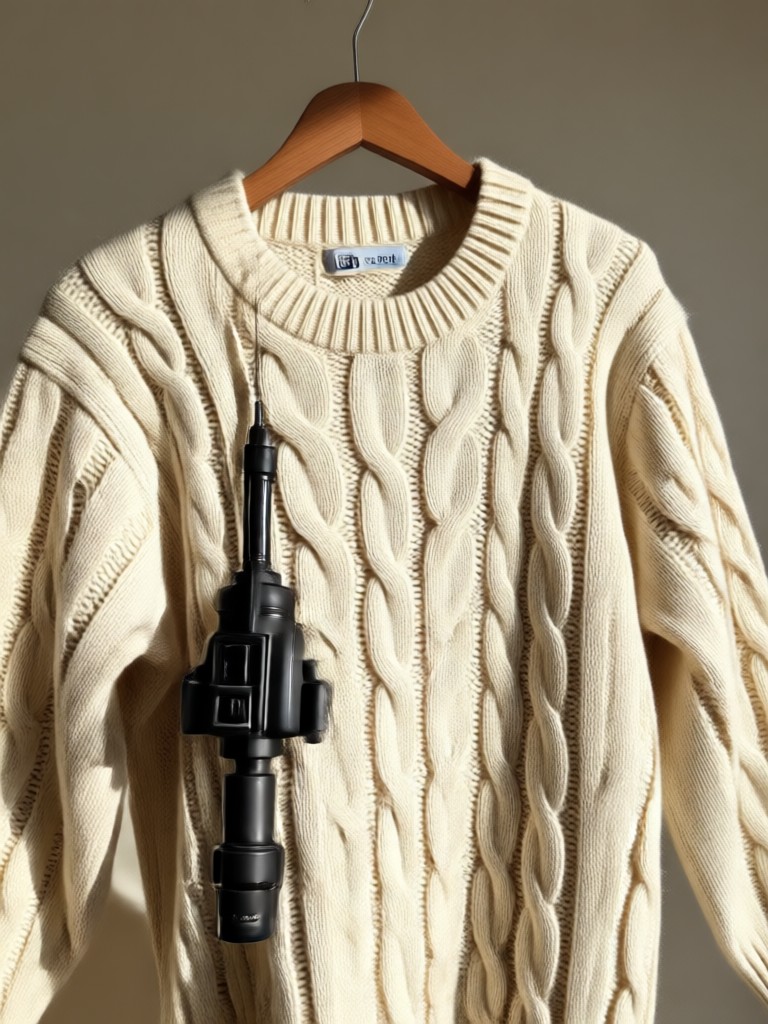
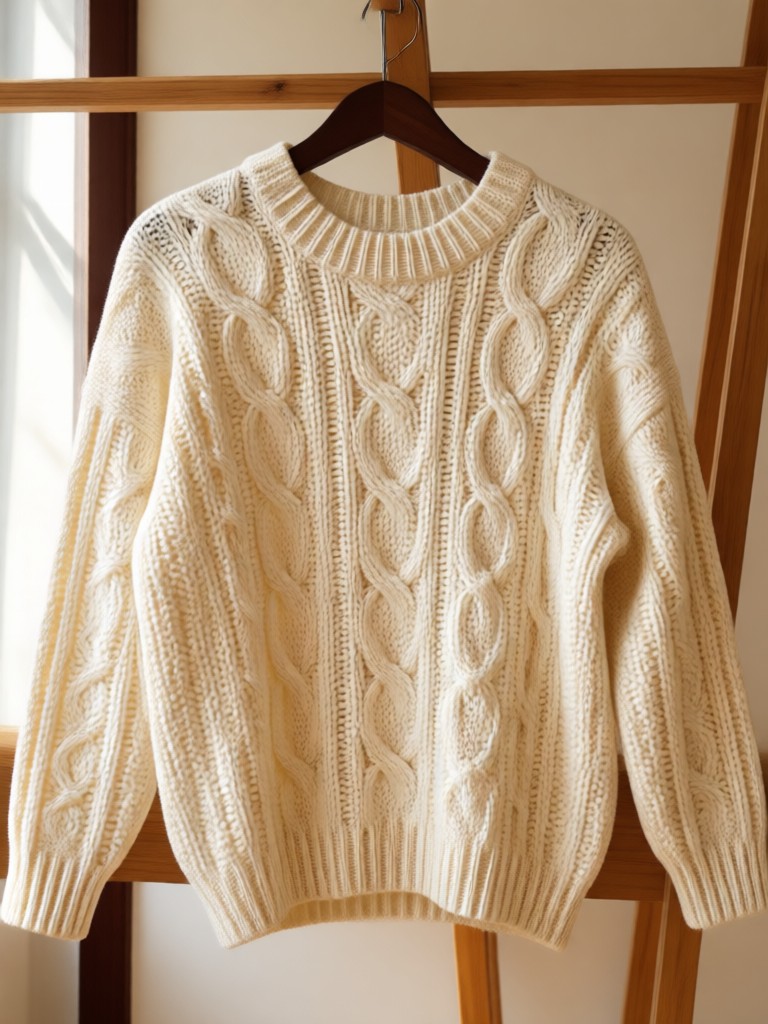
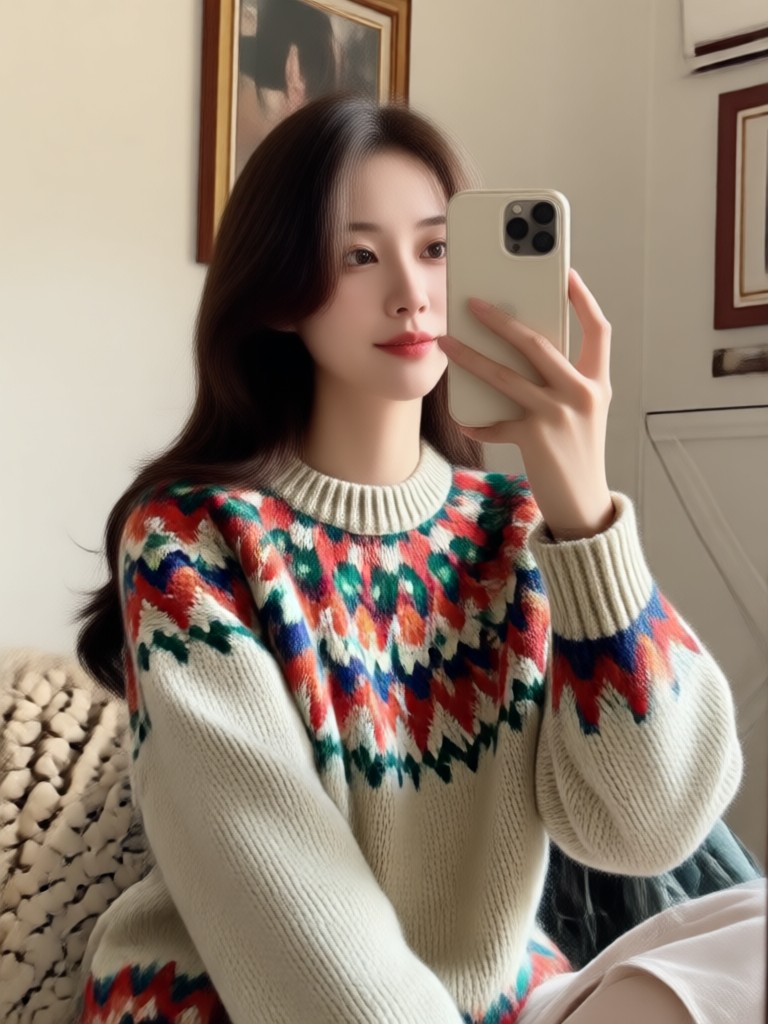
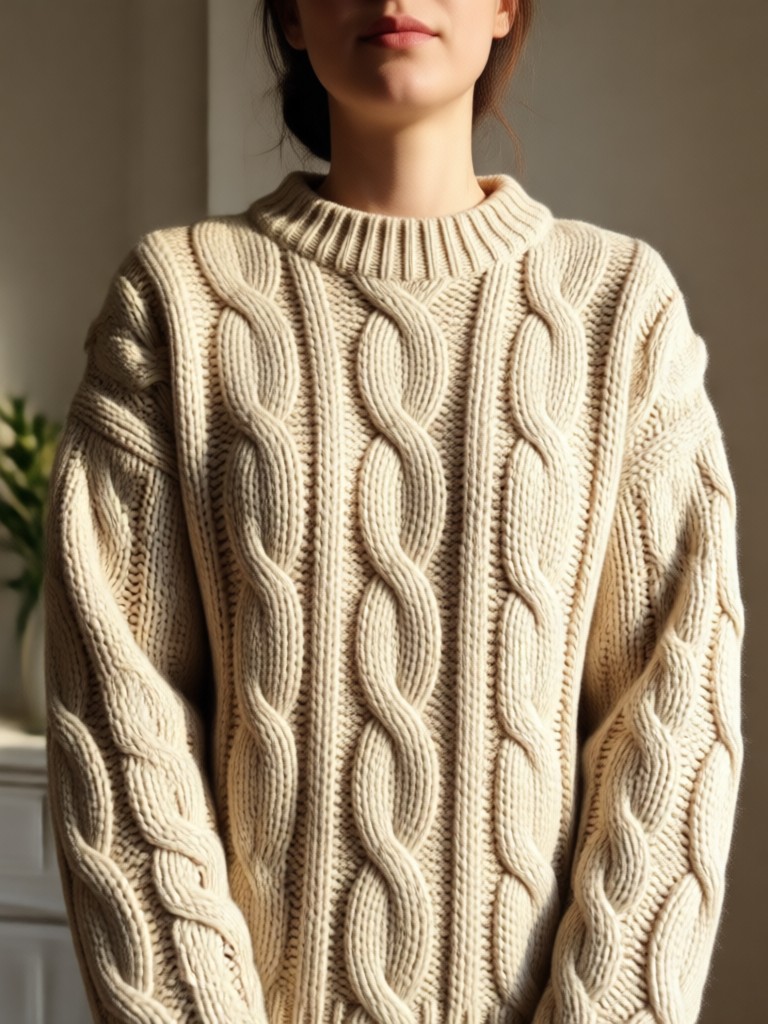
Browse AI generated sweater images created with pixlume. Each result shows how a different text prompt can produce a unique knitwear look, from cozy casual to editorial fashion.
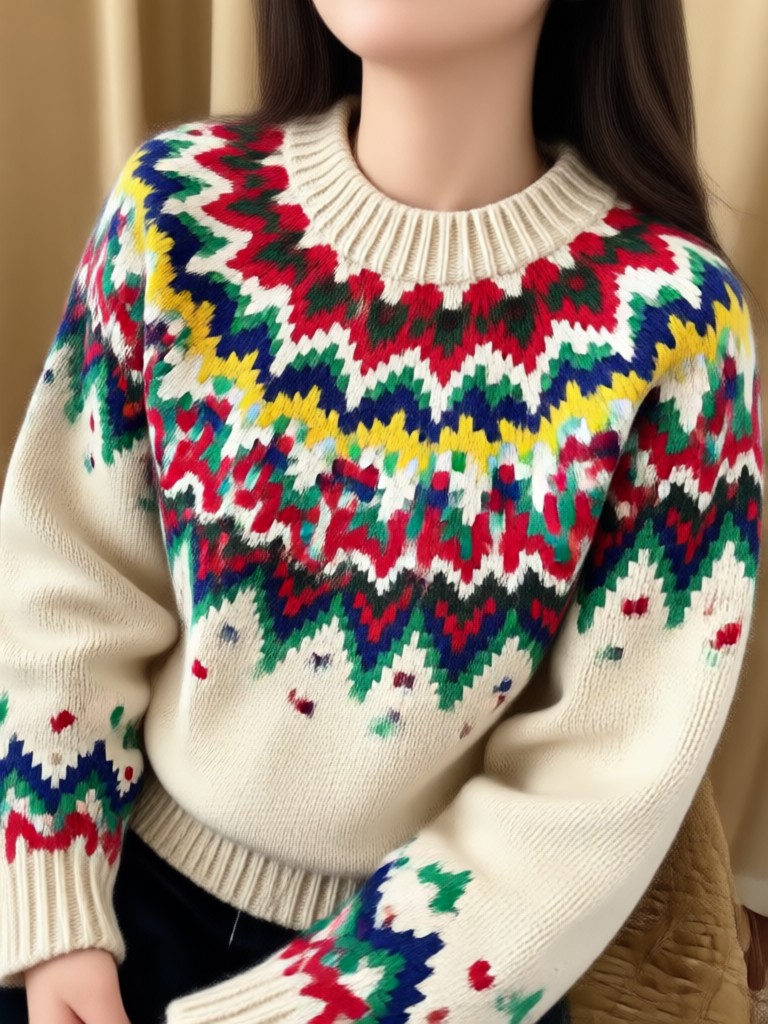
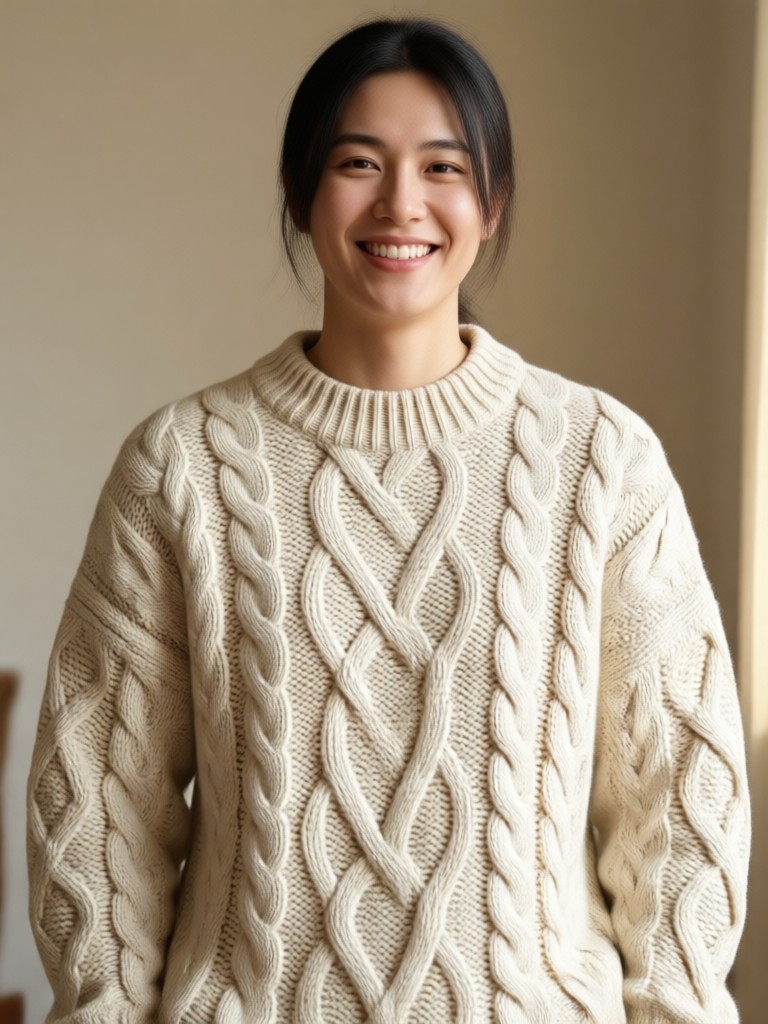

Why a Single Sweater Prompt Can Replace a Full Photoshoot
You do not need a studio, model, or expensive camera to explore sweater styles. Type a few descriptive words, apply a pixlume filter, and generate a polished image that highlights fit, texture, and mood. It is the fastest way to test knitwear looks for social media, product inspiration, or personal styling.
How to Use a Sweater Prompt in pixlume
Create a cozy AI sweater image in three simple steps. Download the app, enter your prompt, and generate a polished result in seconds.
Step 01.
Get started by downloading pixlume from Google Play. The app works entirely on your phone, so you can create sweater images anywhere.
Step 02.
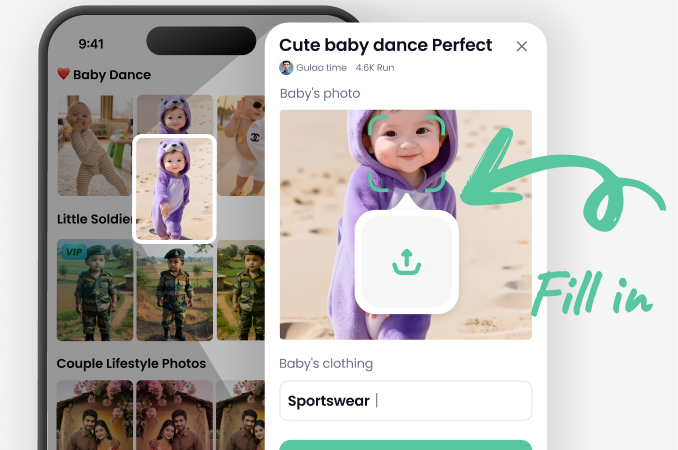
Open the app, select a realistic or fashion style filter, and type one of the sweater prompts from this page. You can adjust details like color, pattern, and background.
Step 03.
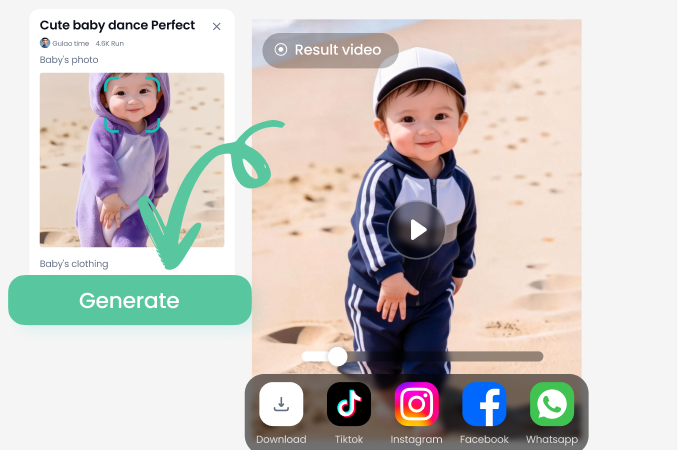
Tap generate to create your image. Save the result to your phone and share it on social media or use it as inspiration for your next outfit.
What Creators Say About pixlume Sweater Prompts

Louis Yule
I used the cream cable knit prompt and got a cozy fashion shot that looked like a real editorial photo. The fabric detail was surprisingly good.
Mandy Sander
I sell handmade sweaters online. These prompts help me visualize new colorways and patterns before I start knitting. Huge time saver.

Orville Garcia
I wanted a vintage 90s sweater photo for my mood board. pixlume nailed the nostalgic film look in one try.

Sam Green
The app is simple. I typed a sweater prompt, picked a style filter, and had a beautiful image in under a minute. No design skills needed.
Louis Yule
I used the cream cable knit prompt and got a cozy fashion shot that looked like a real editorial photo. The fabric detail was surprisingly good.
Mandy Sander
I sell handmade sweaters online. These prompts help me visualize new colorways and patterns before I start knitting. Huge time saver.
Orville Garcia
I wanted a vintage 90s sweater photo for my mood board. pixlume nailed the nostalgic film look in one try.
Sam Green
The app is simple. I typed a sweater prompt, picked a style filter, and had a beautiful image in under a minute. No design skills needed.
Turn Sweater Prompts Into Polished Images
Download pixlume for Android and start generating cozy knitwear looks today. Choose from thousands of filters and create high quality images in seconds.

Frequently Asked Questions About Sweater Prompts
Find clear answers to common questions about writing sweater prompts and creating AI knitwear images with pixlume.
More Topics You May Like
Explore more topics related to AI fashion and image generation.
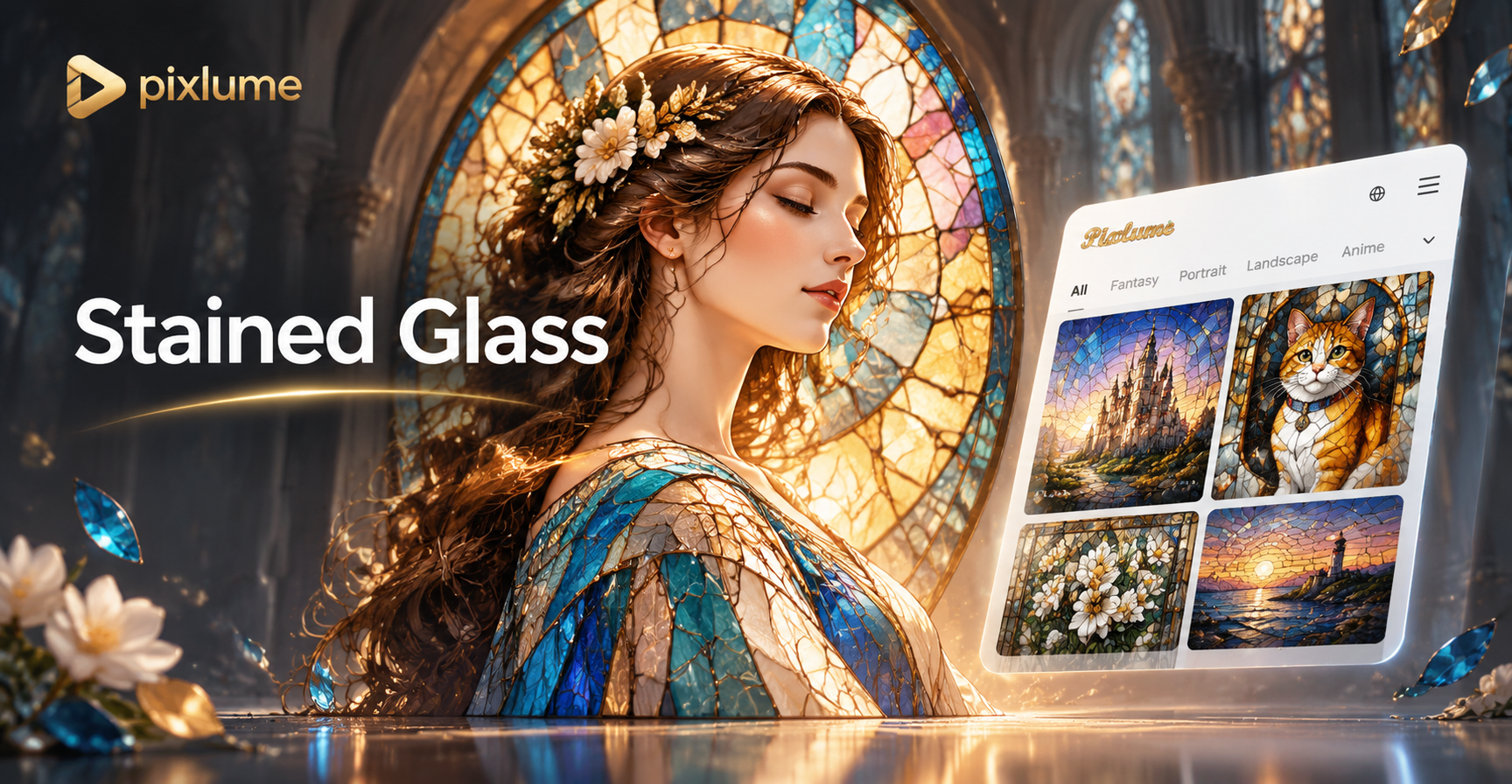
Stained Glass Art Prompts: Create Stunning AI Art Now
Explore the best stained glass art prompts for AI image generation. Turn simple photos into luminous glass mosaics. Download the app and create yours in seconds.

Spa Interior Design Prompts for Relaxing AI Visuals
Discover the best Spa Interior Design Prompts for AI image tools. Generate calming, elegant, and modern spa room concepts in seconds. Perfect for mood boards, client presentations, and creative inspiration. No design skills needed.
AI Temple Prompt: Create Sacred Architecture Art
Discover AI temple prompts to generate stunning temple art. Upload a photo or enter text, choose from thousands of styles, and get realistic results in seconds. Try free on mobile.
Astronaut Photo Prompts: Create Epic Space Images
Explore creative astronaut photo prompts and transform your images into stunning space portraits. AI-powered filters, easy to use, download the app now.
Turn Your Sweater Prompt Into a Real Image
Download pixlume to unlock thousands of style filters and turn a simple text prompt into a polished image. Create cozy knitwear looks in seconds.

Turn Your Sweater Prompt Into a Real Image
Download pixlume to unlock thousands of style filters and turn a simple text prompt into a polished image. Create cozy knitwear looks in seconds.