AI Gaming Room Image Prompt
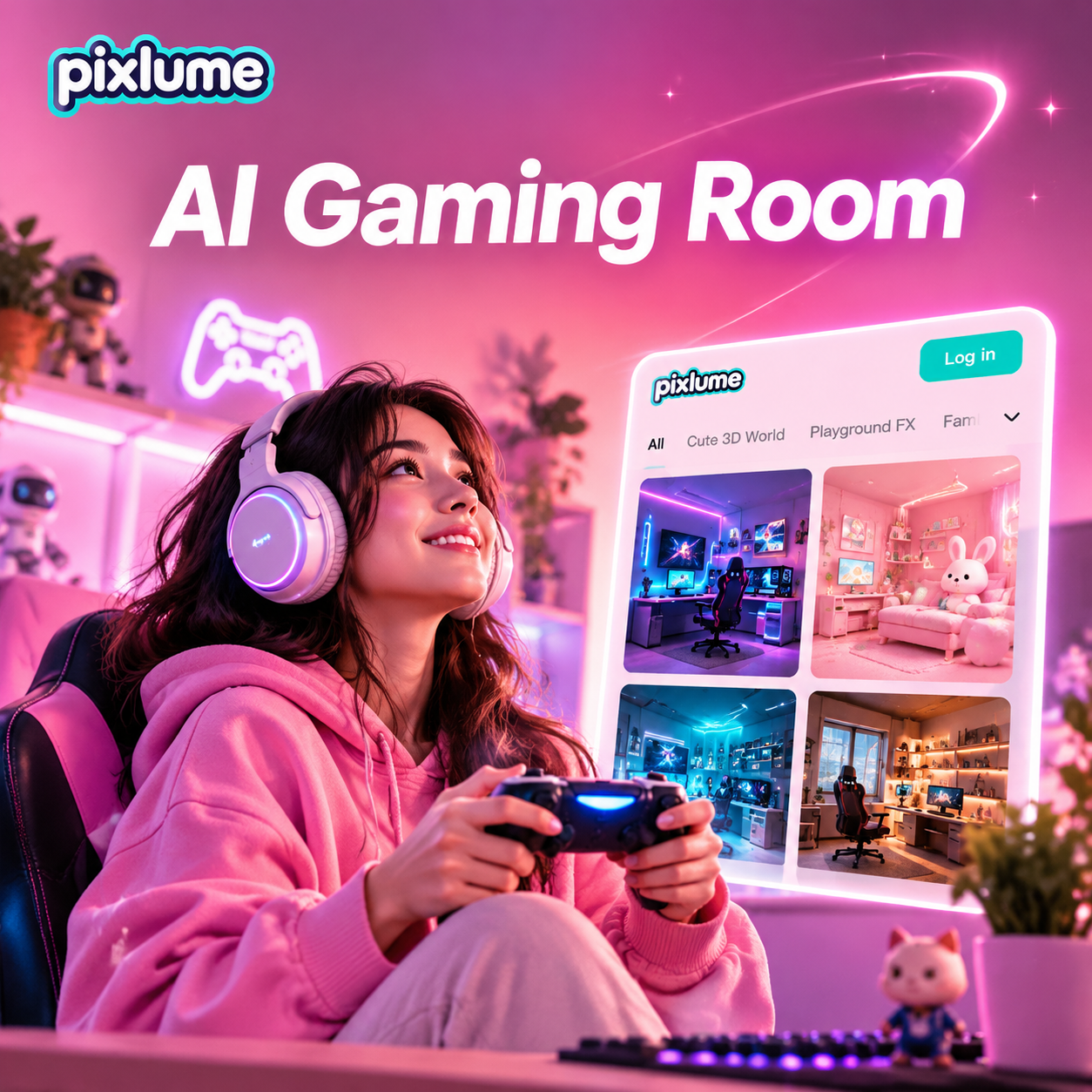
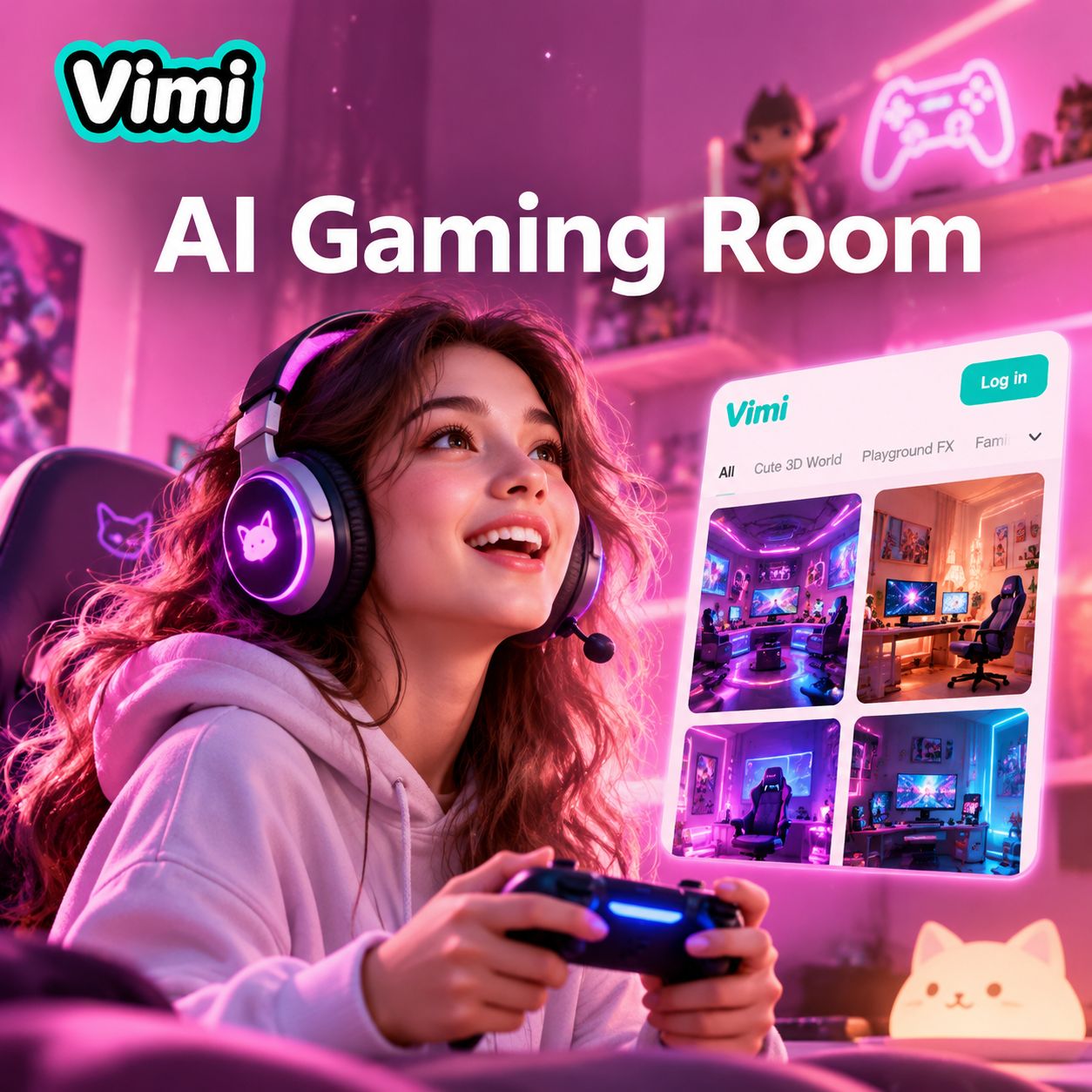


Choose a Style for Your Gaming Room Image
Explore filters that match gaming room aesthetics, from realistic interior renders to anime, cyberpunk, and cinematic looks.
Key Features of AI Gaming Room Image Prompts
Turn a simple gaming room idea into high-quality visuals with pixlume. Use text prompts, reference images, and style filters to create realistic or stylized room designs. The app guides you through every step so you can design a space that fits your taste and share it instantly.
Text to Image Gaming Rooms
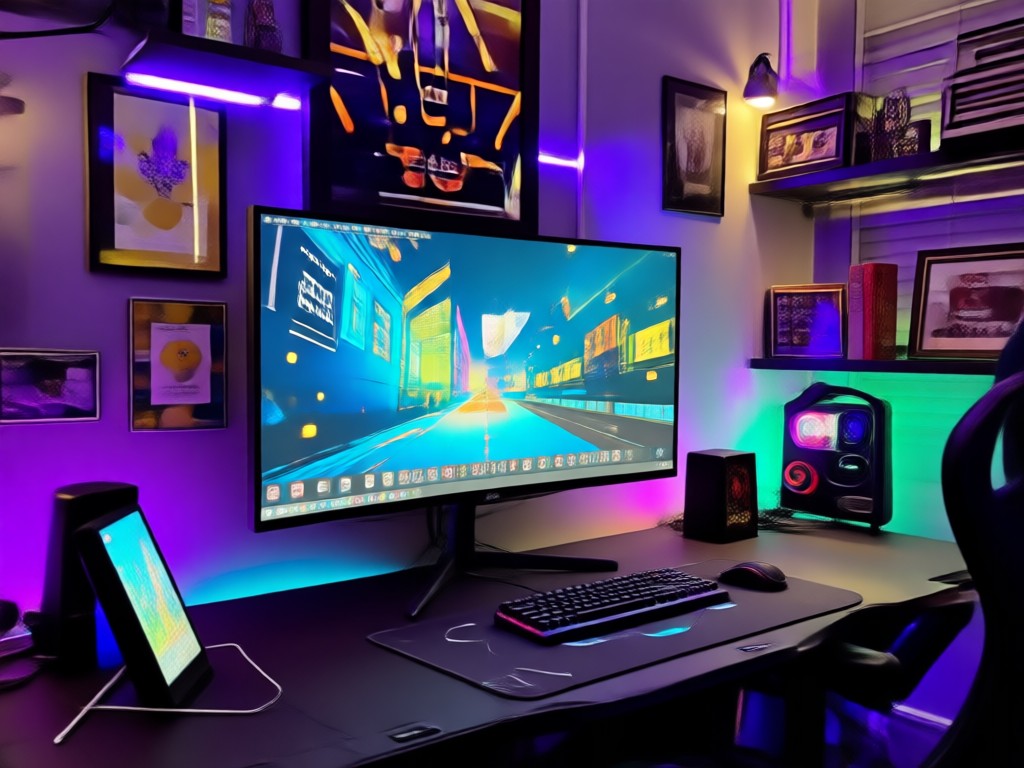
Describe any gaming room idea in plain language and let AI generate a high-resolution image. You can mention colors, furniture, lighting, and theme without learning complex prompt engineering.
Text to Image Gaming Rooms
Describe any gaming room idea in plain language and let AI generate a high-resolution image. You can mention colors, furniture, lighting, and theme without learning complex prompt engineering.
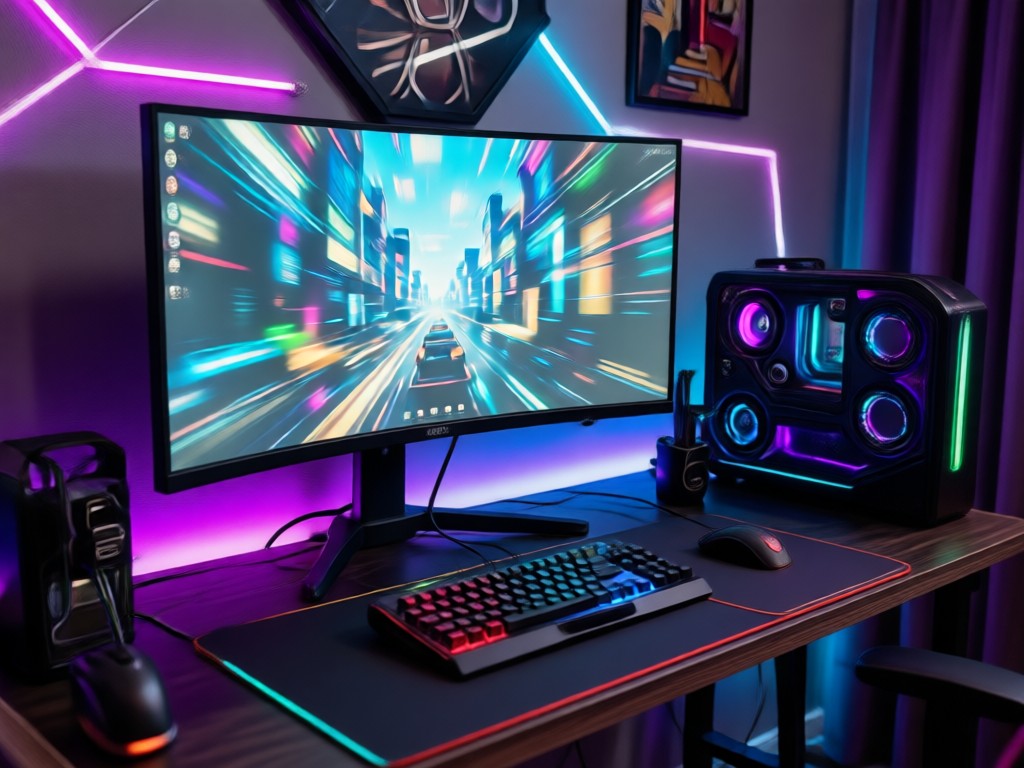
Image to Image Room Redesign
Upload a photo of your current setup and tell the AI what to change. Add RGB lighting, replace the desk, change wall colors, or apply a completely different style while keeping the room layout.
Image to Image Room Redesign
Upload a photo of your current setup and tell the AI what to change. Add RGB lighting, replace the desk, change wall colors, or apply a completely different style while keeping the room layout.
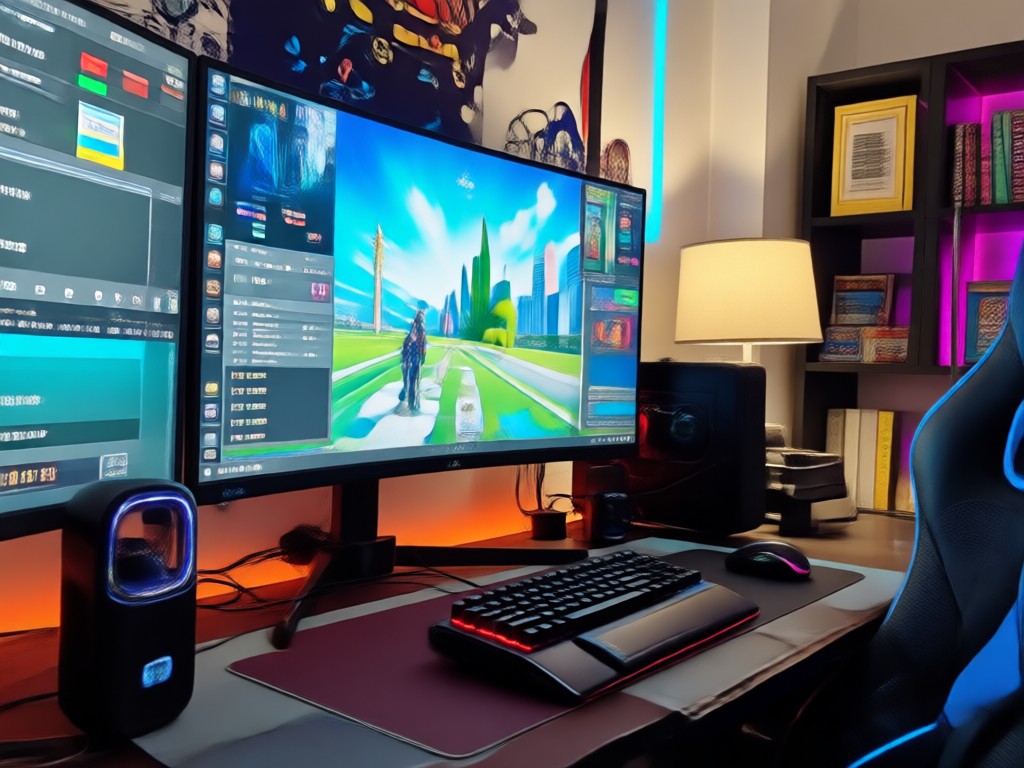
Millions of Style Filters
Access over one million style filters, including realistic interior photography, anime room art, Ghibli style, cyberpunk, watercolor, and cinematic quality. Match the exact mood you want for your gaming room image.
Millions of Style Filters
Access over one million style filters, including realistic interior photography, anime room art, Ghibli style, cyberpunk, watercolor, and cinematic quality. Match the exact mood you want for your gaming room image.
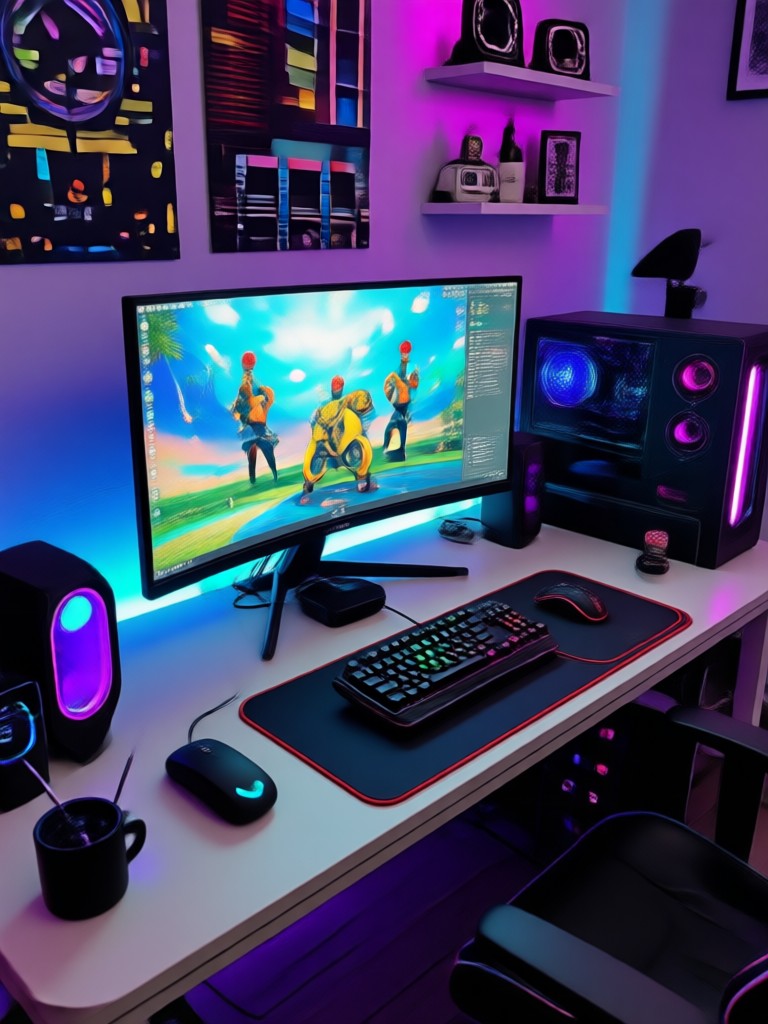
Explore AI Gaming Room Image Creations
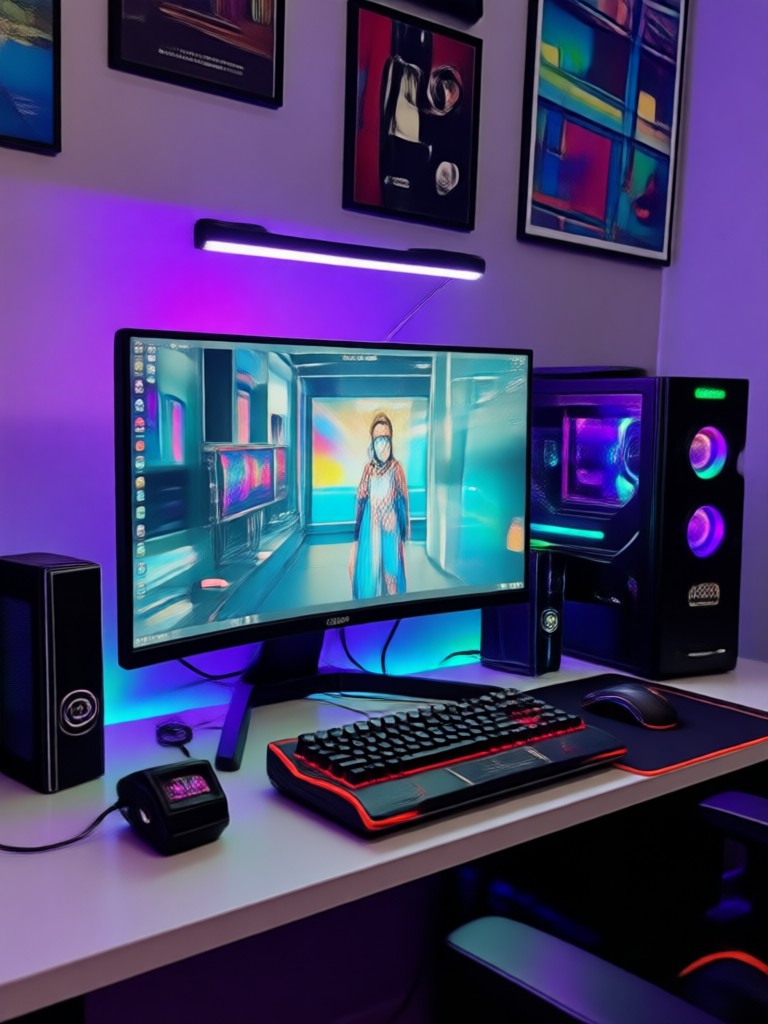
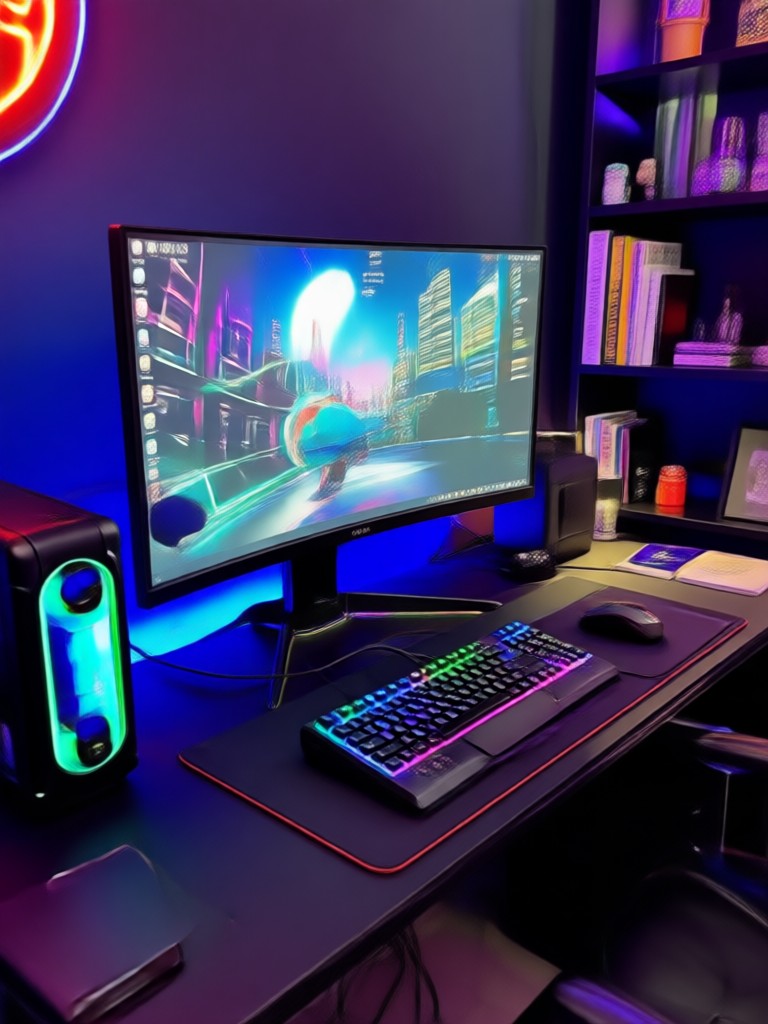
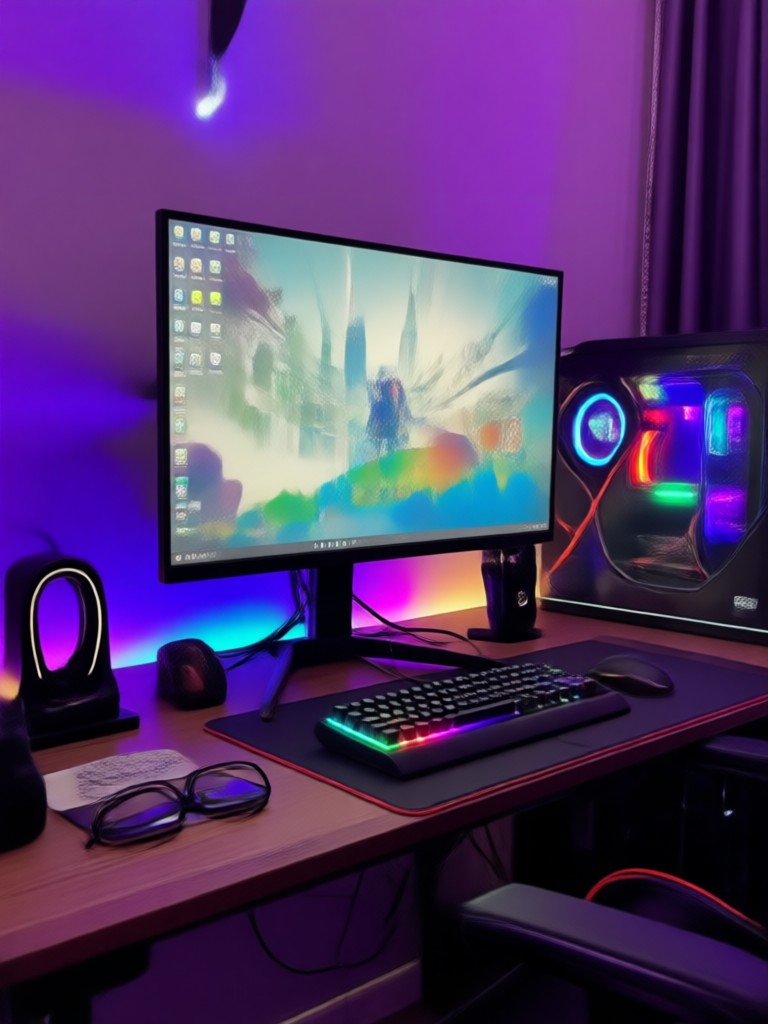
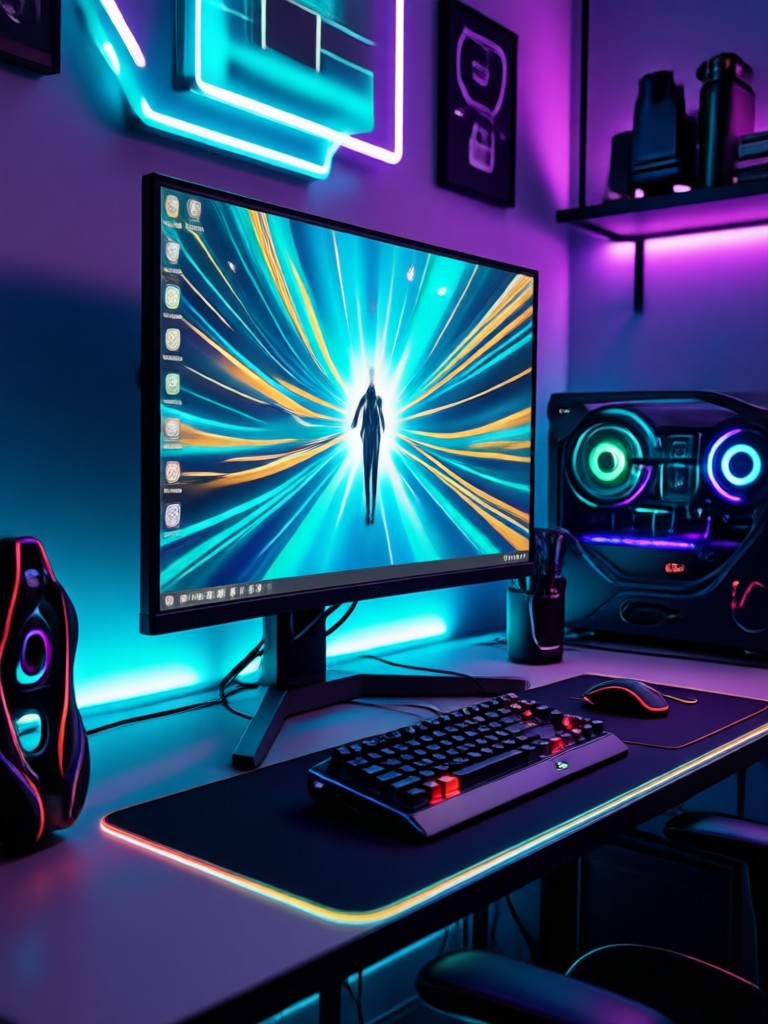
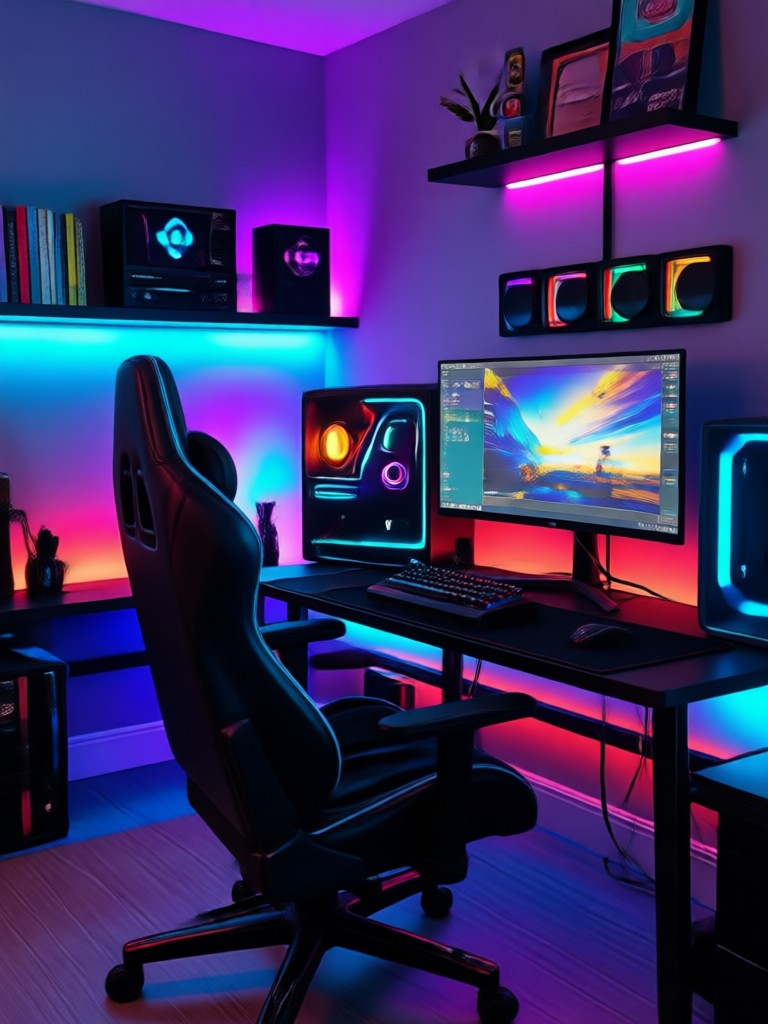
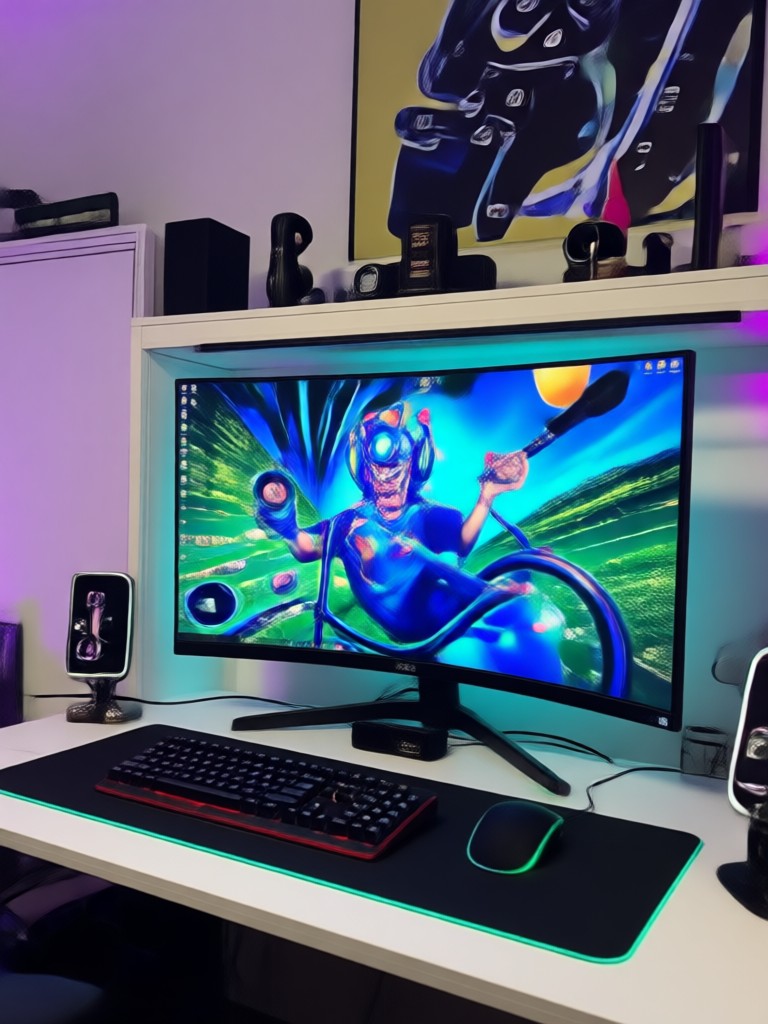
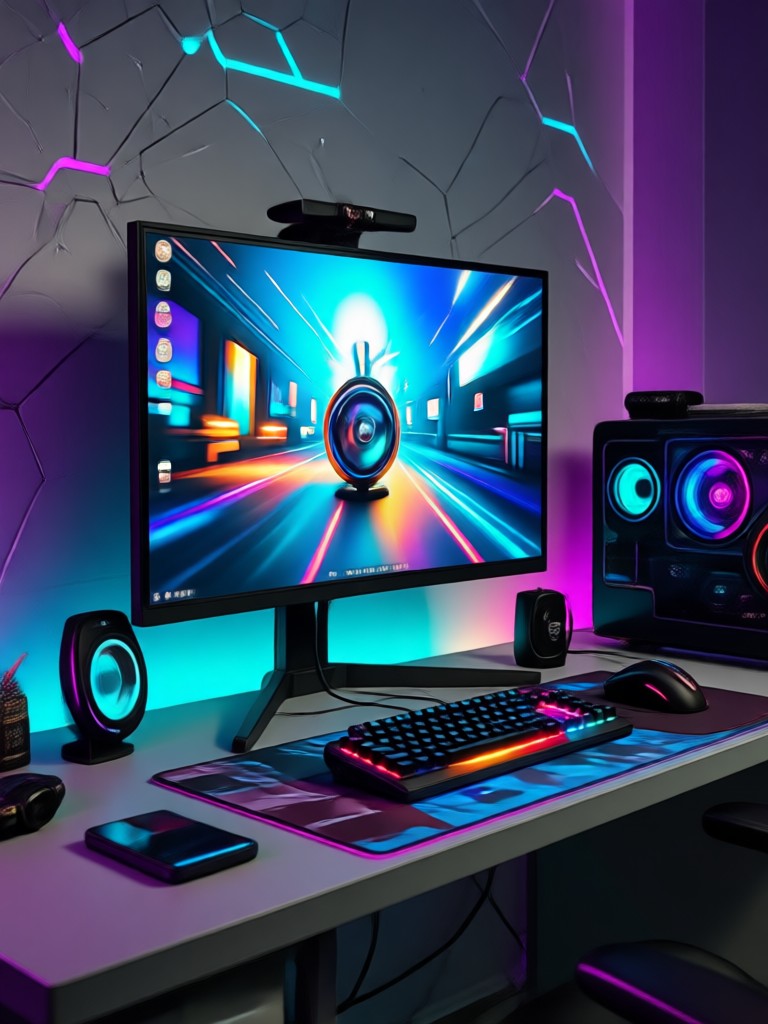
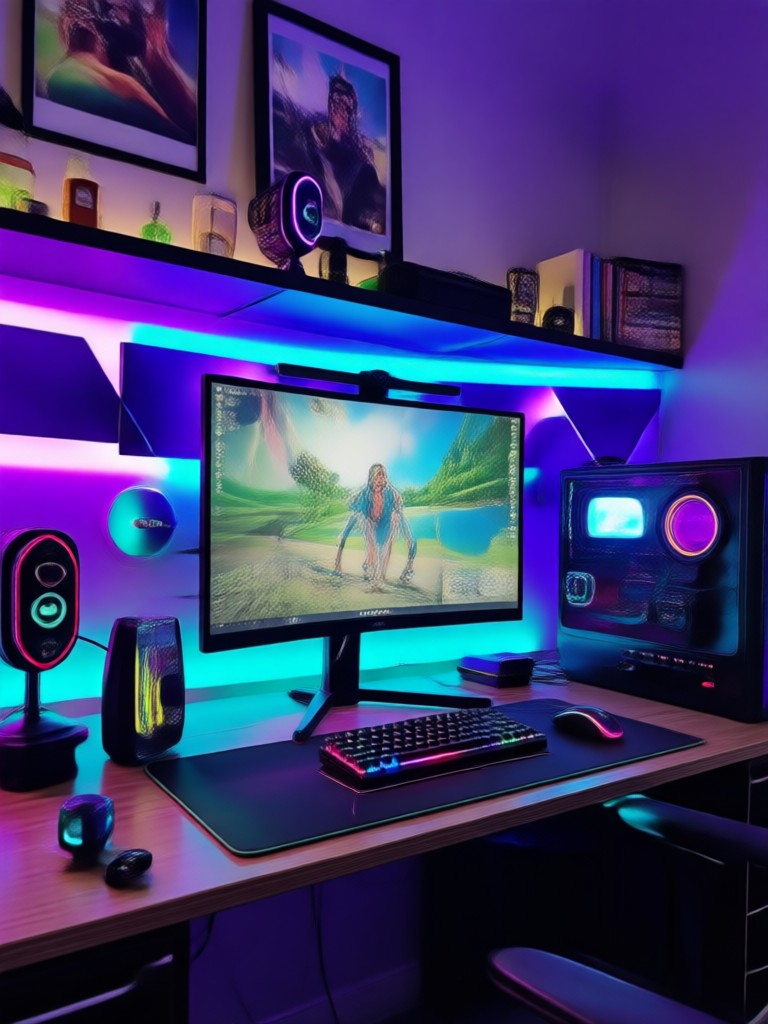
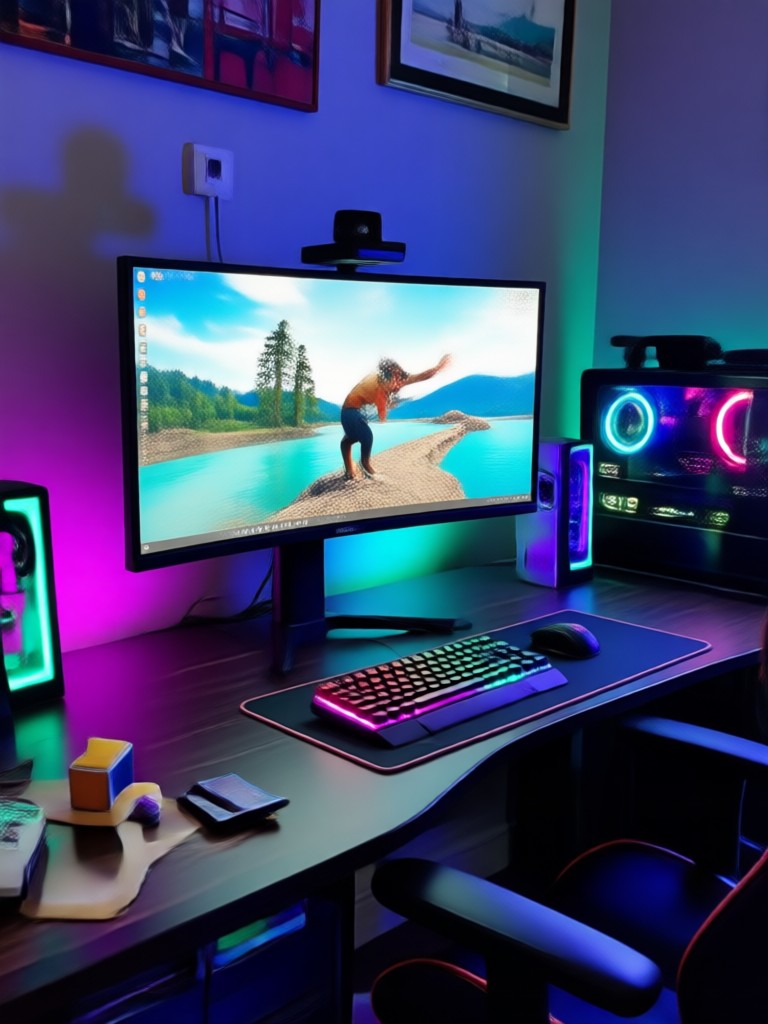
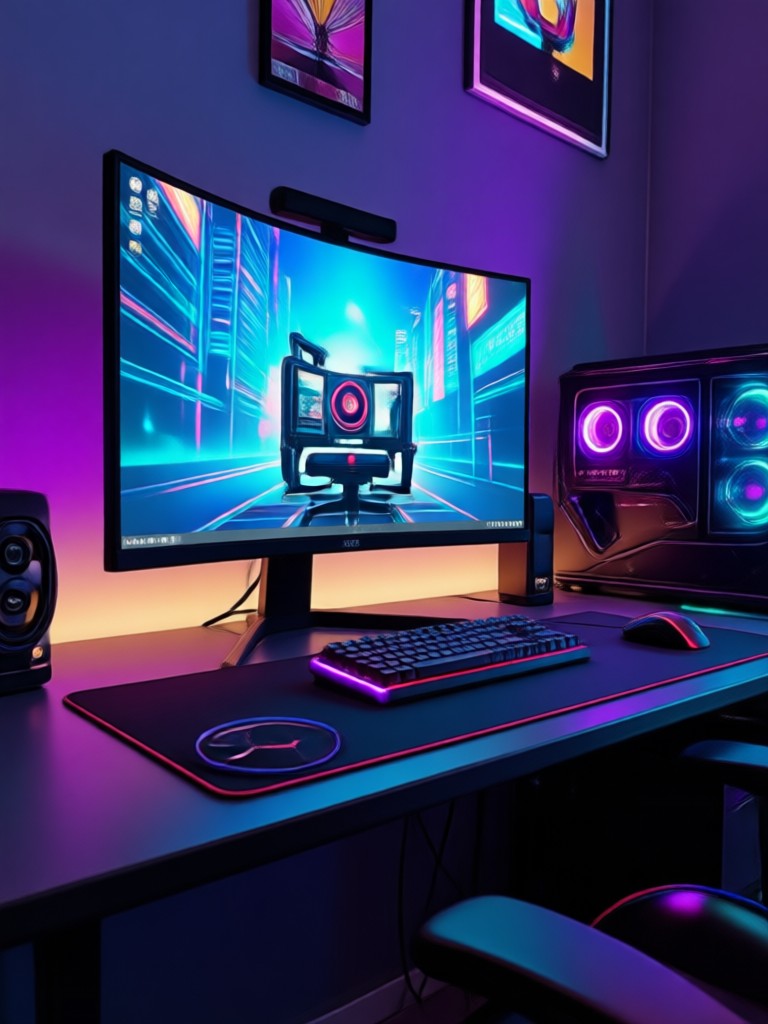
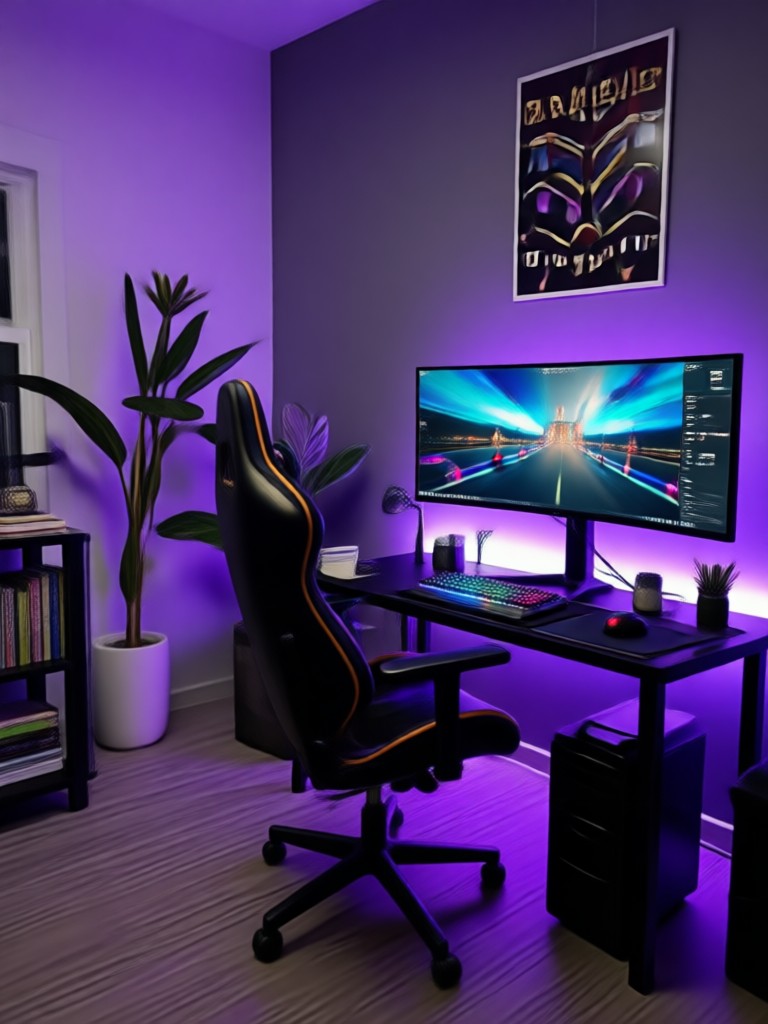
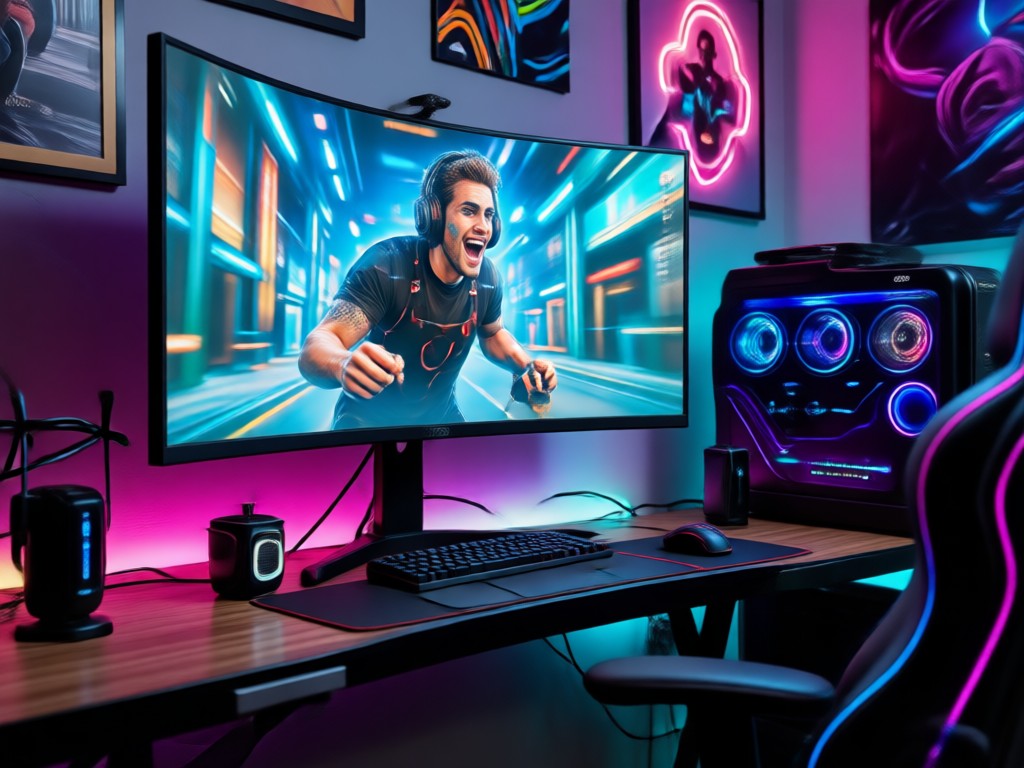
Browse AI-generated gaming room concepts made with pixlume. Get inspired by RGB setups, cozy lofts, retro dens, and futuristic battle stations before you create your own.
How to Create AI Gaming Room Images?
Generate custom gaming room images in three simple steps using pixlume on your phone.
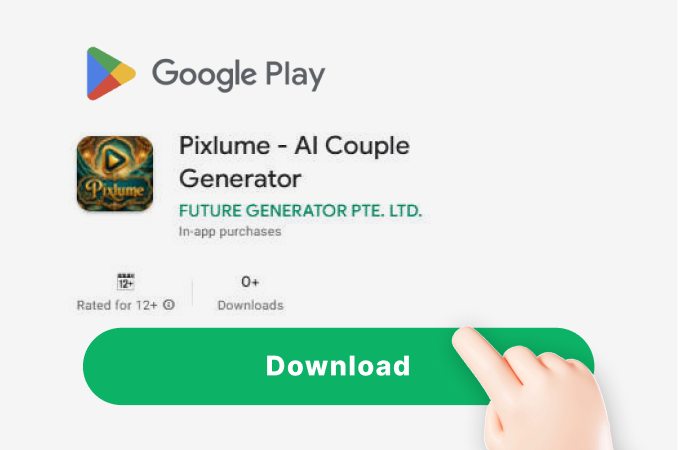
Step 01.
Download pixlume from Google Play and open the app on your phone. No desktop software or prompt engineering experience is required.
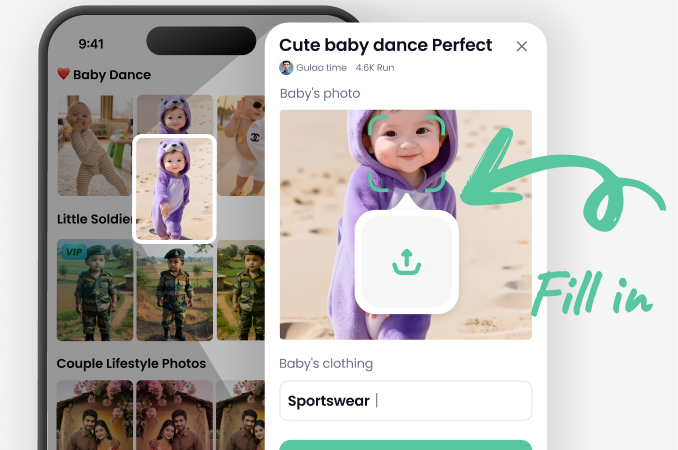
Step 02.
Choose a style filter that fits your idea, then enter a gaming room image prompt or upload a photo of your current space.
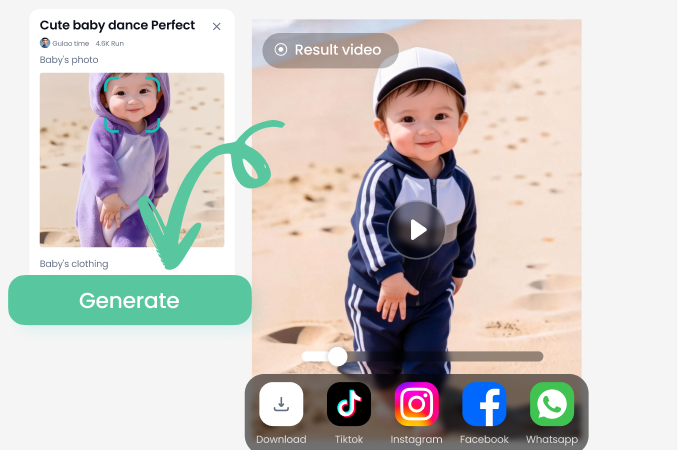
Step 03.
Generate your image, preview the result, and download or share it with friends, on Reddit, or on social media.
Why Use pixlume for Gaming Room Image Prompts?
pixlume removes the guesswork from AI image generation. Instead of learning complicated prompt formulas, you choose a style and type a simple idea. The app handles lighting, composition, and detail, so your gaming room image looks polished even if you have never used AI tools before.
What Gamers and Creators Say About pixlume
My setup ideas finally look real
I used the AI gaming room image prompt feature to plan my new battlestation before buying any furniture. The results looked like actual interior photos and helped me decide on the RGB theme.
Endless room inspiration
I create gaming room concepts for my YouTube thumbnails. pixlume gives me sharp, stylized images in seconds, and the style filters save me hours of editing.
So easy to use
I have never tried AI art tools before, but the gaming room prompts were simple. I typed a few sentences and got a clean, detailed room image on my first try.
Frequently Asked Questions About AI Gaming Room Image Prompts
Find clear answers about creating AI gaming room images with text prompts, style filters, and photo references in pixlume.
More Topics You May Like
Explore more AI image prompt ideas and style guides to keep your creative projects fresh.
Create Mondrian Style Art with AI Prompts
Fruit Logo AI Prompt: Design Juicy Brand Marks in Minutes
Cat Illustration Prompt: 100+ Styles for AI Art
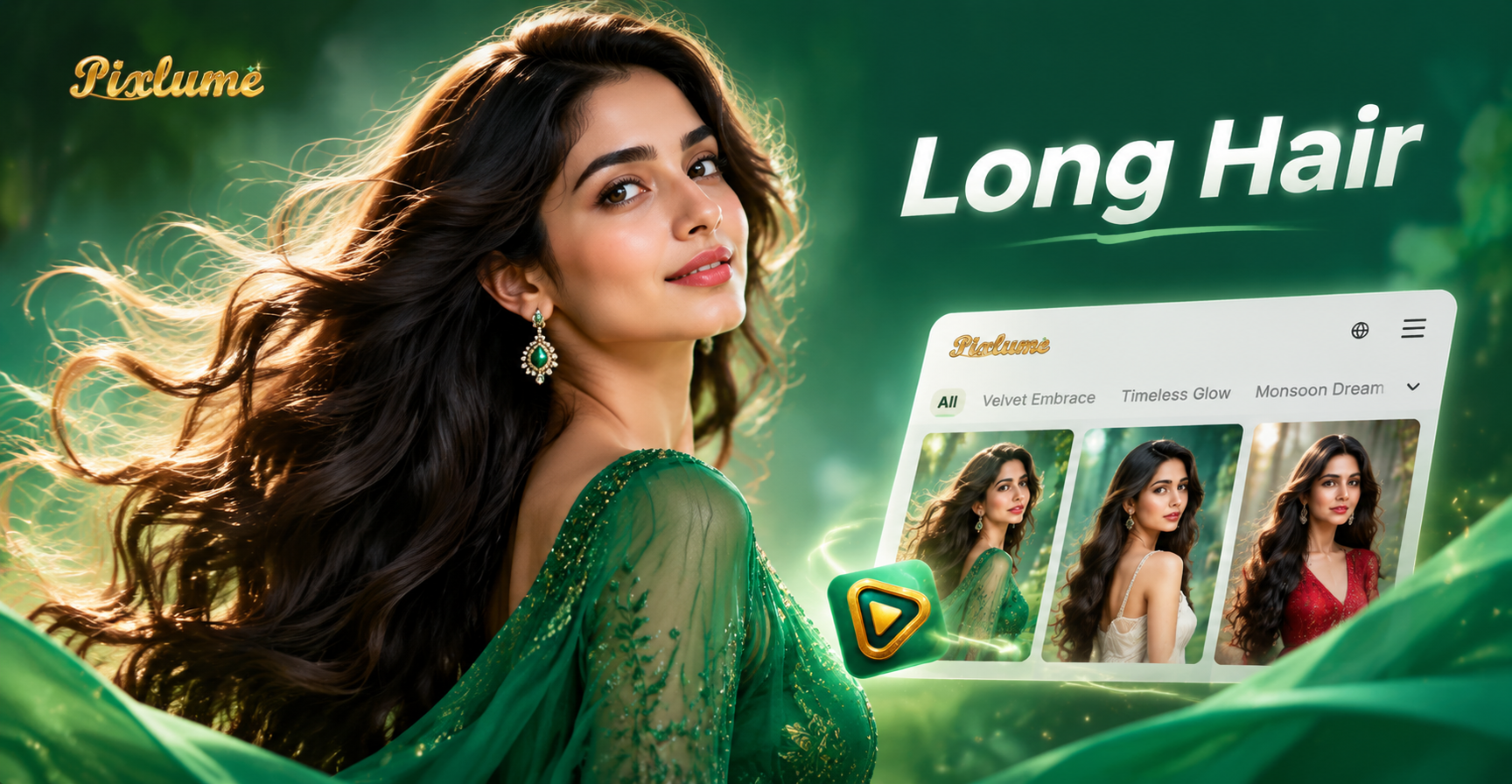
Long Hair Prompt: Generate Flowing Hairstyles Instantly
Create Mondrian Style Art with AI Prompts
Fruit Logo AI Prompt: Design Juicy Brand Marks in Minutes
Cat Illustration Prompt: 100+ Styles for AI Art
Long Hair Prompt: Generate Flowing Hairstyles Instantly
Ready to Generate Your Dream Gaming Room?
Download pixlume and turn AI gaming room image prompts into stunning interiors. Explore neon RGB setups, cozy loft spaces, cyberpunk dens, and more with one tap.
Ready to Generate Your Dream Gaming Room?
Download pixlume and turn AI gaming room image prompts into stunning interiors. Explore neon RGB setups, cozy loft spaces, cyberpunk dens, and more with one tap.