AI Minimalist Line Art Prompt
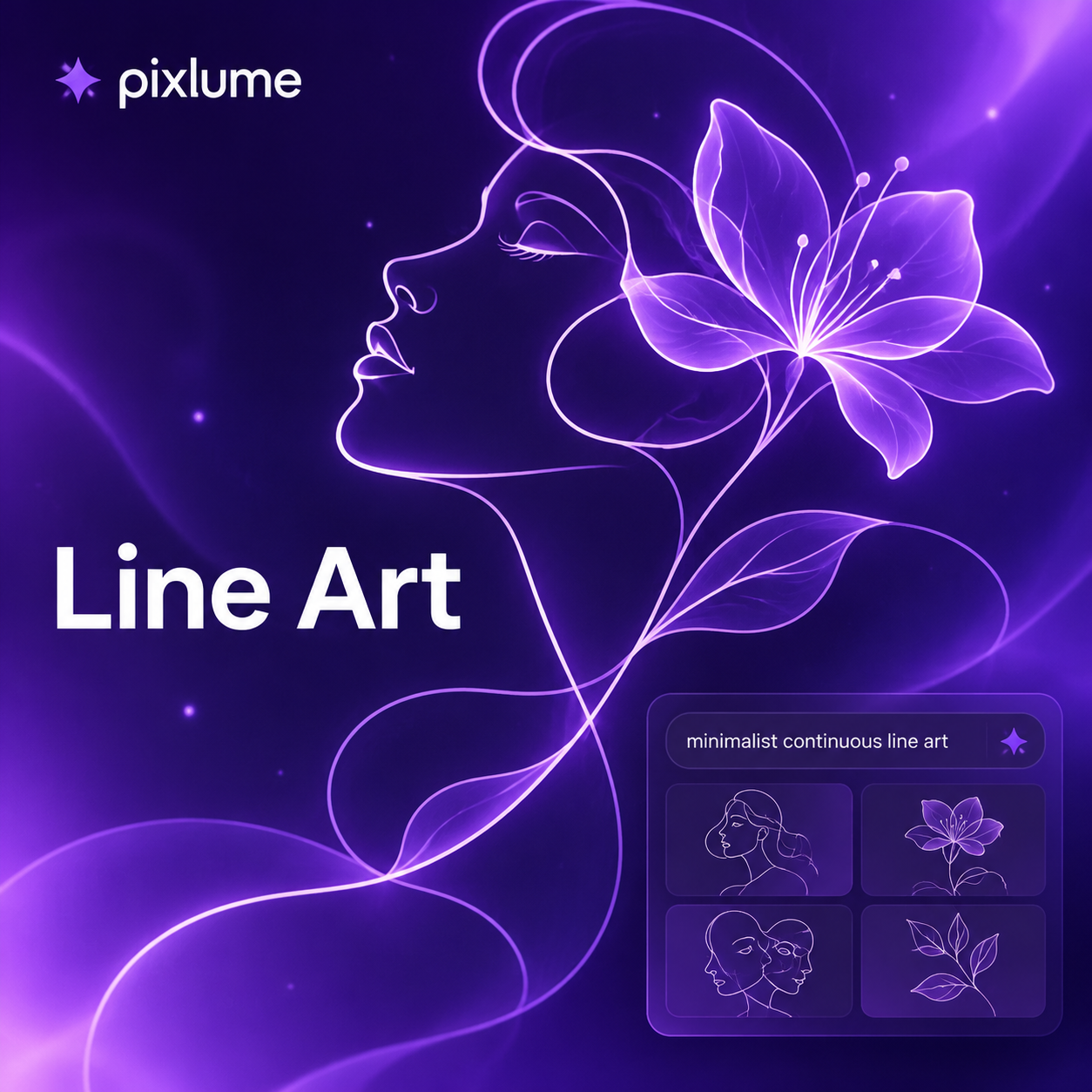


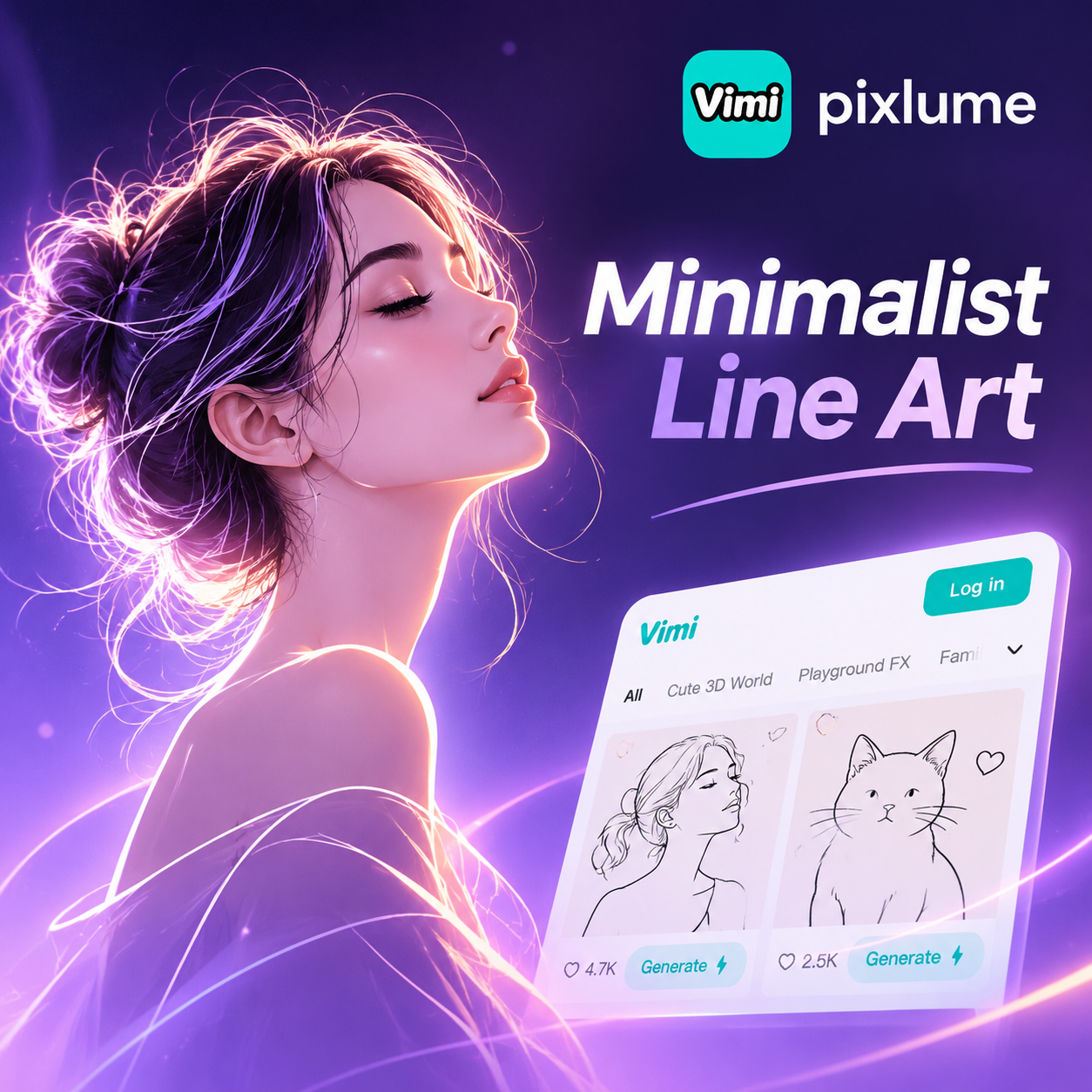
Line Art Styles That Match Your Creative Mood
From continuous one line portraits to delicate botanical sketches, find the perfect minimalist line art style template for your next creation.
Key Features of AI Minimalist Line Art Prompt Tool
Turn simple words into clean, gallery ready minimalist line art with pixlume. The platform combines powerful text to image generation with curated style templates so you can create elegant single line drawings, botanical art, and abstract portraits without any design experience.
Text to Image Line Art Generation
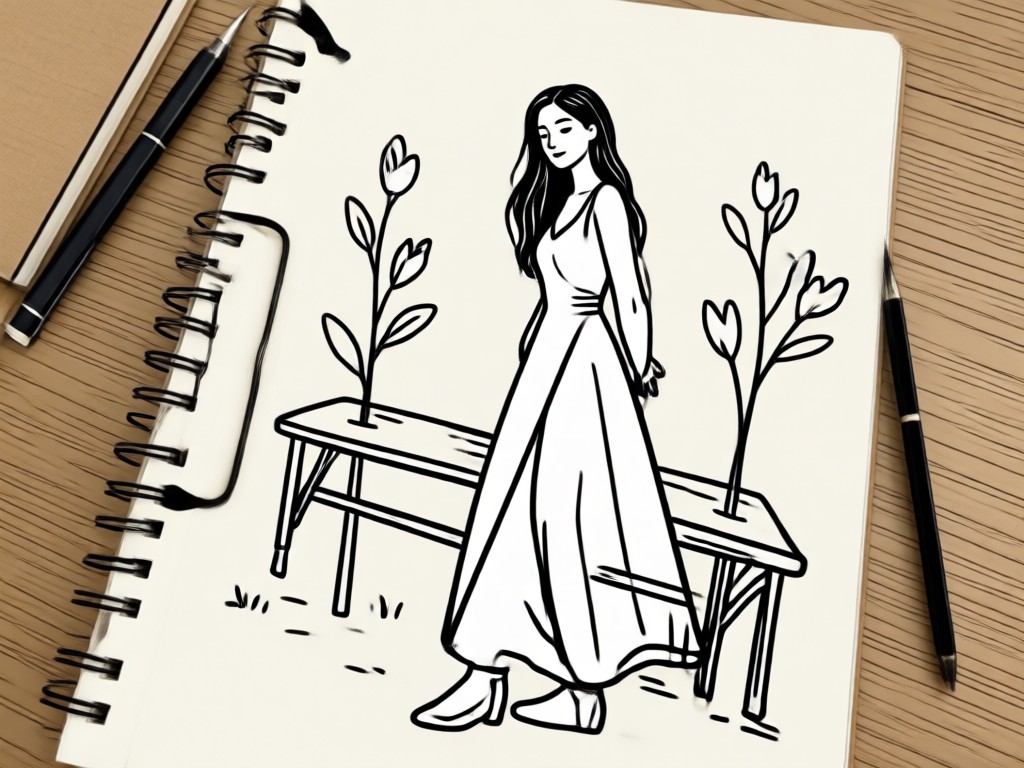
Type any description and watch pixlume transform it into a clean minimalist line drawing. From continuous face profiles to abstract shapes, the AI interprets your prompt with precision and artistic flair. No complex prompt engineering needed. Just write what you imagine and select a line art style template.
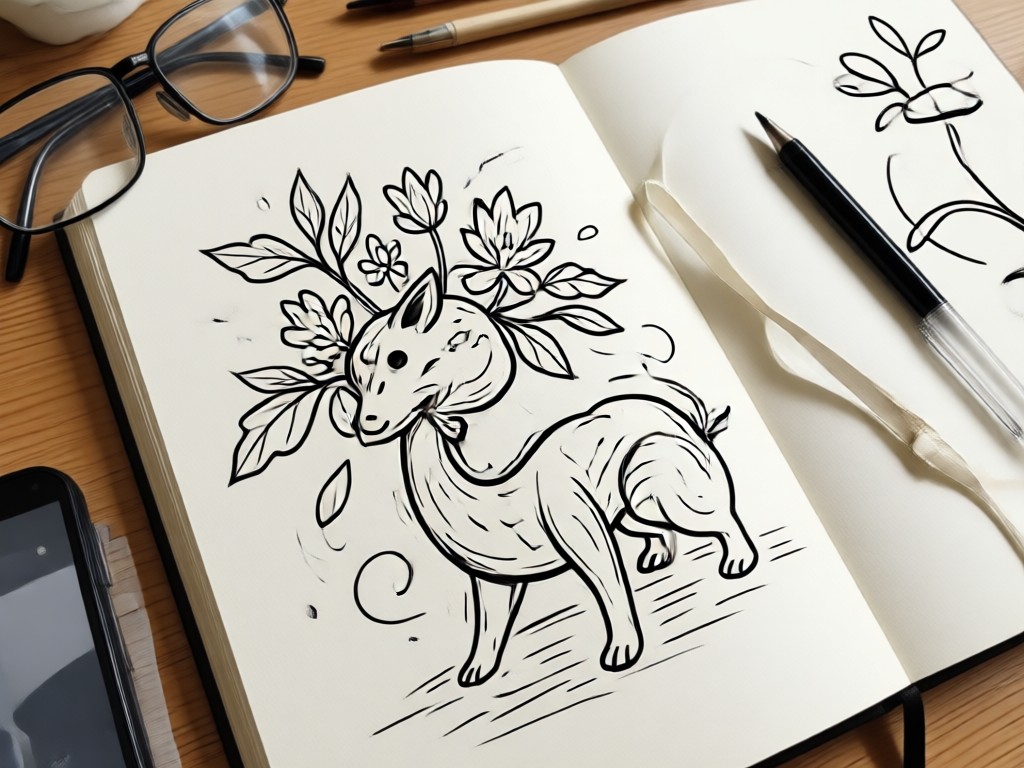
Photo to Line Art Style Transfer
Upload any photo and let AI convert it into an elegant one line drawing. Preserve the core subject while stripping away unnecessary detail. Perfect for turning portraits, pet photos, or product shots into refined minimalist artwork suitable for prints, logos, or social media posts.
High Resolution Clean Output
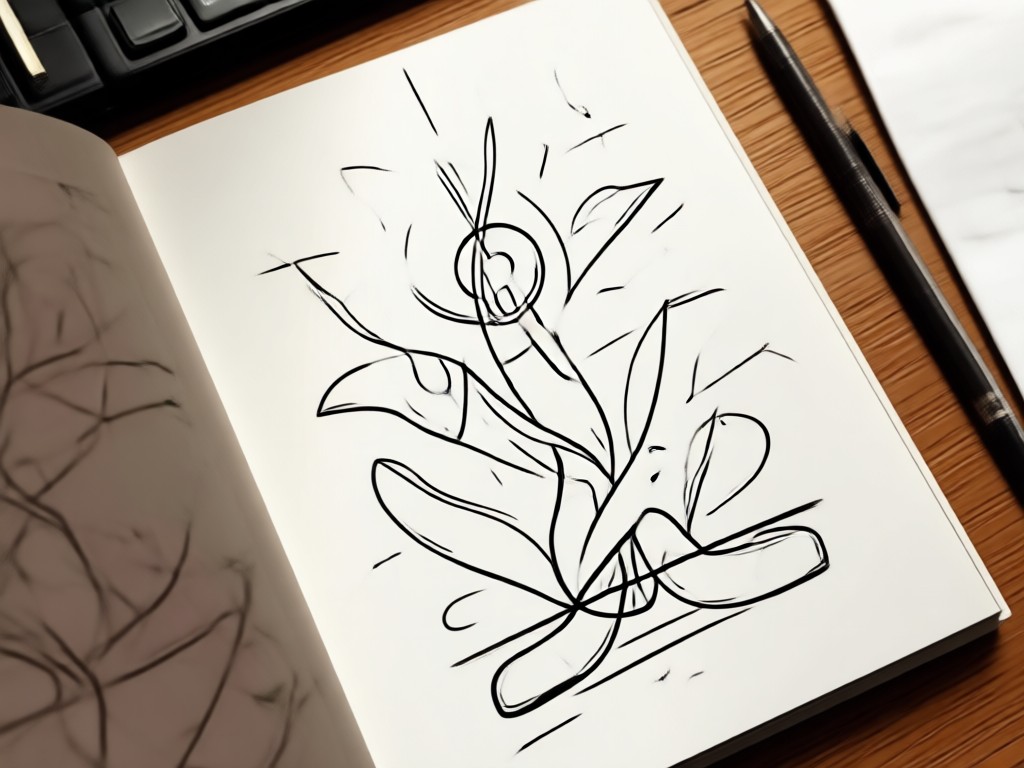
Every generated line art image is crisp, high resolution, and print ready. Adjust line weight, contrast, and background tone before exporting. Whether you need transparent backgrounds for logos or textured paper tones for wall art, pixlume gives you full control over the final minimalist look.
Explore AI Minimalist Line Art Creations
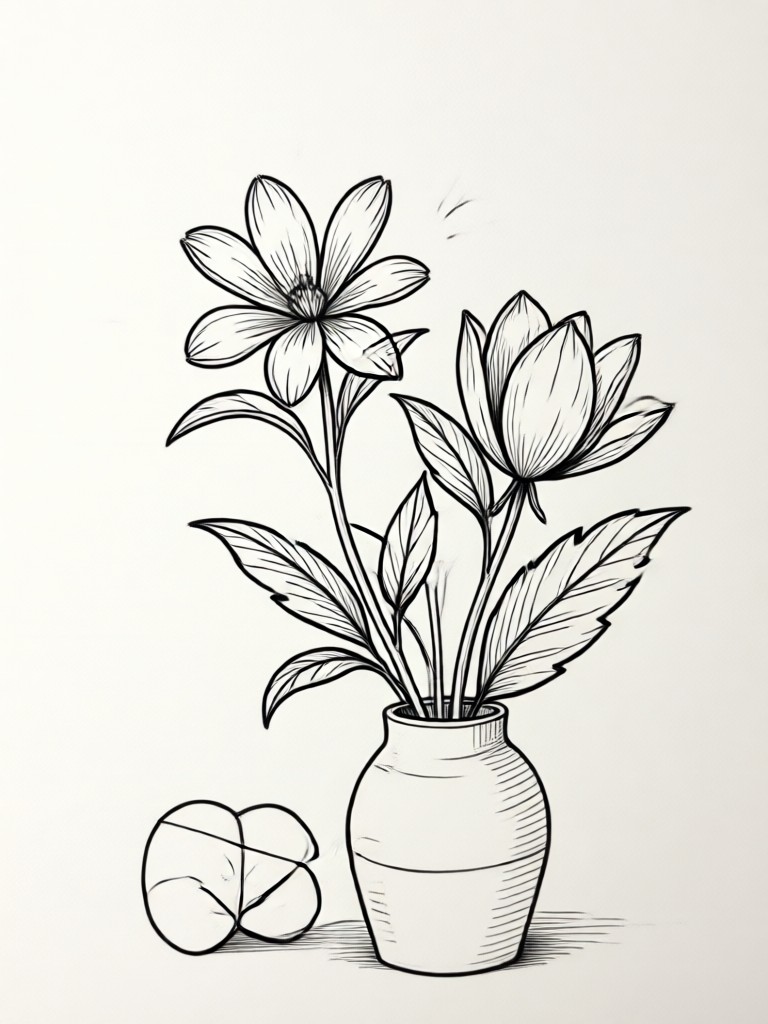
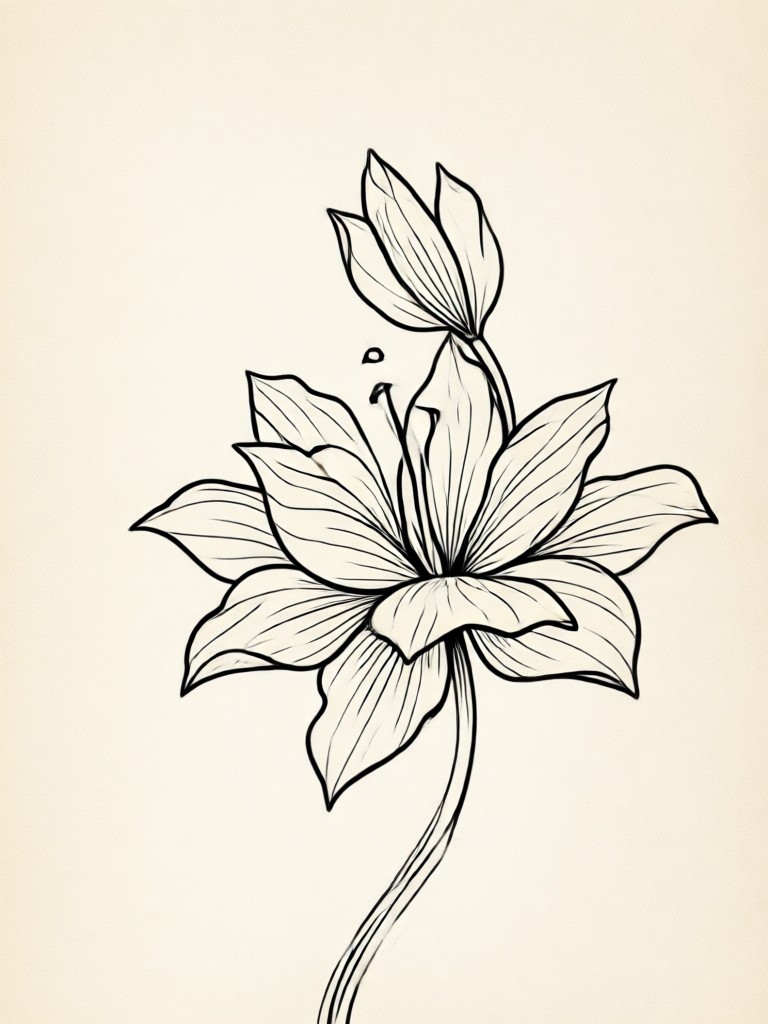
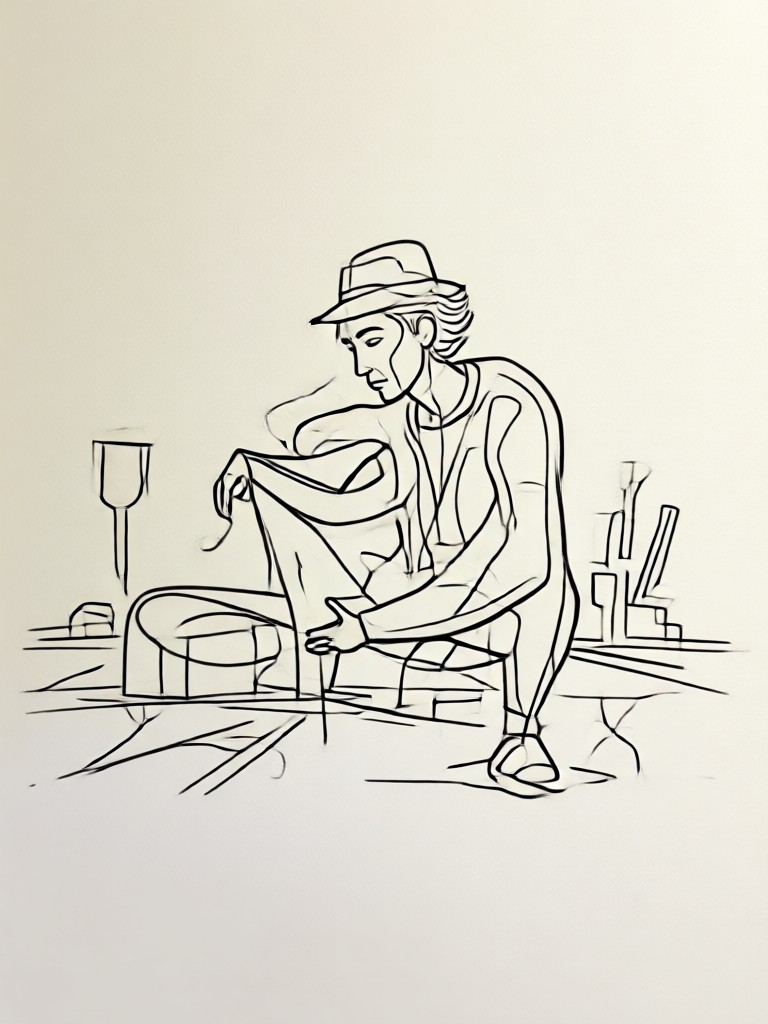
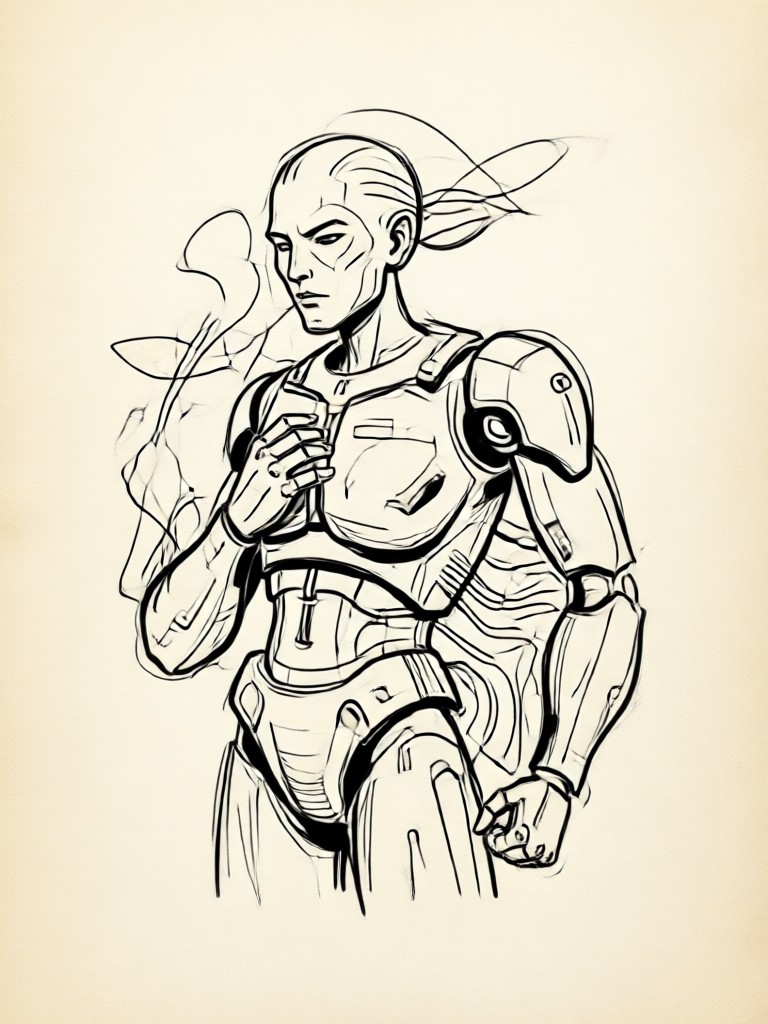
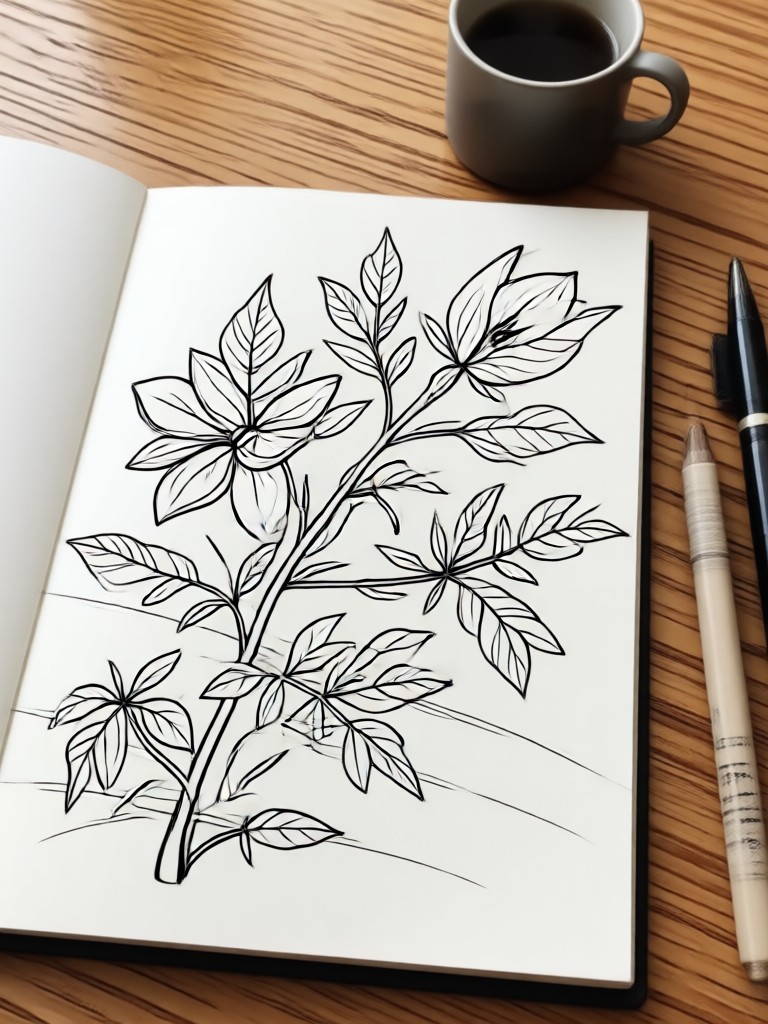
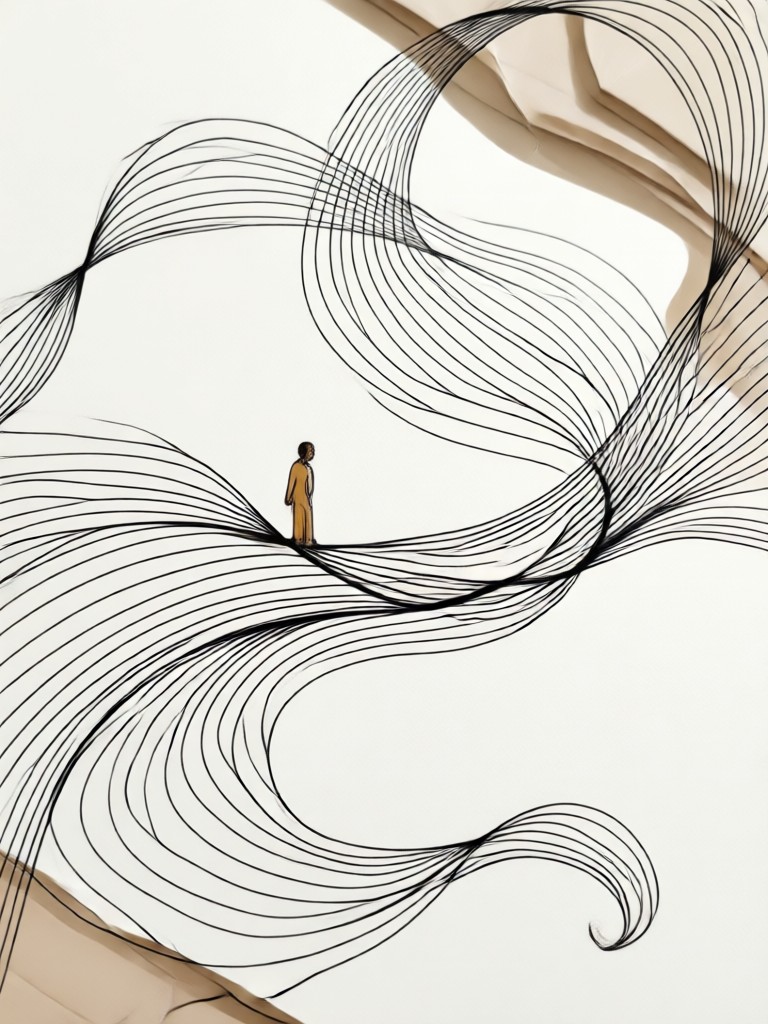
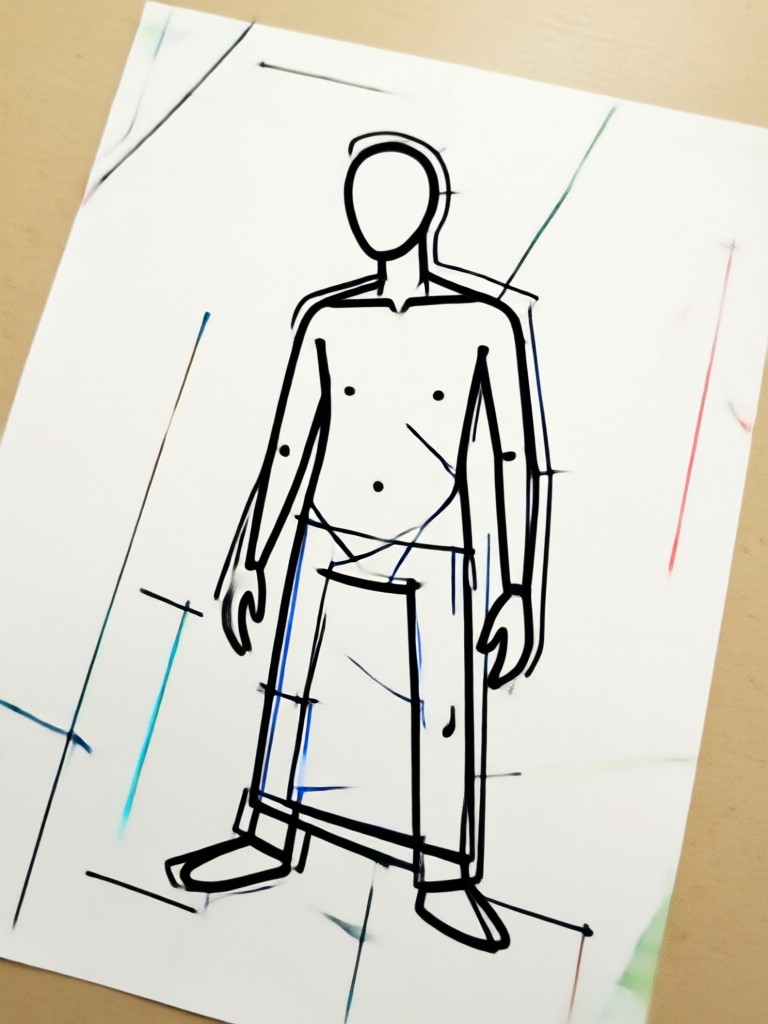
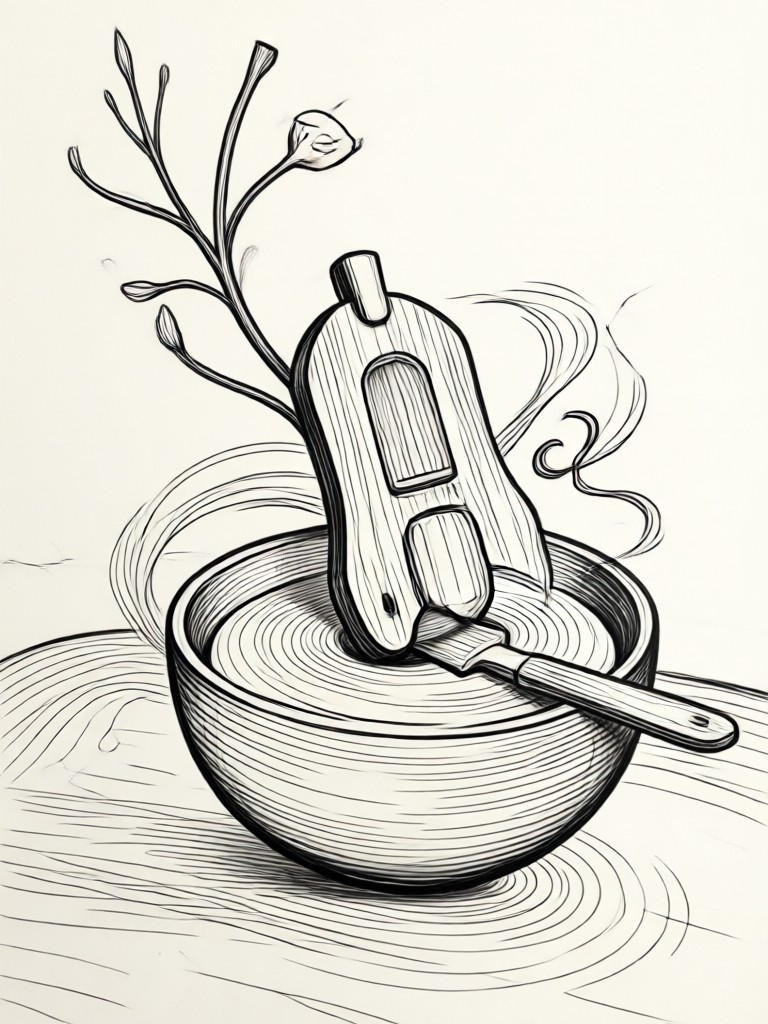
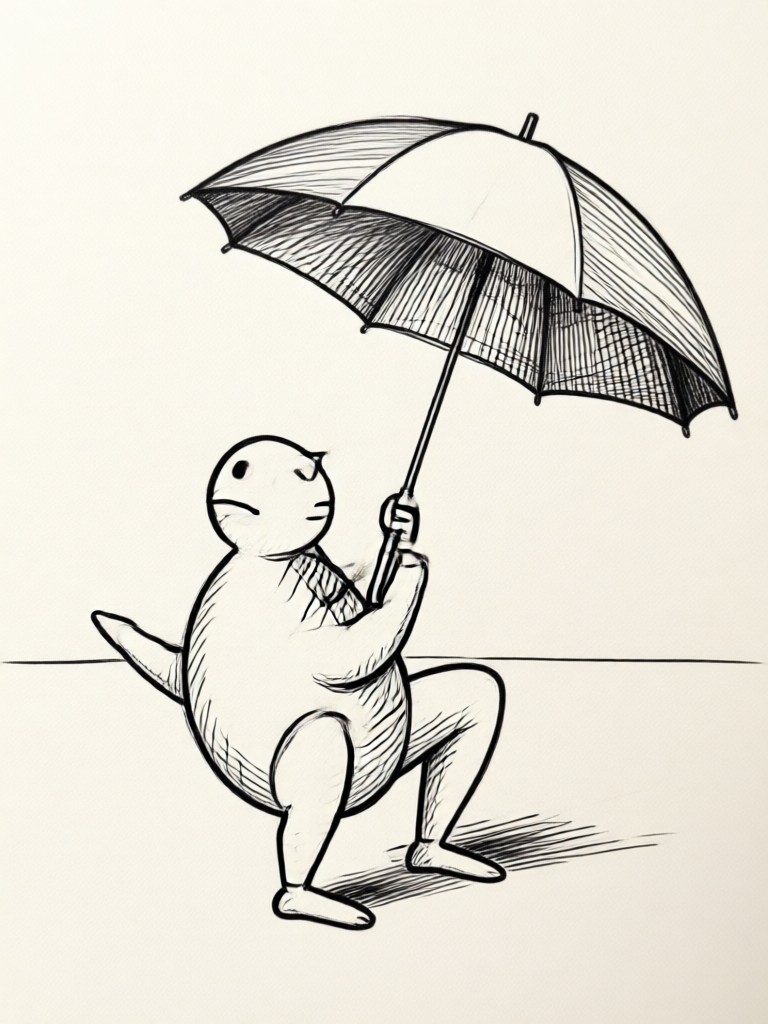
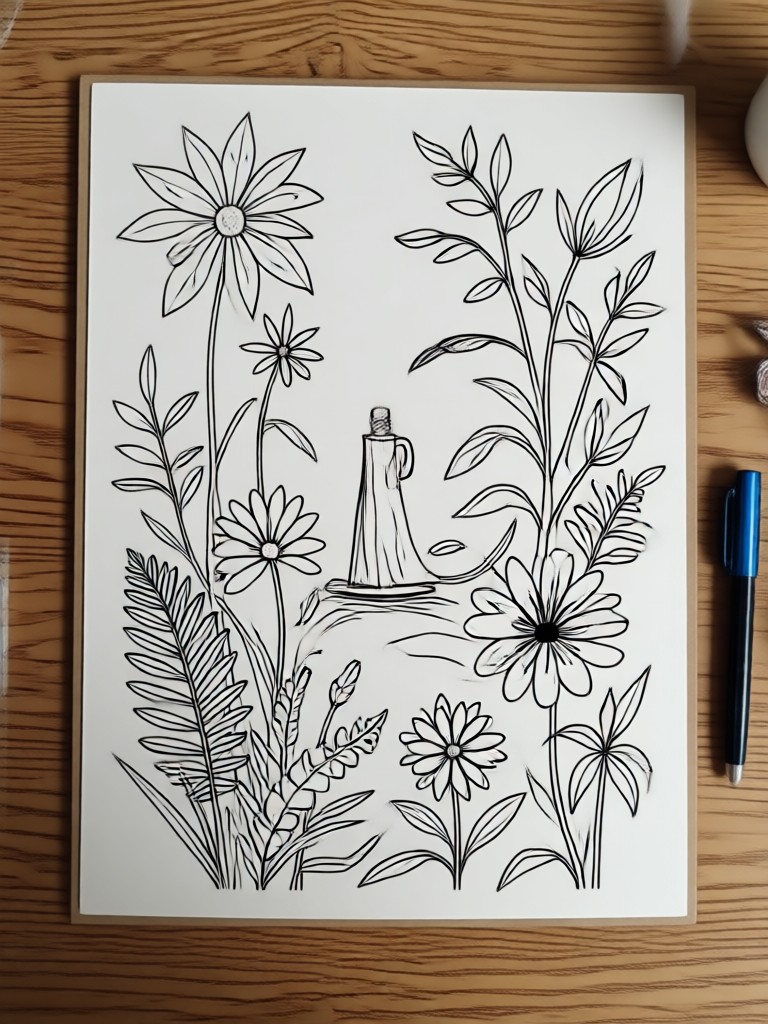
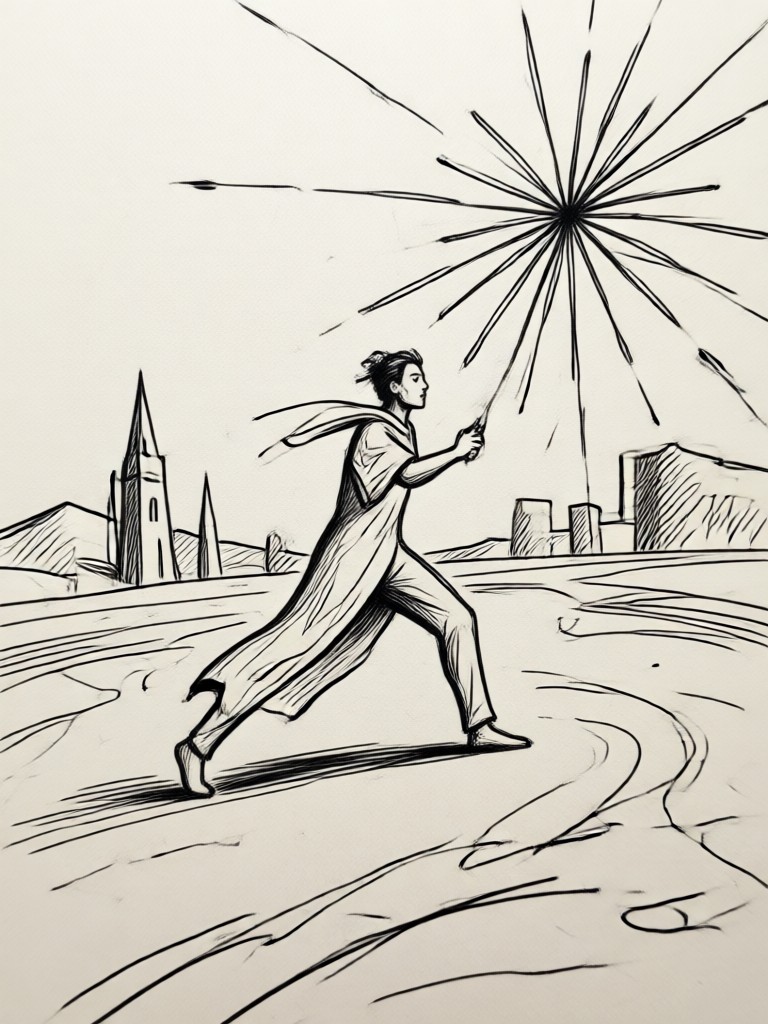
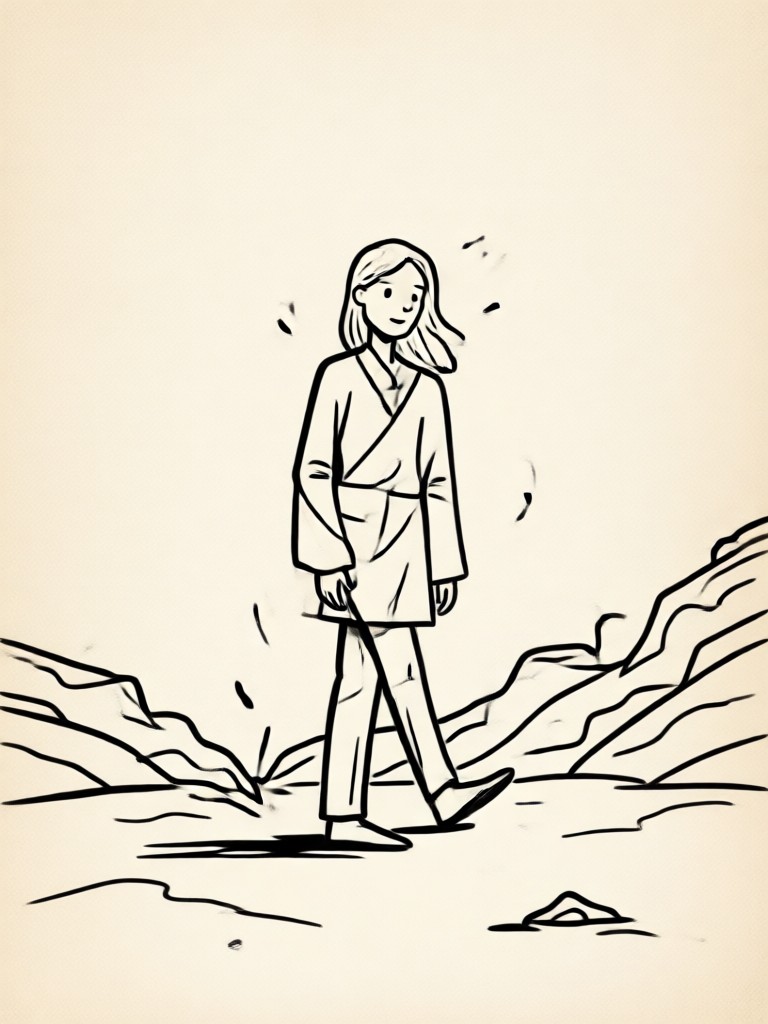
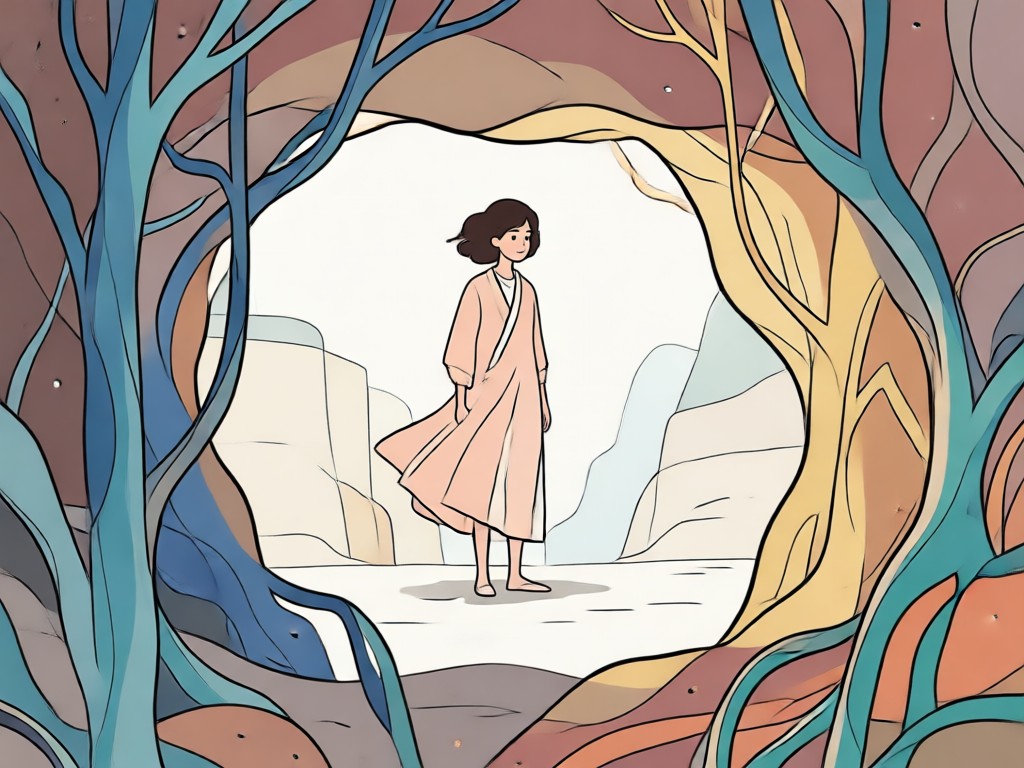
Browse a curated collection of AI generated minimalist line art made with pixlume. From single line face drawings to botanical compositions and abstract forms, discover the creative possibilities waiting inside a simple text prompt.
Why Choose pixlume for Minimalist Line Art Prompts
Most AI generators produce cluttered, overly detailed results. pixlume focuses on clean, intentional line work. The curated minimalist style templates are trained on refined aesthetic principles, so every prompt produces gallery worthy one line art, botanical sketches, or abstract portraits. You get consistently elegant output without spending hours on prompt tweaking.
How to Create AI Minimalist Line Art?
Turn a simple text prompt into clean minimalist line art in three easy steps using pixlume.
Step 01.
Download the pixlume app from Google Play and open it on your mobile device. The interface is designed for instant creative work with no learning curve.
Step 02.
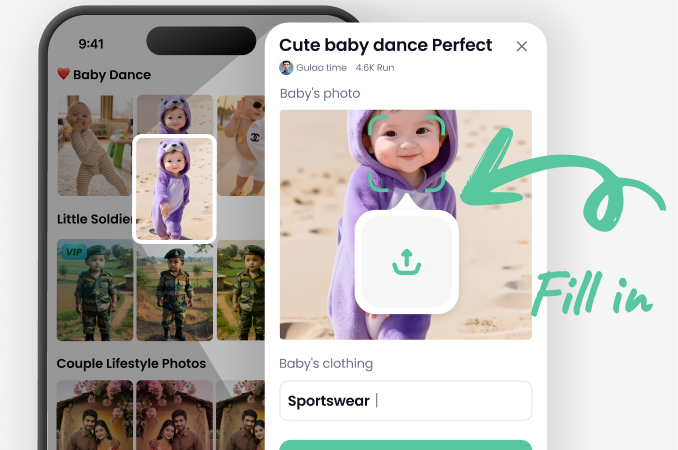
Type your minimalist line art prompt or upload a photo to transform. Browse through curated line art style templates and pick the one that matches your vision.
Step 03.
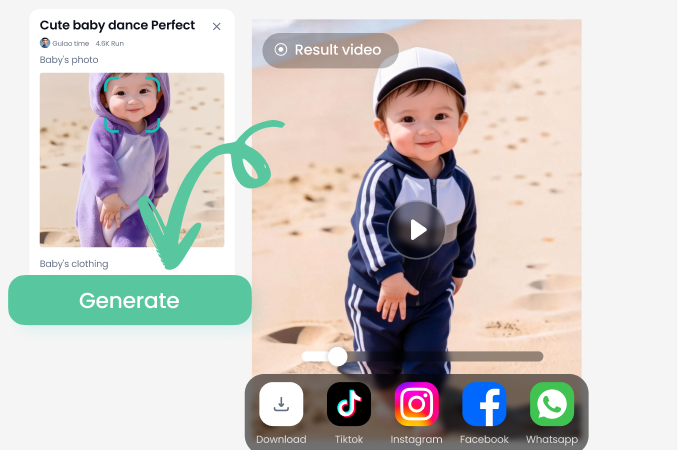
Generate your line art image in seconds. Adjust line weight or contrast if needed, then download and share your minimalist artwork on social media or print it.
Frequently Asked Questions
Find clear answers to common questions about AI minimalist line art prompts and how to get the best results with pixlume.
Who Uses AI Minimalist Line Art Prompts

Sarah Kim
I use pixlume to draft minimalist line art concepts for tattoo clients. The AI understands my prompts so well that we can lock in a design direction in minutes instead of days.
Marcus Rivera
The botanical line art prompts are incredible. I generate clean logo concepts and packaging illustrations for my natural skincare clients. The output is always print ready.

Elena Torres
I love creating one line face portraits for my Instagram feed. Each prompt gives me a unique minimalist piece that feels hand drawn. My engagement has doubled since I started sharing these.
James Whitfield
I generate minimalist line art landscapes to print and frame for my apartment. The abstract mountain and sun pieces look like they came from a gallery. So easy to use.
Sarah Kim
I use pixlume to draft minimalist line art concepts for tattoo clients. The AI understands my prompts so well that we can lock in a design direction in minutes instead of days.
Marcus Rivera
The botanical line art prompts are incredible. I generate clean logo concepts and packaging illustrations for my natural skincare clients. The output is always print ready.
Elena Torres
I love creating one line face portraits for my Instagram feed. Each prompt gives me a unique minimalist piece that feels hand drawn. My engagement has doubled since I started sharing these.
James Whitfield
I generate minimalist line art landscapes to print and frame for my apartment. The abstract mountain and sun pieces look like they came from a gallery. So easy to use.
More Topics You May Like
Explore more AI art topics and discover fresh prompt ideas tailored to your creative interests.

AI Gaming Room Image Prompt: Build Your Dream Setup
Create Mondrian Style Art with AI Prompts
Fruit Logo AI Prompt: Design Juicy Brand Marks in Minutes
Cat Illustration Prompt: 100+ Styles for AI Art
AI Gaming Room Image Prompt: Build Your Dream Setup
Create Mondrian Style Art with AI Prompts
Fruit Logo AI Prompt: Design Juicy Brand Marks in Minutes
Cat Illustration Prompt: 100+ Styles for AI Art
Create Minimalist Line Art With One Simple Prompt
Download pixlume from Google Play and start turning text into elegant one line drawings, botanical sketches, and abstract portraits today. No design skills required.

Create Minimalist Line Art With One Simple Prompt
Download pixlume from Google Play and start turning text into elegant one line drawings, botanical sketches, and abstract portraits today. No design skills required.