Remove Acne Prompts
Cute Figurine


Why These Acne Removal Prompts Work
Effective prompts combine skin texture rules, lighting references, and realism commands. These remove acne prompts are structured to clear imperfections without producing a plastic or over-smoothed look.
Smart Blemish Detection
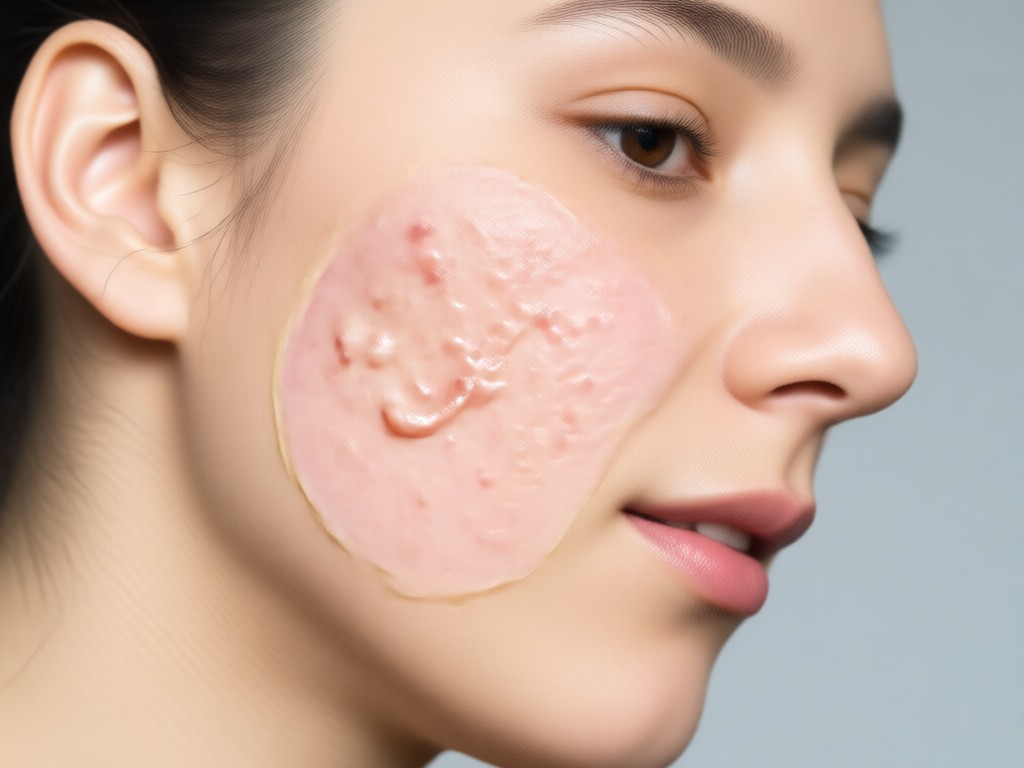
The AI identifies active pimples, scars, and dark spots separately from natural features like moles or freckles, keeping your face recognizable while clearing problem areas.
Smart Blemish Detection
The AI identifies active pimples, scars, and dark spots separately from natural features like moles or freckles, keeping your face recognizable while clearing problem areas.
Realistic Skin Texture
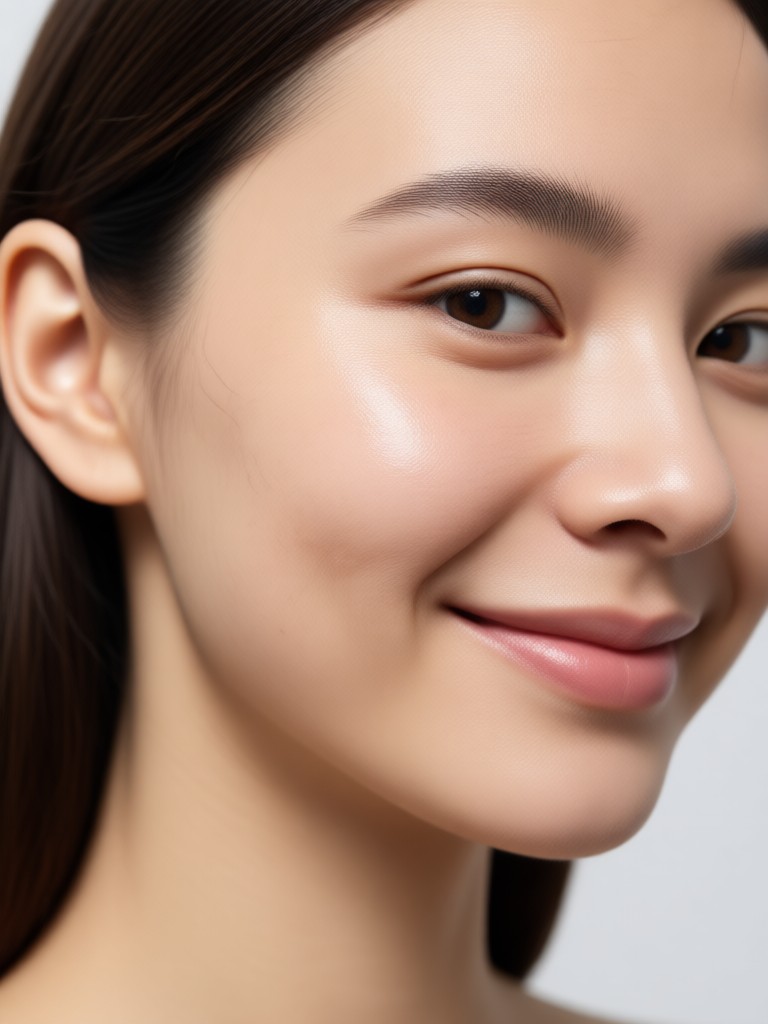
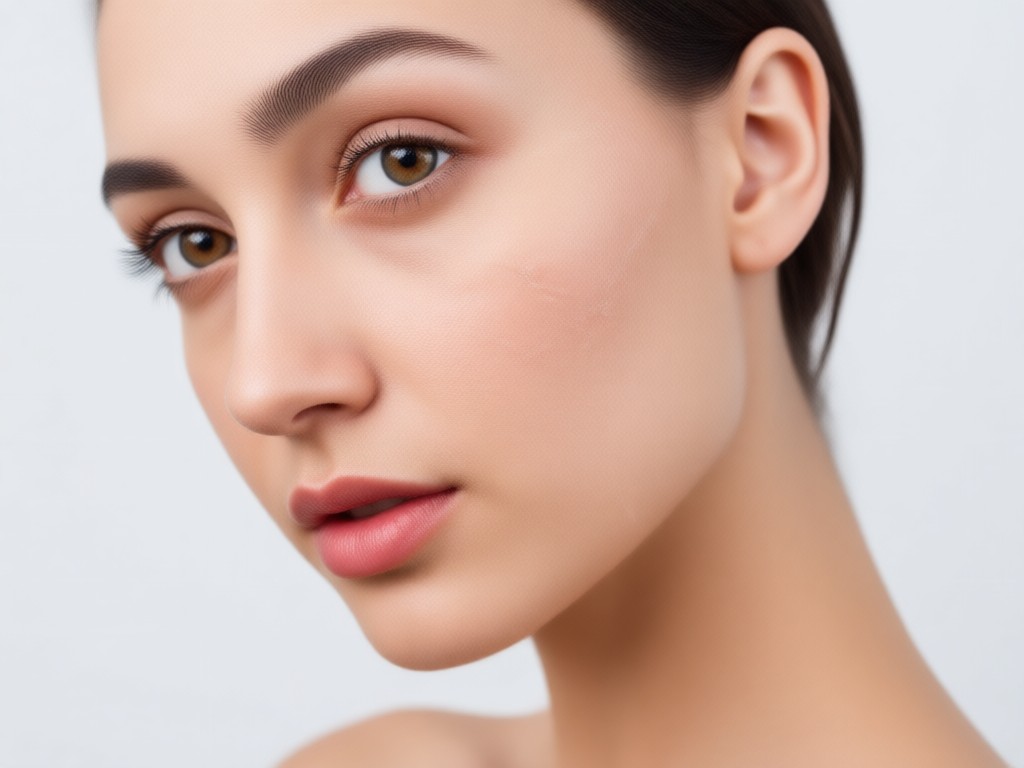
Skin smoothing prompts preserve micro texture instead of blurring everything away. You get an even complexion that still looks like a photo, not a cartoon.
Realistic Skin Texture
Skin smoothing prompts preserve micro texture instead of blurring everything away. You get an even complexion that still looks like a photo, not a cartoon.
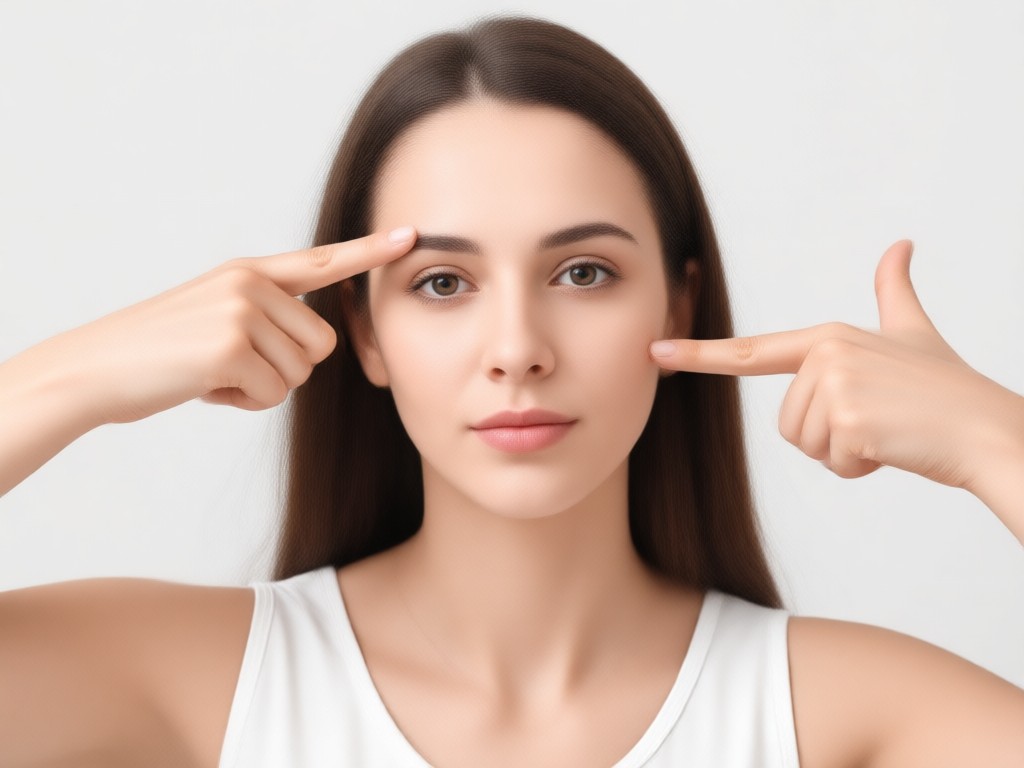
Tone and Tone Correction
Prompts can also balance redness and post-inflammatory hyperpigmentation, giving you a calm, bright skin tone that photographs beautifully in any light.
Tone and Tone Correction
Prompts can also balance redness and post-inflammatory hyperpigmentation, giving you a calm, bright skin tone that photographs beautifully in any light.
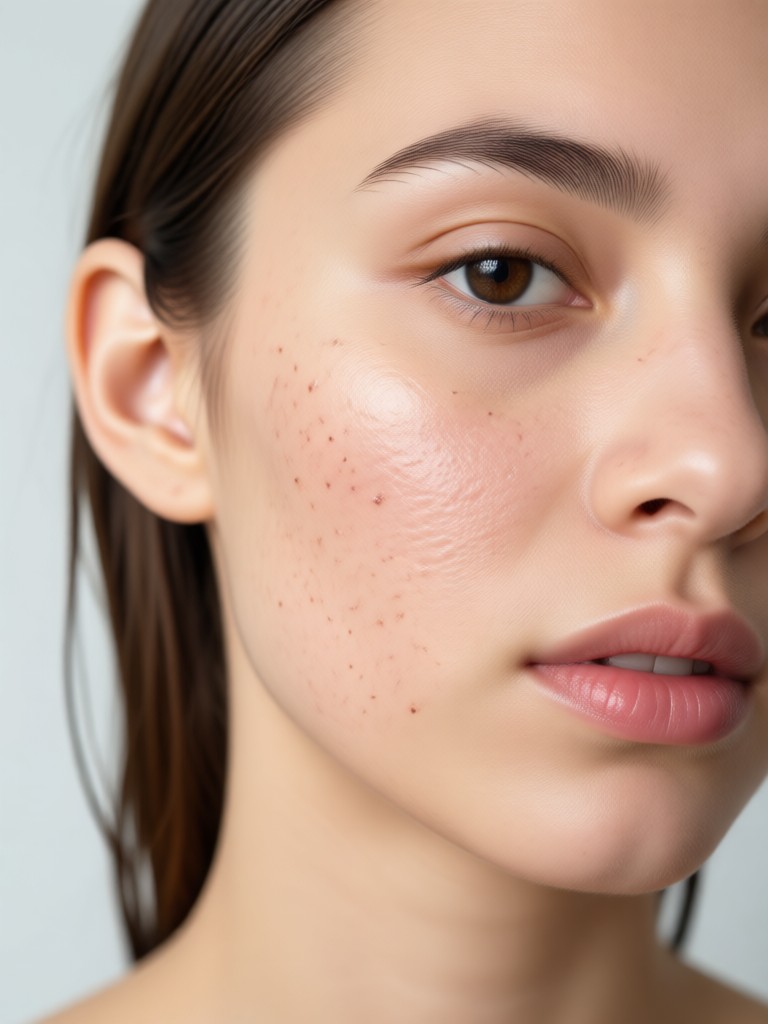
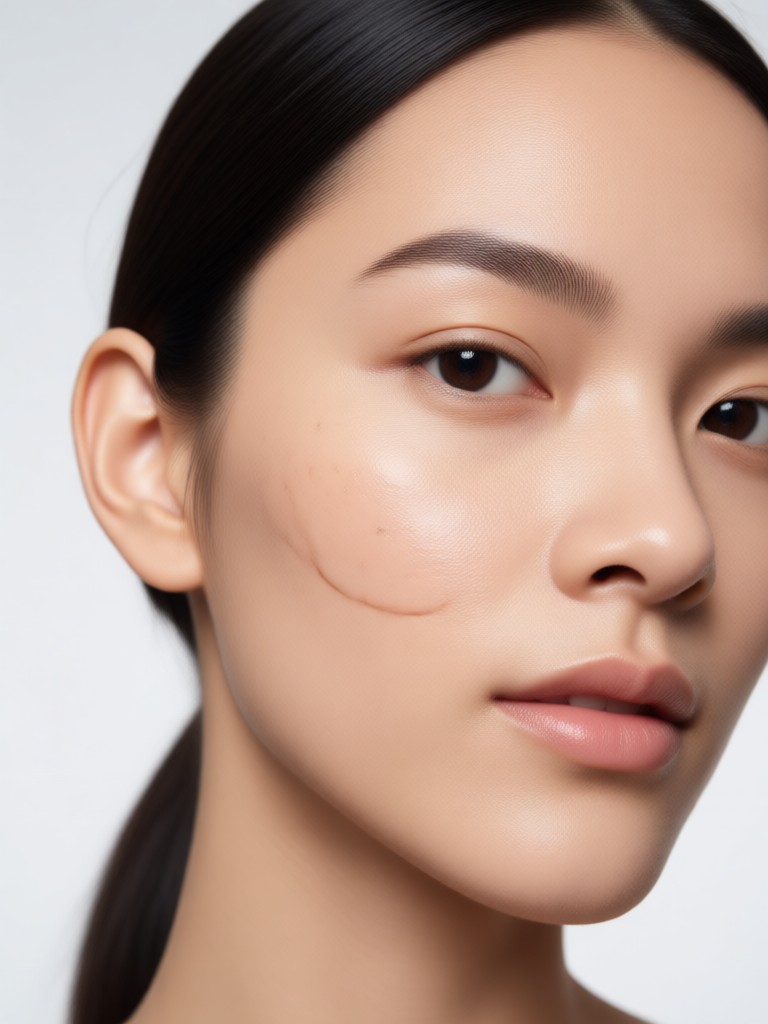
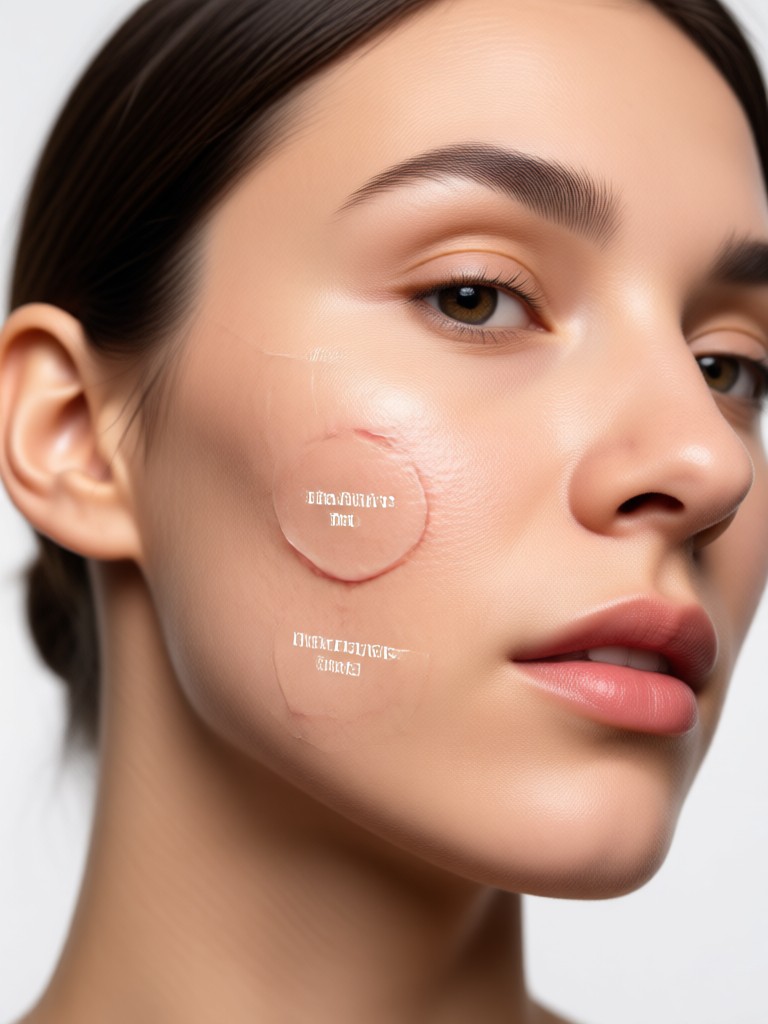
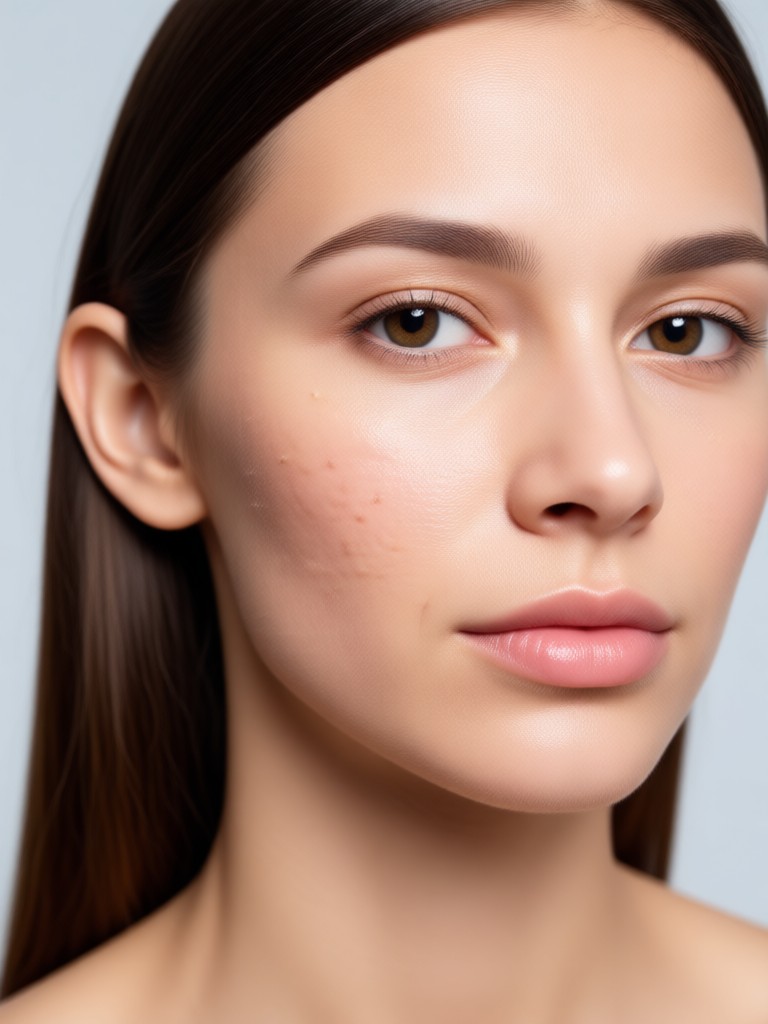
Skin Clearing Results You Can Expect
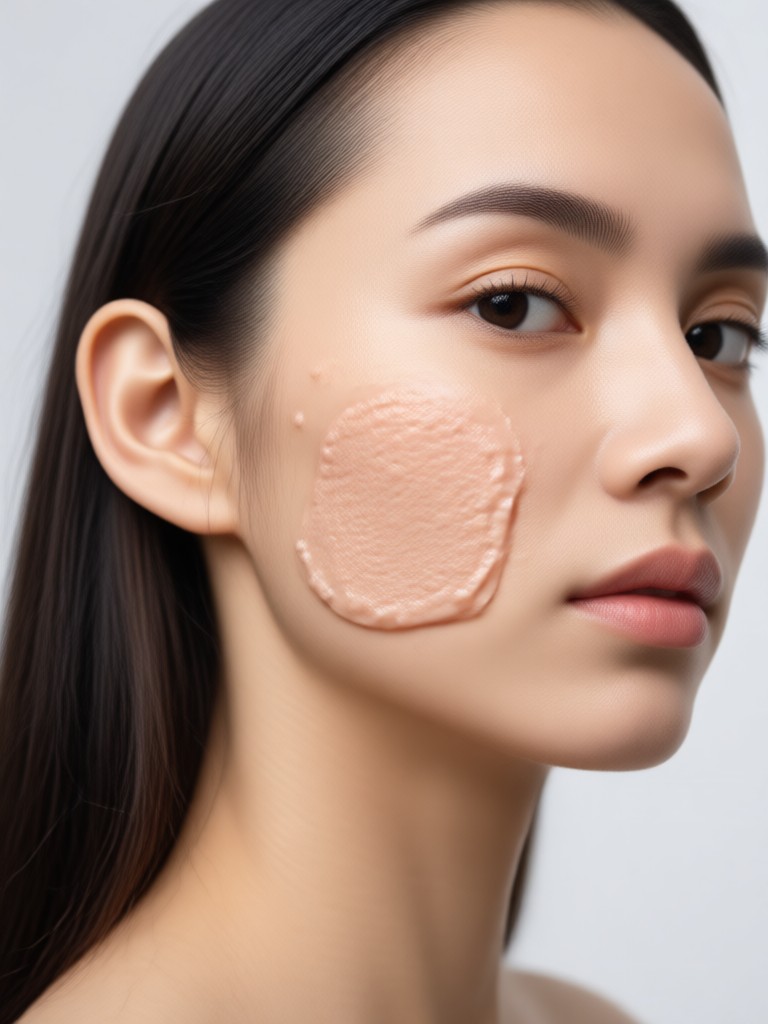
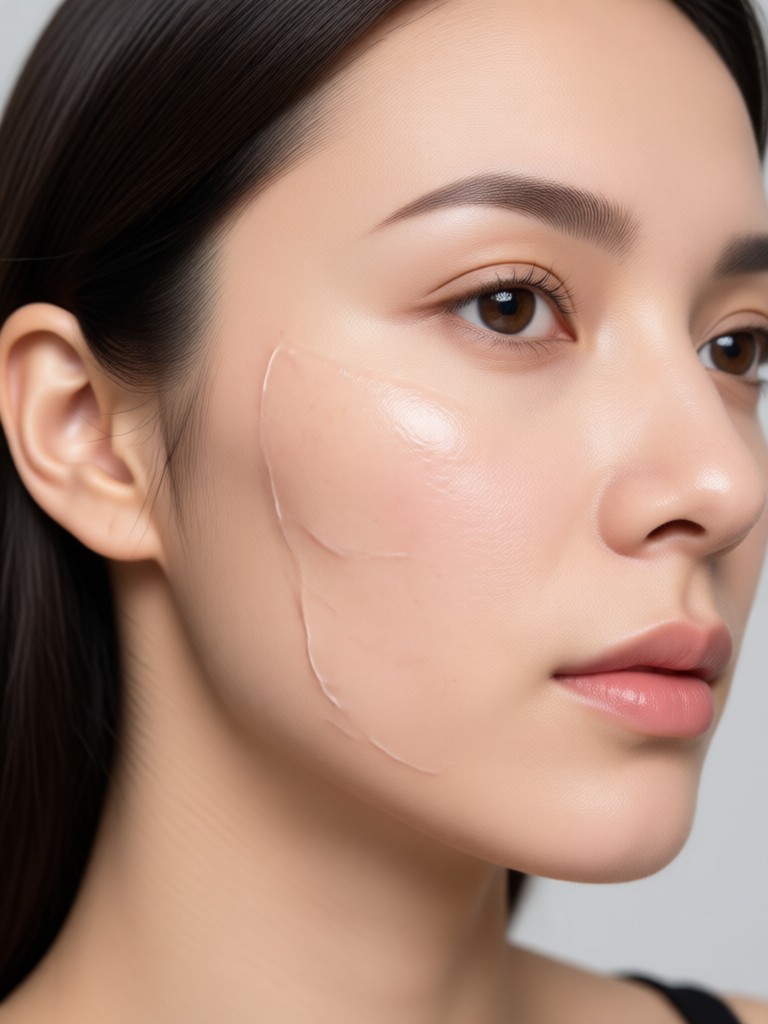
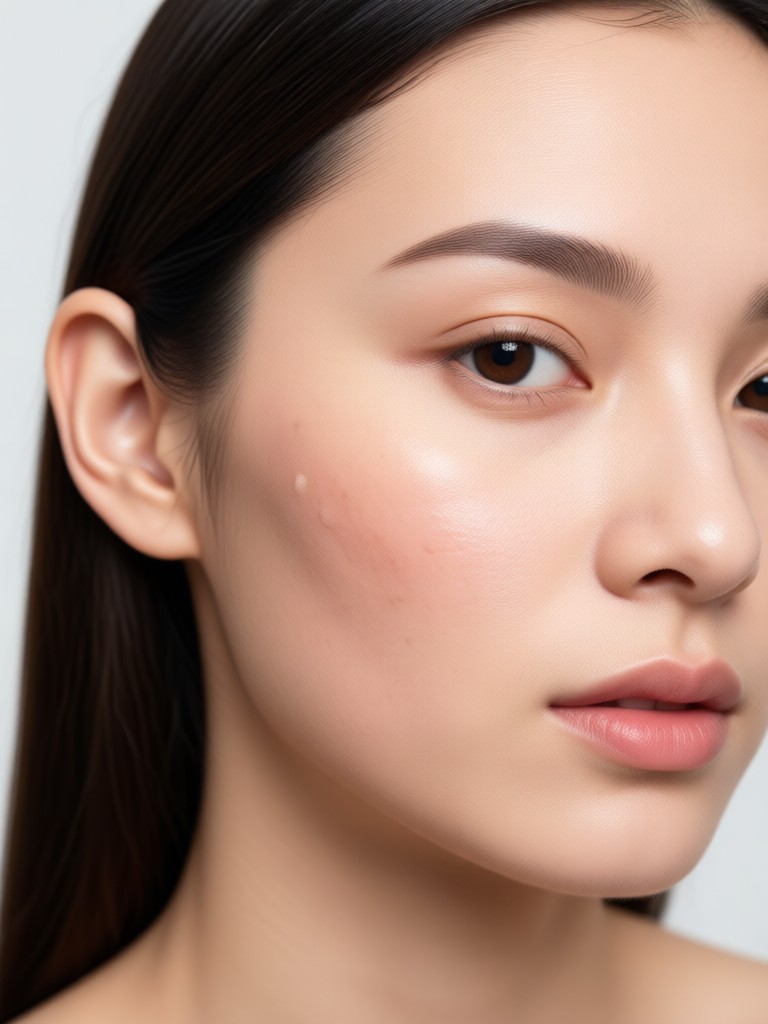
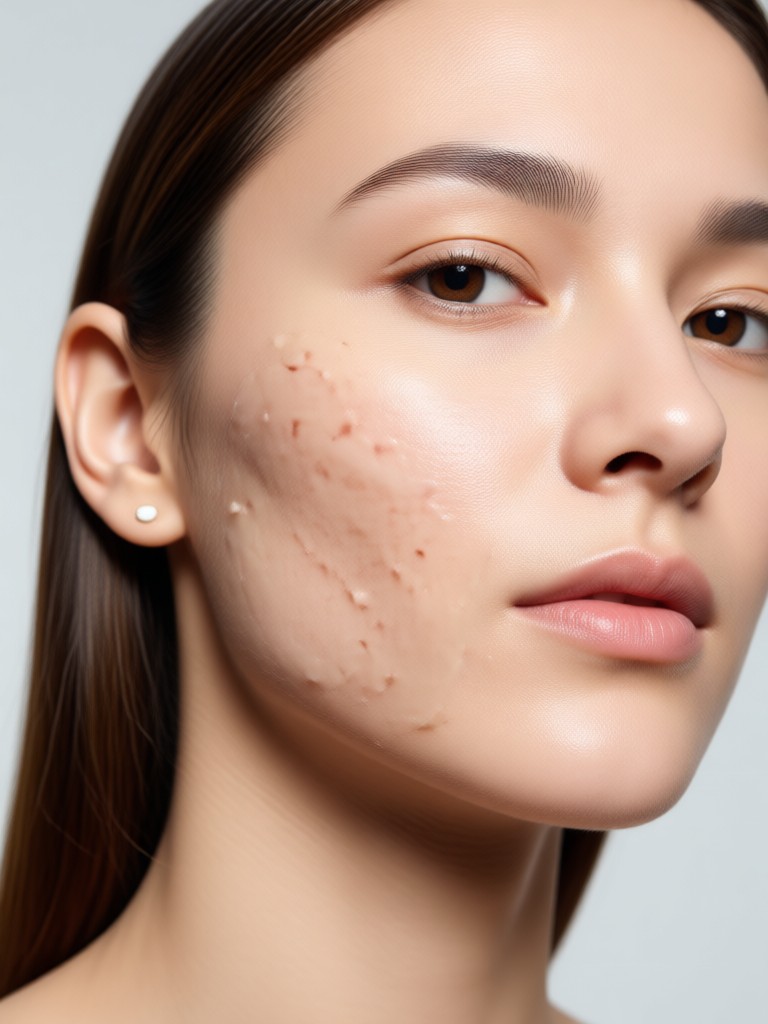
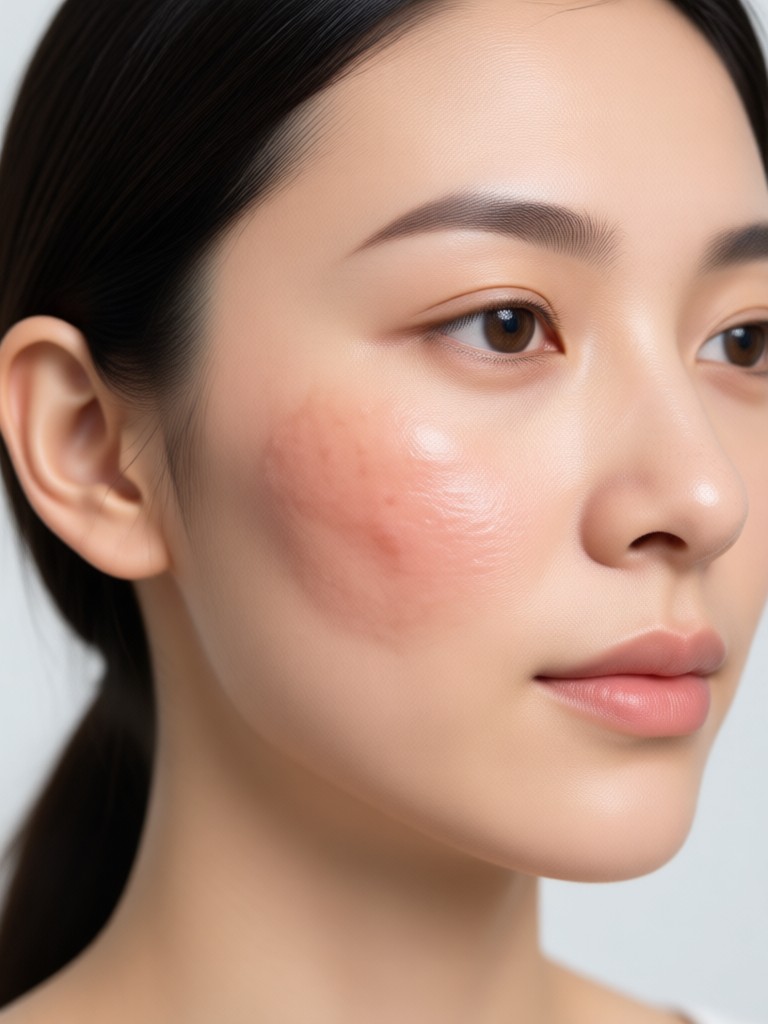
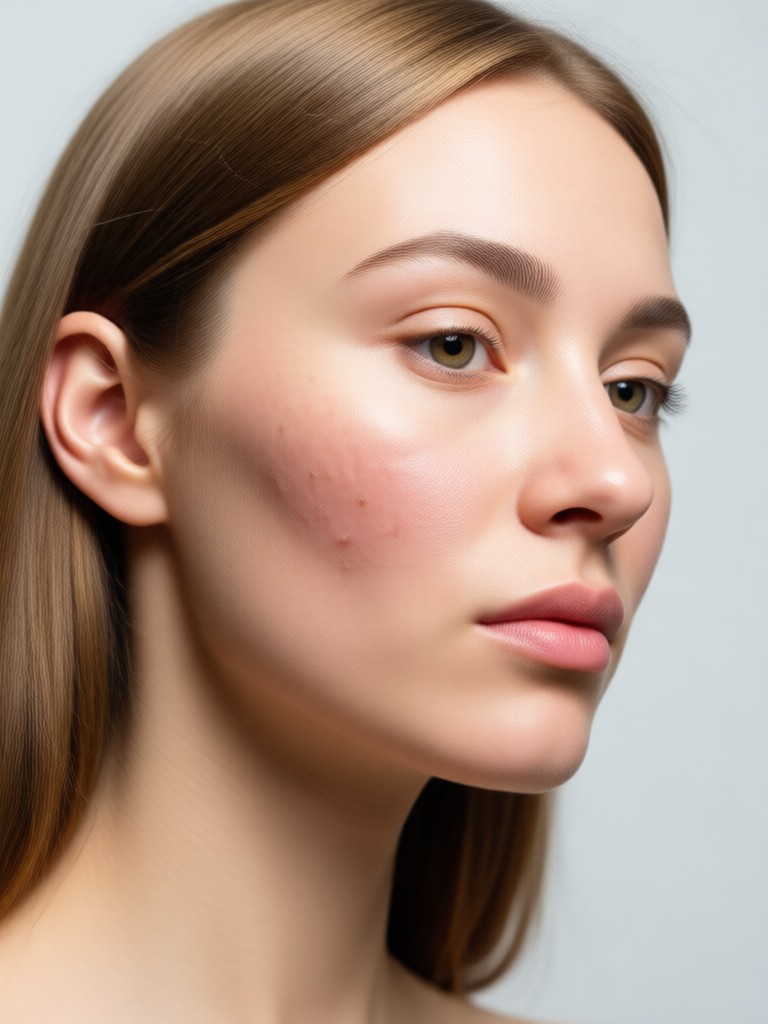
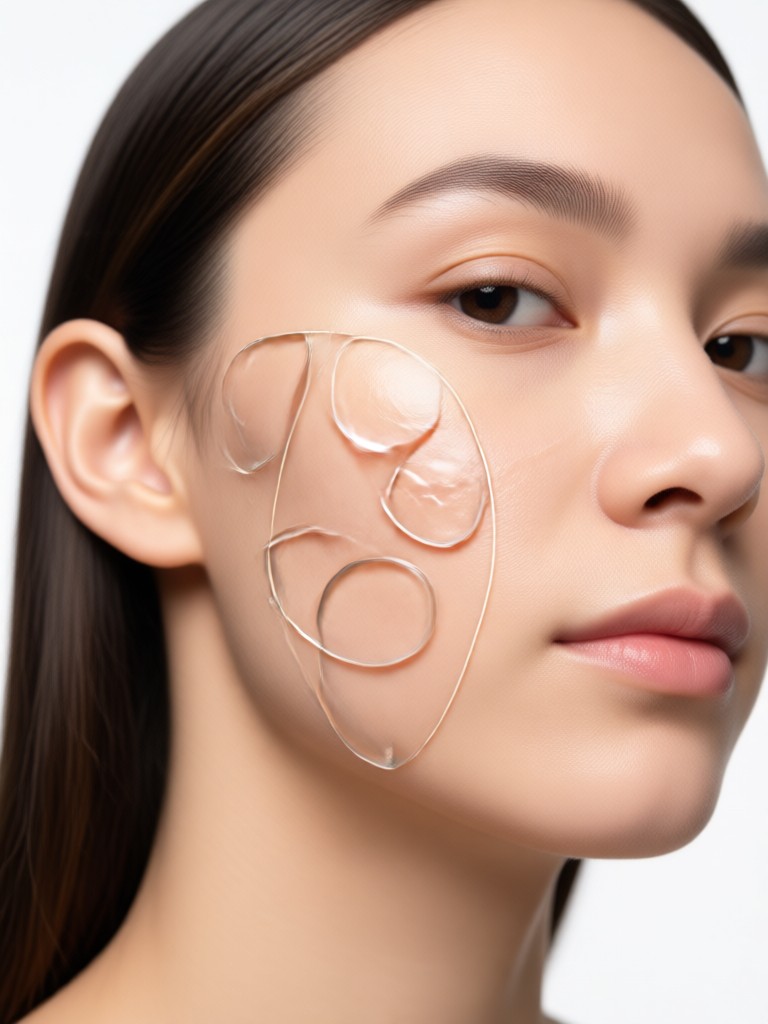
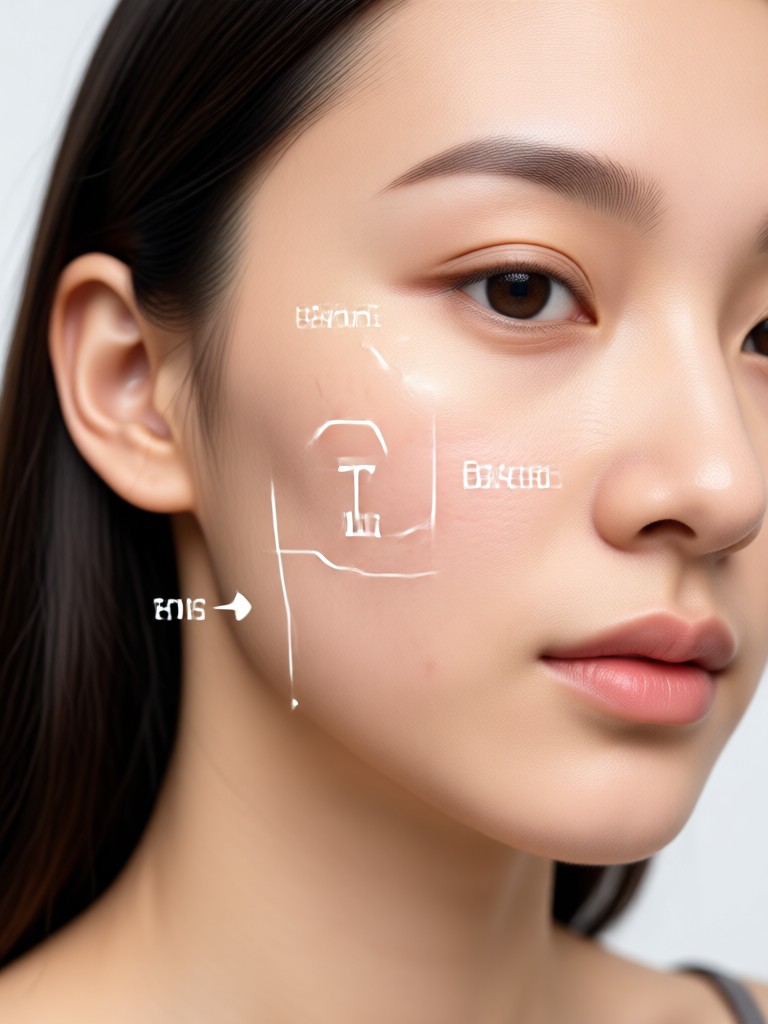
These transformations show how remove acne prompts handle different skin types, lighting conditions, and blemish patterns. Upload your own photo and use a prompt that matches your goal.
How to Use Remove Acne Prompts in pixlume
Clear your skin in three quick steps. The app handles the heavy lifting, so you simply choose a prompt and let the AI do the retouching.

Step 01.
Download the pixlume app and upload a clear photo of yourself or the portrait you want to retouch.
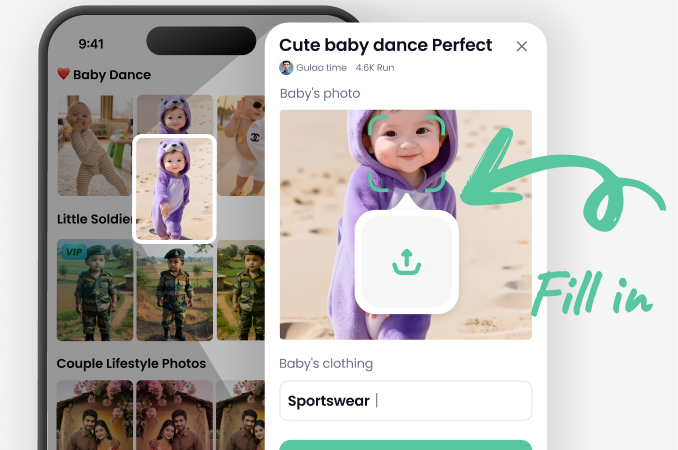
Step 02.
Type or paste one of the remove acne prompts above into the prompt bar. Adjust wording if you want stronger or more subtle retouching.
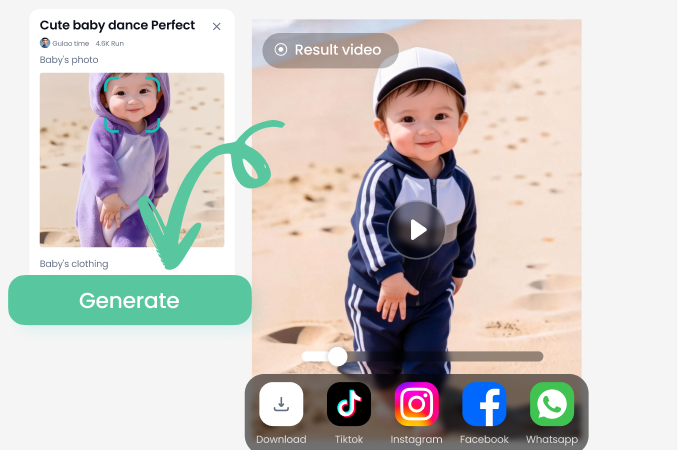
Step 03.
Generate your image, review the skin texture, and download the final high quality result to share anywhere.
What Users Say About Skin Clearing Prompts
Best natural retouch I have tried
I have tried other apps that make my face look like a wax figure. These acne removal prompts kept my texture and made my skin look healthy. It sold me on the app.
Fast and realistic skin clearing
I used the pore minimizing prompt on a photo with active breakouts. The result looked like I had just finished a dermatologist facial. No plastic feel at all.
My selfies finally look how I feel
Redness and scar smoothing prompts are my go to. The AI is very good at distinguishing what to remove and what to keep. I use it before posting every profile photo.
Frequently Asked Questions About Acne Prompts
Get clear answers about how skin clearing prompts work, how to adjust intensity, and what results to expect in the pixlume app.
More Topics You May Like
Explore more skin and portrait prompt guides to level up your photo editing skills.

AI Minimalist Line Art Prompt: Clean One Line Ideas

AI Gaming Room Image Prompt: Build Your Dream Setup

Create Mondrian Style Art with AI Prompts

Fruit Logo AI Prompt: Design Juicy Brand Marks in Minutes
AI Minimalist Line Art Prompt: Clean One Line Ideas
AI Gaming Room Image Prompt: Build Your Dream Setup
Create Mondrian Style Art with AI Prompts
Fruit Logo AI Prompt: Design Juicy Brand Marks in Minutes
Ready to Clear Your Skin in Seconds?
Download pixlume and try these remove acne prompts on your own photo. Get smooth, realistic skin without expensive editing software or complicated retouching workflows.

Ready to Clear Your Skin in Seconds?
Download pixlume and try these remove acne prompts on your own photo. Get smooth, realistic skin without expensive editing software or complicated retouching workflows.